Best CPU Cooler in 2026: Air Coolers and AIOs Ranked
This guide contains affiliate links. If you buy through them, we may earn a commission at no extra cost to you.
For most gaming builds, a $35 dual-tower air cooler is the right answer. The Thermalright Peerless Assassin 120 SE handles every mainstream gaming CPU without breaking a sweat, costs less than a game, and runs quietly enough that you will forget it is there.
Where it gets more complicated: CPUs over 200W, cases without room for a tall tower, or builds where you want to push the CPU harder. That is when the Noctua NH-D15 G2 or a 360mm AIO earns its price.
Some links on this page are affiliate links. If you buy through them, MaxMyBuild earns a small commission at no extra cost to you. Prices shown are approximate and change regularly; check current listings before buying.
Air Cooler vs AIO: The Short Answer for Most Builders
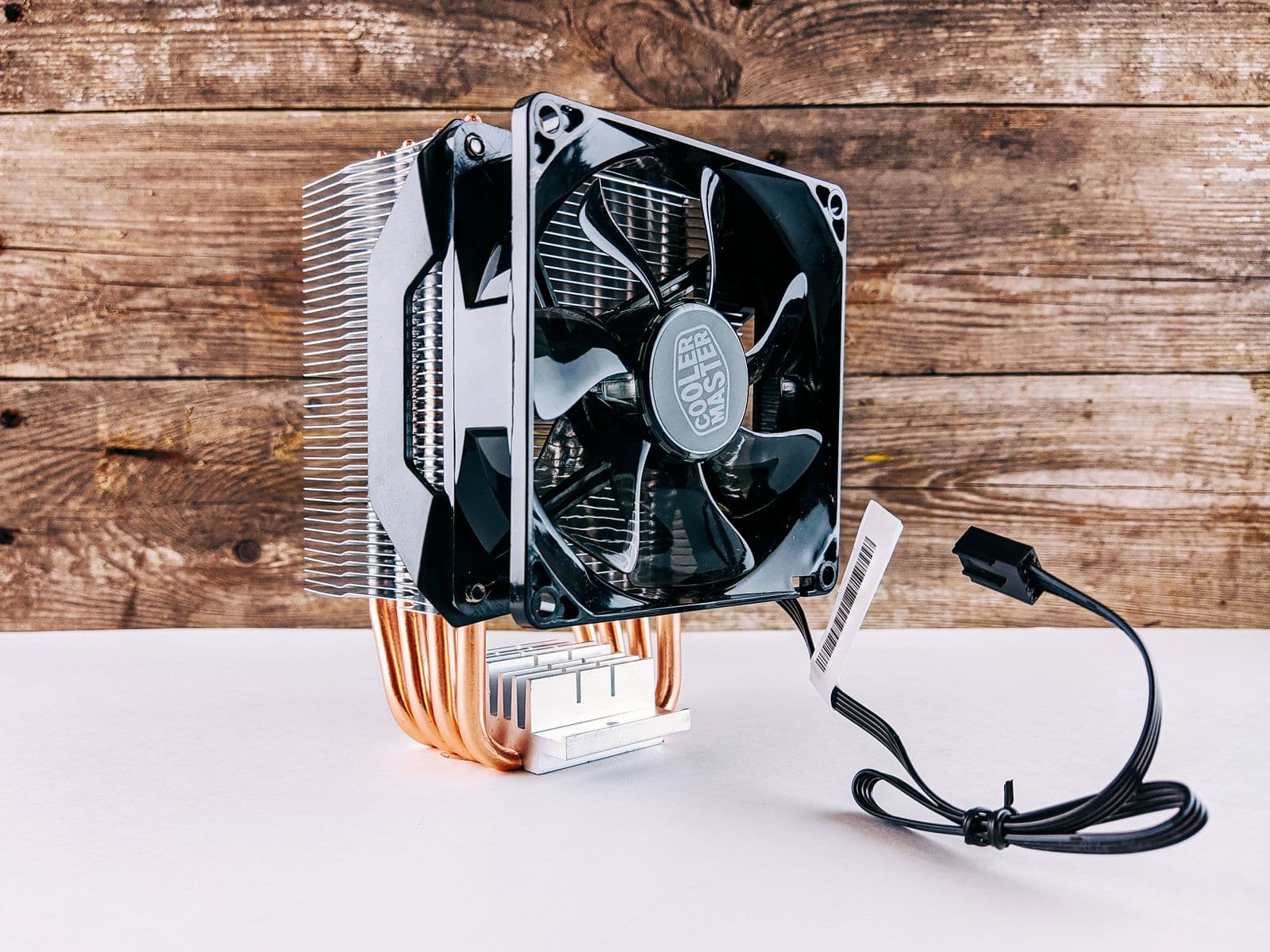
The air vs AIO debate is simpler than it looks. For the vast majority of gaming builds, air cooling is the right call.
Here is why: a modern dual-tower air cooler like the Thermalright Peerless Assassin 120 SE keeps a 200W CPU running at roughly 54°C above ambient. A 240mm AIO in the same test runs about 50-52°C. That 2-4°C difference does not change gaming performance, does not increase noise in any meaningful way, and certainly does not justify spending $60-120 more on a liquid cooler.
The decision tree:
- CPU under 125W (Ryzen 5, Core i5, Ryzen 7 7800X3D): Single-tower or dual-tower air cooler. AIOs are overkill.
- CPU at 125-200W (Ryzen 7, Core i7, Ryzen 9 9900X): Dual-tower air cooler. A 360mm AIO gives marginally better temps at much higher cost.
- CPU at 200W+ sustained (Core i9-14900K, Ryzen 9 9950X, overclocked builds): AIO starts earning its price here, particularly a 360mm unit.
- Small case, limited height clearance: AIO may be necessary if a 155mm+ tower does not fit.
- Noise-sensitive build: Be quiet! Dark Rock Pro 4 at 37.5 dBA matches or beats most AIOs on acoustics without the pump noise or leak risk.
For a gaming PC on a budget, skip the AIO entirely and put the savings toward the GPU.
Best Budget Air Cooler Under $40: Thermalright Peerless Assassin 120 SE
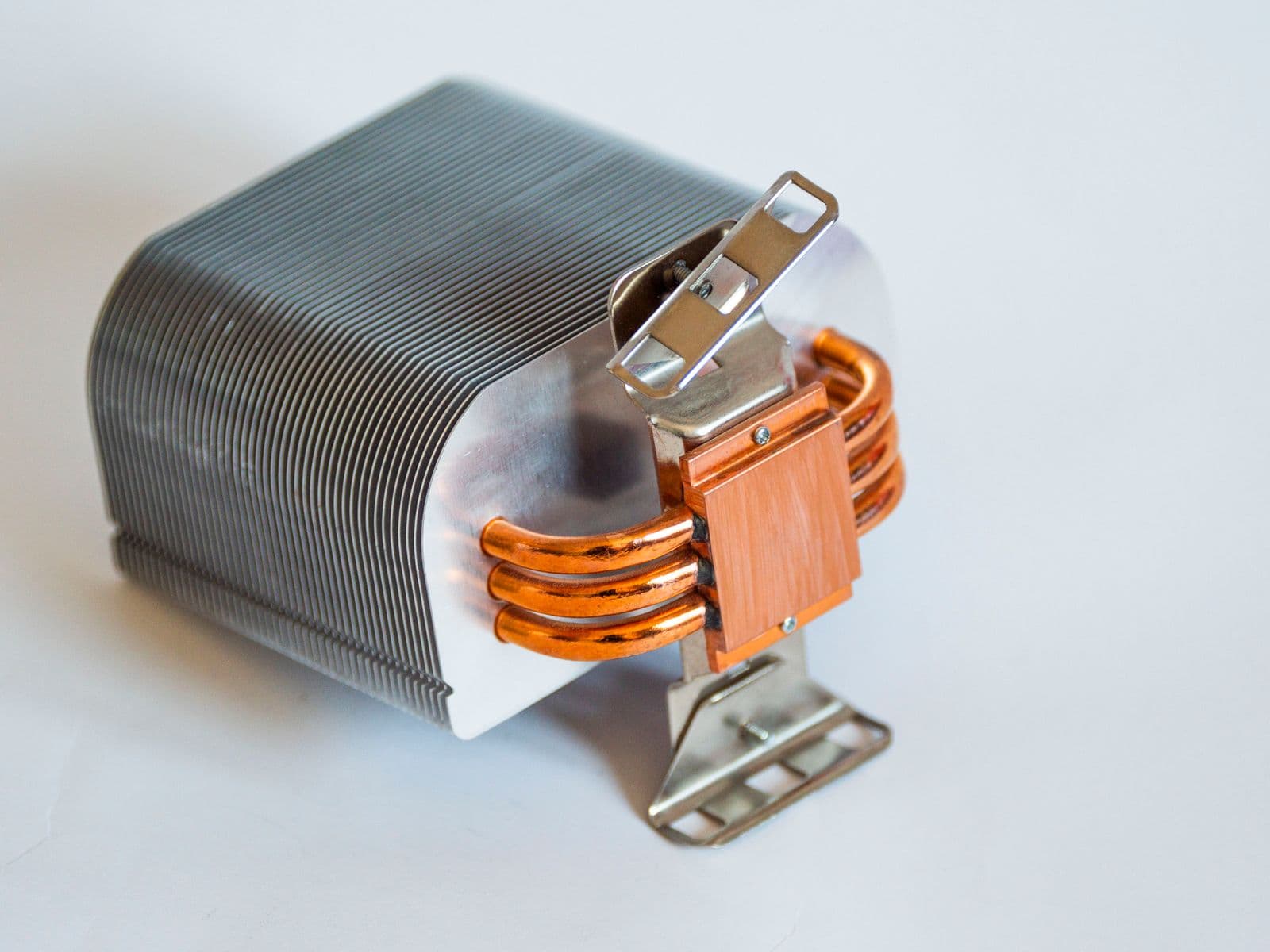
The budget tier holds three genuinely good picks depending on how much CPU you are cooling.
Thermalright Assassin Spirit 120 EVO (~$25): Best Under $30 for Mainstream CPUs
Thermalright Assassin Spirit 120 EVO is a compact single-tower with one 120mm fan. It fits cases with only 150mm of cooler clearance and leaves full RAM clearance on one side.
Benchmark data from our component database at 123W load:
| Cooler | 123W Delta-T (°C) | Max Noise (dBA) | Height | Price |
|---|---|---|---|---|
| Thermalright Assassin Spirit 120 EVO | 55.3 | 43.0 | 156mm | ~$25 |
A delta-T of 55.3°C means the CPU runs 55.3°C above room temperature at a 123W load. In a 21°C room, that puts the CPU at about 76°C under sustained load — well clear of the thermal throttle threshold on any modern gaming CPU.
For a Ryzen 5 7600 (65W), Core i5-14600K (~88W gaming), or Core i5-12400 (65W), this cooler gives you comfortable margin at a genuinely budget price.
Arctic Freezer 36 Black (~$30): The Step Up to 200W Territory
The Arctic Freezer 36 Black is a single-tower design with two 120mm fans in push-pull configuration. That dual-fan setup is what makes it competitive at higher TDP levels than the Assassin Spirit.
| Cooler | 200W Delta-T (°C) | Max Noise (dBA) | Height | Price |
|---|---|---|---|---|
| Arctic Freezer 36 | 56.7 | 39.3 | 159mm | ~$29 |
At 56.7°C delta at 200W and a quiet 39.3 dBA, the Freezer 36 is a strong pick for any build where you want 200W coverage without spending $35+ and where noise matters. It is measurably quieter than the Thermalright dual-tower options at maximum fan speed.
The Freezer 36 at $29 is the cheapest way to cool a 200W CPU without throttling.
Thermalright Peerless Assassin 120 SE (~$35): Best Value Overall
The Thermalright Peerless Assassin 120 SE is the clearest recommendation on this page for most builders. It is a dual-tower design with two 120mm fans, covers 155mm case clearance, and delivers performance that closes most of the gap between budget and premium air coolers.
Benchmark data at multiple TDP levels:
| Cooler | 200W Delta-T (°C) | 250W Delta-T (°C) | Max Noise (dBA) | Price |
|---|---|---|---|---|
| Thermalright PA120 SE | 54.4 | 51.3 | 42.3 | ~$35 |
| Thermalright PA120 (original) | 53.4 | 50.3 | 42.3 | ~$34 |
The original PA120 at $33.90 benchmarks about 1°C better than the SE variant. In practice, both land within testing variation. Either is a strong buy at this price. If you want RGB lighting, the PA120 SE ARGB adds addressable lighting for ~$36 with identical thermal performance.
The PA120 SE works for virtually any gaming CPU including the Ryzen 9 9900X and Core i7-14700K without approaching thermal limits during gaming. For overclocking or multi-hour sustained workloads with high-TDP CPUs, spend $5 more for the Frozn A620 below.
Best Mid-Range Air Cooler ($40-80): ID-Cooling Frozn A620
The ID-Cooling Frozn A620 Black sits at the best-performance-per-dollar point in the entire database at the $40 price.
Benchmark comparison at 200W and 250W:
| Cooler | 200W Delta-T (°C) | 250W Delta-T (°C) | Max Noise (dBA) | Height | Price |
|---|---|---|---|---|---|
| ID-Cooling Frozn A620 | 52.9 | 51.1 | 47.5 | 154mm | ~$40 |
| Thermalright PA120 SE | 54.4 | 51.3 | 42.3 | 155mm | ~$35 |
| Noctua NH-D15 G2 | 52.3 | 46.5 | 43.8 | 168mm | ~$160 |
At 52.9°C delta at 200W, the Frozn A620 is within 0.6°C of the Noctua NH-D15 G2 on the metric most relevant to gaming CPUs. It is quieter on paper (47.5 dBA max) than anything in the PA120 family, though in practice both run quietly at gaming-load fan speeds.
The trade-off: the Frozn A620 is noisier than the PA120 SE at maximum fan speed. At a noise-normalized fan curve, the gap closes significantly. If you run fan curves manually (as most enthusiasts do), the A620 is the better thermal performer at $5 more than the PA120 SE.
Who should buy it: Anyone with a Ryzen 9 9900X, Core i9-14900K, or higher who wants to keep CPU temps in check during mixed gaming and productivity loads without spending $160 on a Noctua.
Also in the $40-80 range: the ID-Cooling Frozn A720 Black (~$70) uses two 140mm fans and tops our 200W benchmark at 50.5°C. The catch: it is the noisiest cooler in this comparison at 48.9 dBA max. For builds without a custom fan curve, the A620 is a quieter and better-balanced choice for $30 less.
Best Premium Air Cooler ($100+): Noctua NH-D15 G2
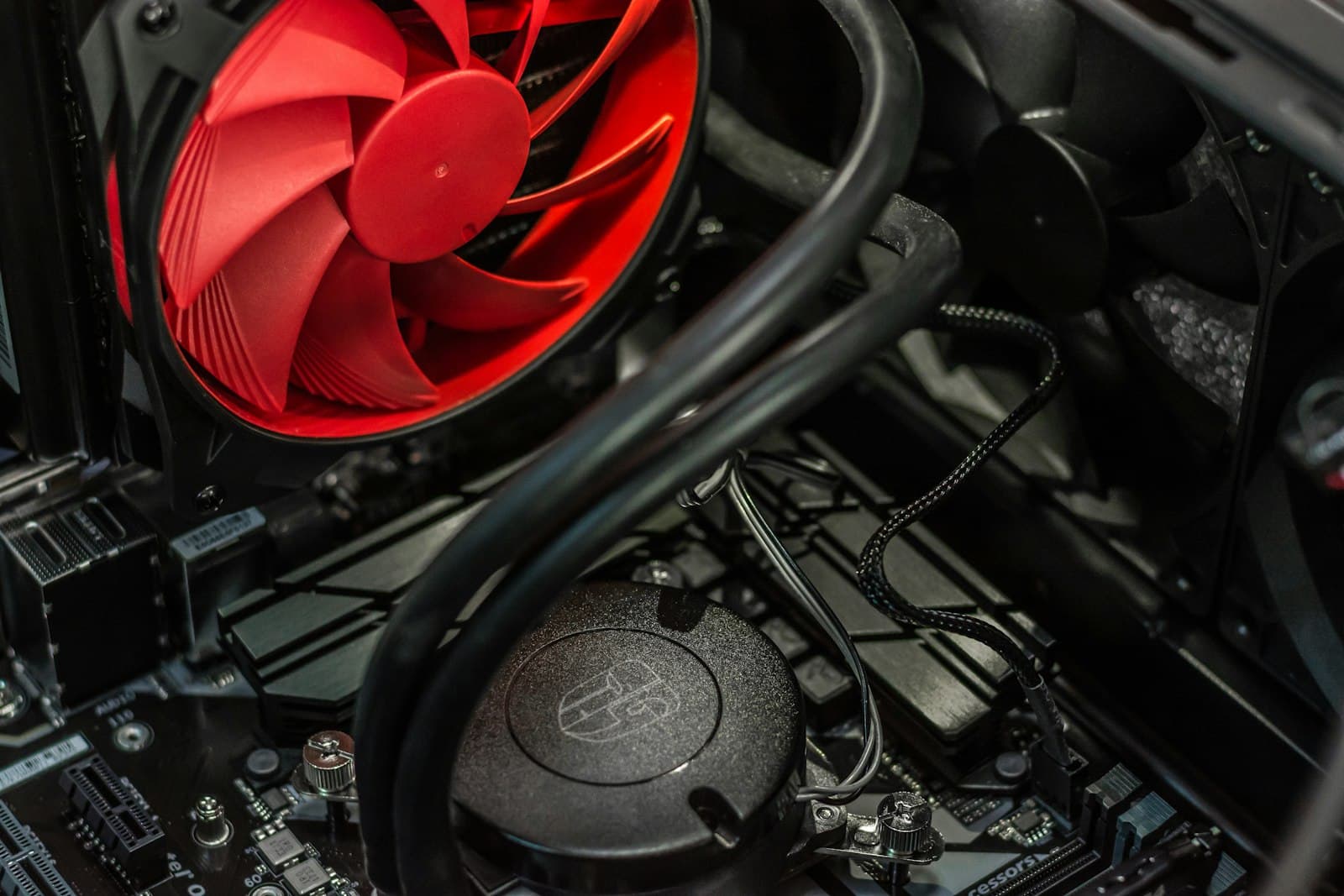
The Noctua NH-D15 G2 (~$160) is the best air cooler in our database and one of the strongest-performing CPU coolers available regardless of type.
| Cooler | 200W Delta-T (°C) | 250W Delta-T (°C) | Max Noise (dBA) | Height | Price |
|---|---|---|---|---|---|
| Noctua NH-D15 G2 | 52.3 | 46.5 | 43.8 | 168mm | ~$160 |
| ID-Cooling Frozn A620 | 52.9 | 51.1 | 47.5 | 154mm | ~$40 |
| Noctua NH-D15 (original) | 53.3 | 48.9 | 43.3 | 165mm | ~$110 |
The G2 updates the original NH-D15 with a convex base plate designed for the bowed IHS surface on modern Intel and AMD chips, updated NF-A15 G2 fans, and compatibility with LGA1851 (Intel Core Ultra 200-series) out of the box.
The number that justifies the price is the 250W benchmark: 46.5°C, compared to 51.3°C for the Thermalright PA120 SE. For a CPU like the Core i9-14900K running close to its 253W TDP ceiling under sustained workloads, that 5°C gap translates to thermal headroom that prevents throttling. In gaming-only use with a CPU that stays under 150W, the real-world gap versus the $35 PA120 SE is under 2°C.
Should you buy the NH-D15 G2 over the original NH-D15? The G2 leads by about 1°C at 200W and 2°C at 250W. For most builds, the Noctua NH-D15 at $109.95 is the better value — same noise floor, nearly the same performance, $50 cheaper. The G2 is worth the premium if you are using LGA1851 (which requires the new mounting kit) or if you want the best possible long-term headroom on a high-TDP chip.
One practical concern: Both NH-D15 variants are 165-168mm tall and require a wide case. The NH-D15 G2 also has a documented RAM clearance issue on the first two DIMM slots nearest the CPU. Check the CPU cooler height and RAM clearance guide before buying.
Best AIO Liquid Cooler for Gaming
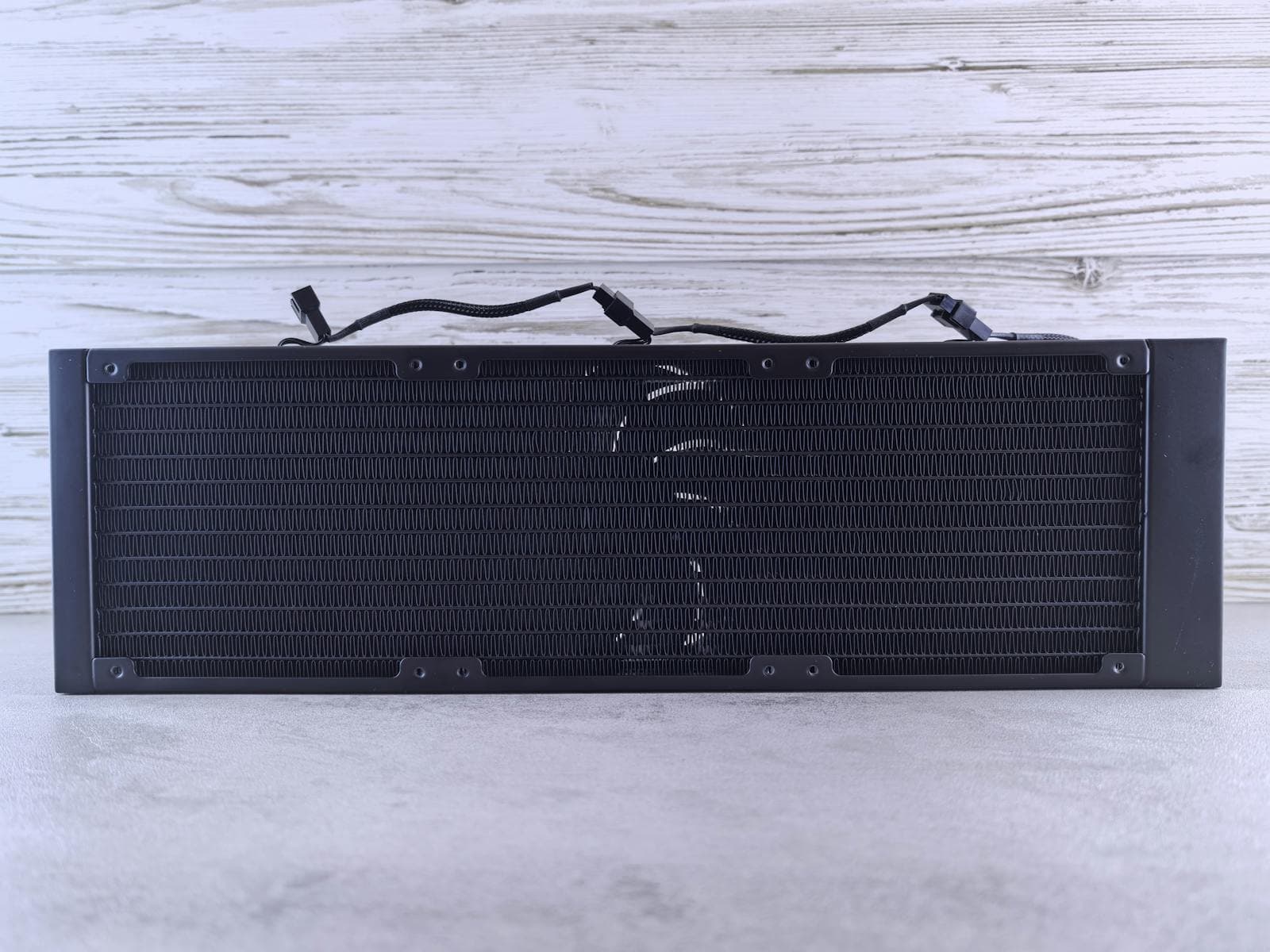
Our component database covers air coolers only, so AIO recommendations and pricing below are less precise than the air cooler data on this page.
AIOs matter when: your CPU draws 250W or more under sustained load, your case cannot fit a 155mm+ tower, or you want front-intake radiator cooling for overall case airflow improvement.
Best 240mm AIO: Arctic Liquid Freezer III 240 (~$65)
For builds with a 240mm top or front mount, the Arctic Liquid Freezer III 240 is the strongest value. Arctic's Liquid Freezer III series has led noise-normalized AIO benchmarks in Gamers Nexus and Hardware Unboxed testing since its launch, and the 240mm version handles the same 125-200W loads as a dual-tower air cooler in a more compact vertical footprint.
At ~$65, it costs nearly double the Thermalright PA120 SE for equivalent performance on a gaming CPU. The reason to choose it: smaller cases, better aesthetics, or a front-radiator setup that lets the AIO handle CPU thermals while case fans pull cool air from the front.
Best 360mm AIO: Arctic Liquid Freezer III 360 (~$105)
The 360mm variant adds about 50% more radiator surface area over the 240mm and is the right choice when the CPU draws 200W or more under sustained load. Gamers Nexus testing shows the Liquid Freezer III 360 and its Pro variant consistently leading noise-normalized thermals at this price point, outperforming 360mm AIOs from NZXT, Corsair, and be quiet! at the same price tier.
For an overclocked Core i9-14900K or a Ryzen 9 9950X running sustained workloads alongside gaming, the 360mm AIO covers the thermal load without throttling while keeping noise at comparable levels to a premium dual-tower air cooler.
The Liquid Freezer III Pro 360 (~$110-120) adds a slightly thicker radiator and improved noise-normalized performance for roughly $10-15 more.
Premium AIO Picks ($150+)
For builds where aesthetics and RGB matter as much as performance:
- NZXT Kraken Plus RGB (~$170 on sale): Clean minimalist design, NZXT's CAM software ecosystem, reliable pump track record. Thermal performance is slightly behind the Arctic at the same price, but the build quality and software integration are strong.
- Corsair iCUE LINK Titan 360 RX (~$220): The choice if you are already in the Corsair iCUE ecosystem. The integrated LCD pump head, 2.1-inch IPS display, and included RX120 fans make cable management significantly cleaner. Thermal performance is top-tier at noise-normalized speeds.
For most builds, the extra $60-115 over the Arctic Freezer III 360 buys aesthetics, not temperature reduction.
Full Air Cooler Benchmark Rankings
Benchmark data from the MaxMyBuild component database. Tests run at 21°C ambient using standardized sustained heat loads; lower delta-T values indicate better cooling. A delta-T of 52°C means the CPU runs 52°C above room temperature at that load.
| Cooler | Type | 200W (°C) | 250W (°C) | Max Noise (dBA) | Height | Price |
|---|---|---|---|---|---|---|
| ID-Cooling Frozn A720 | Dual 140mm | 50.5 | 47.6 | 48.9 | 163mm | ~$70 |
| Noctua NH-D15 G2 | Dual 140mm | 52.3 | 46.5 | 43.8 | 168mm | ~$160 |
| ID-Cooling Frozn A620 | Dual 120mm | 52.9 | 51.1 | 47.5 | 154mm | ~$40 |
| Noctua NH-D15 | Dual 140mm | 53.3 | 48.9 | 43.3 | 165mm | ~$110 |
| Thermalright PA120 | Dual 120mm | 53.4 | 50.3 | 42.3 | 157mm | ~$34 |
| Thermalright PA120 SE | Dual 120mm | 54.4 | 51.3 | 42.3 | 155mm | ~$35 |
| be quiet! Dark Rock Pro 4 | Dual (120+135mm) | 56.6 | — | 37.5 | 163mm | ~$85 |
| Arctic Freezer 36 | Single + push-pull | 56.7 | — | 39.3 | 159mm | ~$29 |
Key takeaways from the data:
- The Frozn A720 leads the 200W benchmark, but its noise rating is the highest in this table. At a standardized fan curve, the NH-D15 G2 closes the gap significantly.
- The Thermalright PA120 SE delivers 94% of the Noctua NH-D15 G2's performance at 200W for 22% of the price. That value gap is why it is the default recommendation for most builds.
- The be quiet! Dark Rock Pro 4 (37.5 dBA max) is the quietest cooler in the database. Its 200W thermal performance is 56.6°C, which is weaker than the dual 120mm options but acceptable for CPUs under 150W where noise is the priority.
How to Choose a CPU Cooler
Match Cooler Capacity to CPU TDP
TDP (thermal design power) is how much heat a CPU generates under sustained load. The cooler needs to handle at least that number, with some margin.
In practice, "gaming CPU TDP" is often lower than the chip's rated maximum because games typically use more GPU than CPU:
| CPU Tier | Examples | Typical Gaming Draw | Recommended Cooler |
|---|---|---|---|
| Budget | Ryzen 5 7600, Core i5-12400 | 45-65W | Any single-tower ($25+) |
| Mid-range | Ryzen 5 7600X, Core i5-14600K | 65-105W | Single-tower or budget dual-tower ($25-35) |
| Performance | Ryzen 7 9700X, Core i7-14700K | 65-140W | Dual-tower air cooler ($35+) |
| High-end | Ryzen 9 9900X, Core i9-14900K | 100-200W | Dual-tower or 240mm AIO ($35-100) |
| Extreme | Core i9-14900KS, overclocked | 200W+ | 360mm AIO or NH-D15 G2 ($100+) |
For the full breakdown of how CPU and GPU power draw relates to PSU sizing and system power, see the TDP and PSU sizing guide.
An undersized cooler doesn't just run loud, it forces the CPU to throttle its clock speed to stay within thermal limits, which caps performance the same way a weak CPU does. See the what is a PC bottleneck guide for how to tell whether a CPU is holding back your GPU.
Check RAM Clearance
Tall RAM heatspreaders can physically block the nearest fan or even the heatsink tower itself on certain dual-tower coolers. The Noctua NH-D15 and NH-D15 G2 are the most commonly affected, with only 32mm clearance on the CPU-adjacent side.
The Thermalright PA120 SE family offers 42-55mm clearance on both sides, making it compatible with virtually all standard RAM kits including tall heatspreader sets.
Check the CPU cooler height and RAM clearance guide if you have tall RAM installed or plan to use a large tower cooler.
Check Case Cooler Height Clearance
Every mid-tower case lists a maximum CPU cooler height in its specifications. Most support 160-165mm; many support up to 165-170mm.
| Cooler | Height |
|---|---|
| Thermalright Assassin Spirit 120 EVO | 156mm |
| Thermalright PA120 SE | 155mm |
| ID-Cooling Frozn A620 | 154mm |
| Deepcool AK620 | 160mm |
| Noctua NH-D15 (original) | 165mm |
| Noctua NH-D15 G2 | 168mm |
If your case only supports up to 155mm, the PA120 SE and Frozn A620 are the two highest-performing options that fit. The NH-D15 G2 at 168mm will not fit in many mATX and compact full-tower cases — always confirm before buying.
Socket Compatibility
All coolers in this guide support both AM4/AM5 (AMD) and LGA1700/LGA1851 (Intel). The Noctua NH-D15 G2 ships with a dedicated LGA1851 mount for Intel Core Ultra 200-series. The Thermalright family covers AM4, AM5, LGA1200, LGA1700, and LGA1851 out of the box.
If you are choosing a CPU and want to understand how socket generations affect cooler compatibility, the motherboard socket compatibility guide covers the full picture.
CPU Coolers to Skip
Stock coolers for high-TDP CPUs: Many AMD Ryzen 9 and Intel Core i9 chips do not include a stock cooler. On chips that do include one (like the Ryzen 5 7600 Wraith Stealth), the stock cooler handles daily gaming loads but runs louder and warmer than any $25 aftermarket option. Upgrading to the Thermalright Assassin Spirit 120 EVO immediately improves noise and temperatures for the same price as a single game.
Low-profile coolers for standard builds: Low-profile coolers (under 50mm) are designed for ultra-compact (SFF) cases. In any case with normal CPU clearance, they throttle any CPU above 65W. Only buy low-profile if your case genuinely requires it.
80mm and 92mm fan coolers from unknown brands: These flood the budget section of Amazon. Most struggle above 65W. The Thermalright Assassin Spirit 120 EVO at ~$25 with a 120mm fan outperforms them at the same or lower price.
Expensive AIOs for budget gaming builds: Spending $100-150 on a 360mm AIO for a $500 gaming build leaves less money for the GPU. For a Ryzen 5 7600 or Core i5-14600K, the Thermalright PA120 SE at $35 handles the thermal load without breaking a sweat.
Choosing a Full Build
CPU cooling is one piece of a compatible build. The CPU cooler needs to match your CPU's TDP, fit inside your case, clear your RAM, and leave enough space for GPU airflow through the case — which starts with picking one of the best airflow PC cases. The case fans you pair it with decide how much of that cool air actually reaches the cooler in the first place.
The PC Builder at MaxMyBuild automatically matches CPU cooler requirements to your chosen CPU and case dimensions when generating a build recommendation. If you already have a build in mind and want to verify the cooler fits, the GPU size and case clearance guide and the CPU cooler height and RAM clearance guide cover the two most common physical compatibility issues.
For the complete step-by-step guide to installing a CPU cooler in your build, see how to build a gaming PC.