CPU Cooler Height & RAM Clearance: How to Check Before You Buy (2026)
This guide contains affiliate links. If you buy through them, we may earn a commission at no extra cost to you.
A CPU cooler fits in a case when its height (in millimetres) is less than the case's maximum CPU cooler height spec, with at least 5–10mm of margin. To check: find the cooler's height on the manufacturer's product page, find the maximum CPU cooler height in the case's official spec sheet, and confirm the gap is at least 5–10mm.
If you want this verified automatically, the PC Builder at MaxMyBuild checks CPU cooler clearance against case specs before including any combination in a build.
Quick Clearance Checklist
Run through this before finalising your cooler and case:
| Check | What to verify |
|---|---|
| Cooler height | Cooler height (mm) is less than the case's "Max CPU Cooler Height" spec |
| Margin | At least 5–10mm buffer — 1–2mm is too close |
| RAM clearance | Cooler's listed RAM clearance (mm) is taller than your RAM sticks |
| AIO radiator size | Radiator size (e.g. 360mm) matches a supported mount in the case spec sheet |
| Top radiator + air cooler | If using a top radiator, confirm the reduced overhead still clears the CPU cooler |
| Side panel | A few cases have internal protrusions near the CPU area — check interior layout photos |
CPU Cooler Height — What It Means and Where to Find It
CPU cooler height is the total measurement from the motherboard surface to the top of the cooler, including all fans. It is listed in millimetres on every cooler's product page under "Specifications" or "Dimensions." The figure you want is labelled "Height" — confirm it includes fans, not just the heatsink body alone.
Modern air cooler heights by category:
| Category | Examples | Typical Height |
|---|---|---|
| Low-profile | Noctua NH-L9i, Thermalright AXP90 | 37–70mm |
| Compact single-tower | be quiet! Pure Rock Slim, Cooler Master Hyper 212 | 120–150mm |
| Standard single-tower | Noctua NH-U12S, DeepCool AK620 | 150–160mm |
| Dual-tower | Noctua NH-D15, be quiet! Dark Rock Pro 5 | 158–170mm |
The 5–10mm margin rule: if your case lists a maximum CPU cooler height of 165mm, don't buy a 163mm cooler. Manufacturing tolerances and slight measurement differences mean cutting it to 2mm rarely works cleanly. 155mm or less is the safe target for a 165mm-rated case.
Where to find cooler height: go to the cooler manufacturer's product page (Noctua, be quiet!, DeepCool, Thermalright, Cooler Master, etc.) — not a retailer listing. Retailer specs are frequently incomplete or wrong. The manufacturer's "Specifications" tab is the authoritative source.
Case Maximum CPU Cooler Height — How to Read It Correctly
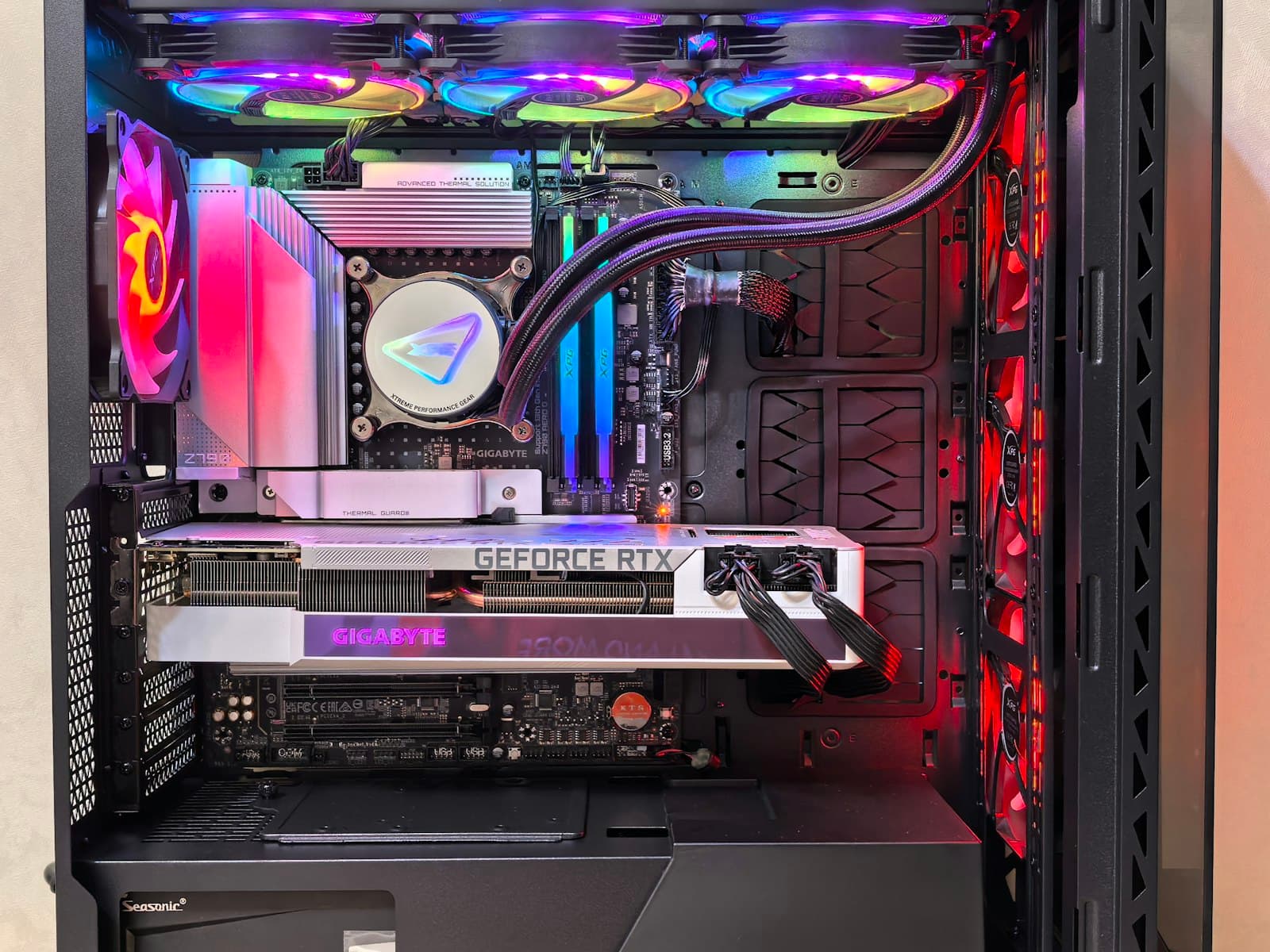
The case manufacturer's official spec sheet is the only reliable source. Search the case model name plus "specifications" on the manufacturer's website. The spec you want is labelled "Maximum CPU Cooler Height," "CPU Cooler Clearance," or similar — in millimetres.
Don't use YouTube reviews or Amazon listings. Case manufacturers update internal designs without changing the product name or model number. A review from 12 months ago may reflect a different internal layout than the unit shipping today. The official spec sheet reflects the current production version.
Most mid-tower cases support 160–175mm of CPU cooler clearance. Full-tower cases typically allow 180mm or more. Compact Micro-ATX and Mini-ITX cases drop significantly — often 55–155mm depending on design. Slim desktop cases can be as low as 50–65mm, which limits you to low-profile coolers only.
RAM Clearance — The Hidden Conflict
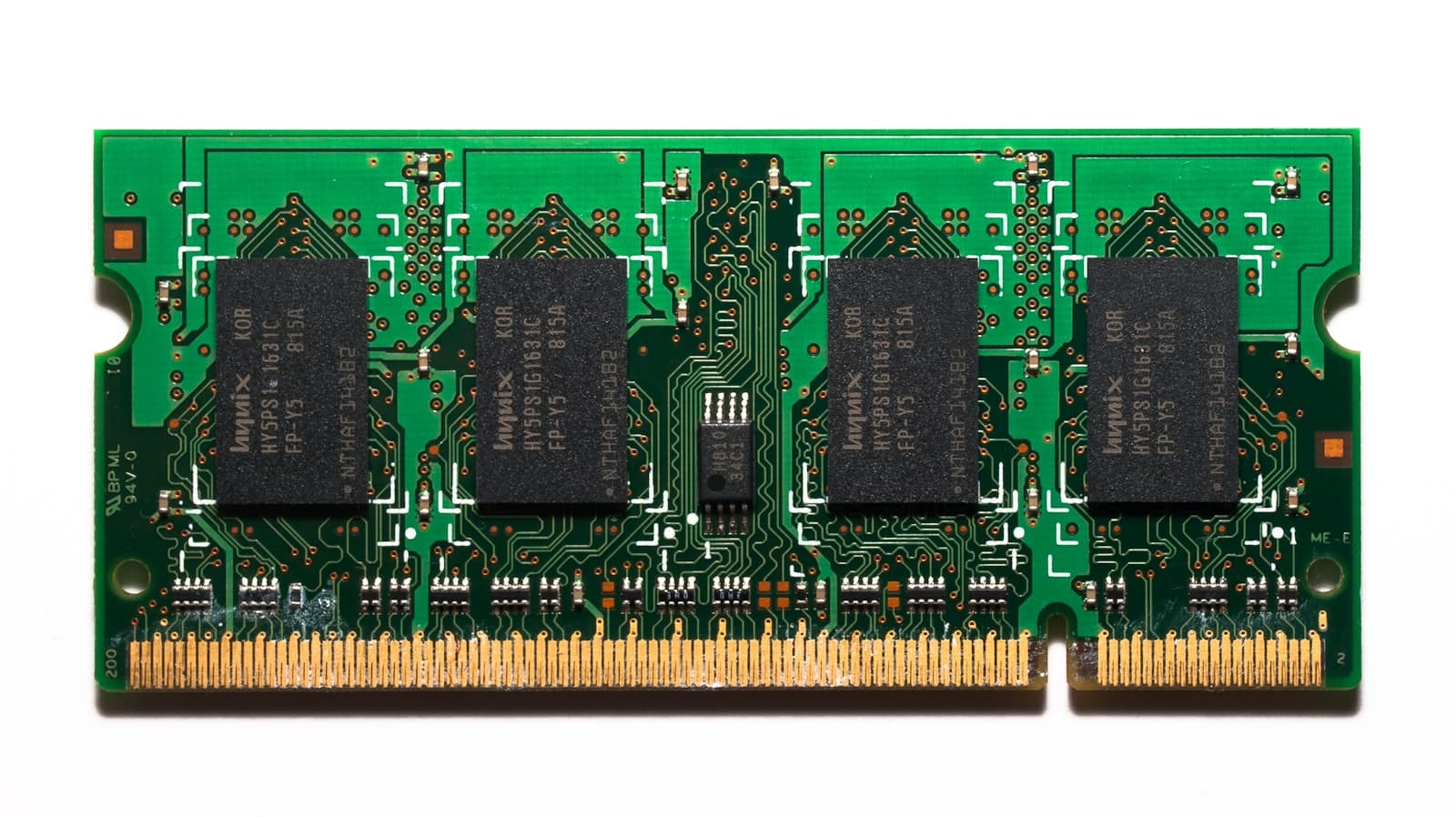
Tower coolers extend outward from the CPU socket, and on most motherboard layouts that direction is toward the first RAM slot. The cooler's fin stack or fan can overhang DIMM slot 1 (and sometimes slot 2), creating a height conflict with taller RAM.
Standard-height RAM (32–34mm) — such as Corsair Vengeance LPX or G.Skill Ripjaws V — clears under virtually all tower coolers without issue. These are the safe choice if you're pairing with a large dual-tower cooler.
Tall RGB RAM with heat spreaders can reach 44–50mm. A Noctua NH-D15 fan, for example, sits low enough to physically prevent tall RAM from seating in DIMM slot 1. The RAM sticks won't fully drop into the slot. Most large dual-tower cooler manufacturers publish a "RAM clearance" or "RAM height compatibility" figure — check this before buying tall RAM.
Solutions if there's a conflict:
- Shift the fan up. Most tower coolers allow the fan to slide up on the heatsink clips, gaining 5–10mm of RAM clearance below the fan. This is the first fix to try.
- Use the second fan position only. On dual-fan setups, removing or repositioning the inner fan can clear slot 1.
- Use low-profile RAM. Corsair Vengeance LPX and G.Skill Ripjaws V are both 32–34mm — they clear under any cooler on the market.
How to Check RAM Clearance With Your CPU Cooler
- Find the cooler's RAM clearance spec. On the manufacturer's product page (not a retailer listing), look under "Specifications" for "RAM clearance," "RAM height compatibility," or "Max. RAM height" — it's a measurement in millimetres. Noctua, DeepCool, and Thermalright list this consistently. Some brands don't — in that case, use step 3.
- Find your RAM stick height. Standard-height RAM (Corsair Vengeance LPX, G.Skill Ripjaws V) runs 32–34mm. Tall RGB RAM with heat spreaders reaches 44–50mm. The figure is on the RAM manufacturer's spec sheet under "Height" or "Dimensions."
- Compare. RAM height must be less than the cooler's listed RAM clearance. If they're equal or the RAM is taller, you'll have a physical conflict at DIMM slot 1. If the cooler doesn't publish a clearance spec, slide its fan to the highest clip position (most tower coolers allow 5–10mm of travel) and measure the gap between the fin stack edge and the top of the installed RAM sticks.
AIO Liquid Coolers and Radiator Compatibility
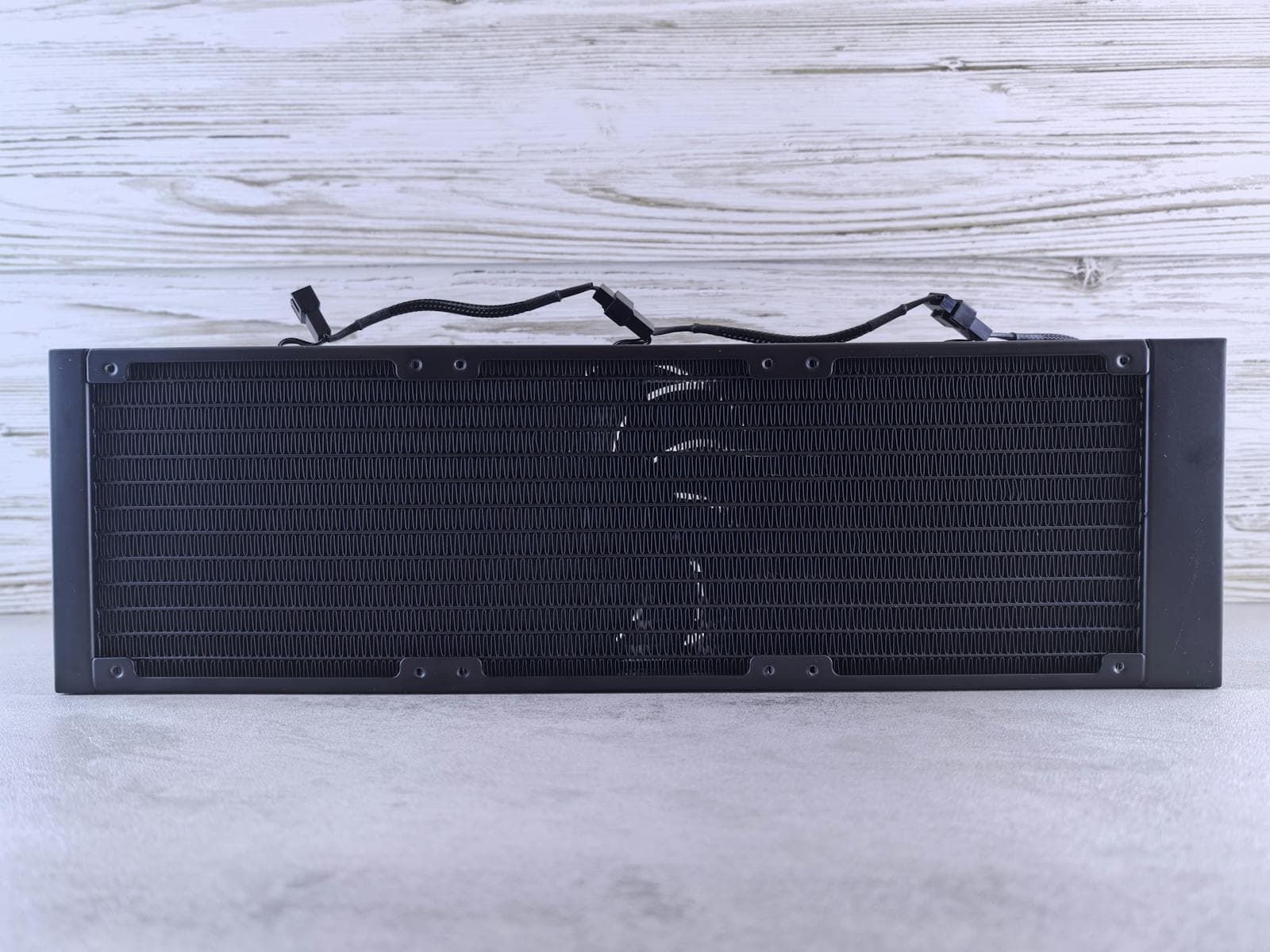
AIOs (all-in-one liquid coolers) replace the tower heatsink with a pump block, hoses, and a separate radiator mounted to the case. The pump block sits on the CPU and is typically 50–75mm tall (premium models with LCD displays reach the higher end) — this is not a clearance concern in most cases. The constraint with AIOs is the radiator size and where it can mount.
Radiator sizes: 120mm, 240mm, 280mm, and 360mm are the common options. The number refers to the length of the radiator (two 120mm fans = 240mm, three 120mm fans = 360mm).
You must match the radiator size to a supported mount position in the case.
| Case mounting position | Typically supported sizes |
|---|---|
| Top | 120mm, 240mm, 360mm (case-dependent) |
| Front | 120mm, 240mm, 280mm, 360mm (case-dependent) |
| Rear | 120mm only |
A 360mm AIO does not fit in every mid-tower. Many mid-towers support 360mm at the front but only 240mm at the top. Always check the case spec sheet's "Radiator Support" section — it lists supported sizes by position separately.
Top-mounted radiators reduce available overhead for an air cooler. If you are building with both a top radiator and an air cooler (uncommon but possible in dual-cooler exotic builds), the radiator body (~27–30mm thick) plus its fans (~25mm) reduces the effective CPU cooler clearance by 50–55mm. In practice: if you're using an AIO, this doesn't apply — the AIO pump block replaces the air tower entirely.
How to Measure If You're Not Sure
If you already have the case and want to verify clearance before ordering the cooler:
- Open the side panel and identify where the motherboard tray sits inside the case.
- Measure from the motherboard surface (the top face of the CPU socket area, not the case floor) straight up to the inner roof of the case. Ignore any top fan grilles or ventilation mesh — measure to the solid panel above them.
- Subtract 5–10mm for margin. That number is your effective CPU cooler height limit.
- For RAM clearance: with RAM installed, measure from the motherboard surface to the top of the tallest RAM stick. The cooler's listed RAM clearance spec must be equal to or greater than that measurement.
This takes two minutes and eliminates any ambiguity from spec sheet interpretation.
Common Mistakes That Cause Cooler Clearance Failures
Measuring from the case floor instead of the motherboard surface. The motherboard tray sits elevated inside the case, so the effective clearance is less than the full internal height. Always measure from the board surface up.
Ignoring RAM height when buying a large tower cooler. RAM clearance is not always listed prominently on product pages. Noctua, DeepCool, and Thermalright publish it clearly — but some brands don't. If you're pairing tall RGB RAM with a dual-tower cooler, verify explicitly before ordering.
Assuming all mid-towers support 360mm AIO radiators at the top. Many mid-towers cap top radiator support at 240mm. A 360mm AIO mounted at the top in a 240mm-max case is a common first-time build mistake that results in returning the AIO.
Using the heatsink-only height figure instead of the with-fan height. Some spec sheets list both the bare heatsink height and the total height with fans mounted. The number that matters for case clearance is the total height with fans.
Forgetting fan clips and decorative caps add height. Some dual-tower coolers have wire fan clips or decorative top caps that protrude 2–3mm above the advertised heatsink height. This is a known cause of "1–2mm clearance" failures where the spec sheet said it would fit. If you're cutting it close, check product photos for anything protruding above the fin stack.
Buying a large dual-tower cooler for an ITX build. Compact and Mini-ITX cases often cap CPU cooler clearance at 55–65mm. The Noctua NH-D15 at 165mm won't fit — a Noctua NH-L9i at 37mm or similar low-profile cooler is the correct choice for those builds.
Does MaxMyBuild Check This Automatically?
Yes. The PC Builder at MaxMyBuild cross-references CPU cooler height and RAM dimensions against case clearance specs before including any combination in a build. It uses manufacturer spec data, accounts for typical margin, and won't suggest a combination where clearance is borderline.
If you're starting a new build from scratch, the PC Builder handles this check automatically. If you're adding a cooler to an existing case or mixing in parts you already own, the manual steps above are what you need.
For a full walkthrough of how the PC Builder works, see How to Use MaxMyBuild.
For the full list of compatibility checks — beyond just cooler clearance — see the PC Build Compatibility Complete Guide.
Once you've confirmed your cooler fits, see the best CPU cooler guide for 2026 for ranked picks at every budget — from air coolers under $35 to 360mm AIOs. For socket compatibility — confirming which CPU and motherboard combinations are valid before the cooler question even matters — see the CPU & motherboard compatibility guide.
Frequently Asked Questions
How do I check RAM clearance with a CPU cooler?
Find the cooler's RAM clearance spec on the manufacturer's product page (under "Specifications" — not a retailer listing), then compare it to your RAM stick height. Standard-height RAM runs 32–34mm; tall RGB sticks with heat spreaders reach 44–50mm. If your RAM height is below the cooler's clearance figure, it fits. If the cooler doesn't publish this spec, slide the fan to its highest clip position — most tower coolers allow 5–10mm of travel — and measure the remaining gap above your installed RAM.
What is CPU cooler height and where do I find it?
The total distance from the motherboard surface to the top of the cooler including fans, in millimetres. Find it under "Specifications" on the cooler manufacturer's product page — not a retailer listing.
How much clearance should I leave between my cooler and the case?
At least 5–10mm. A 1–2mm gap between your cooler's height and the case maximum is not a safe margin — buy a cooler at least 10mm shorter than the case limit.
Will a 165mm cooler fit in my mid-tower?
Likely, but not guaranteed. Most mid-towers support 160–175mm — check your case's official spec sheet to confirm. For a case rated at 165mm maximum, a 155mm cooler is the safe choice.
Does RAM height affect CPU cooler compatibility?
Yes. Dual-tower coolers overhang the first DIMM slot and can block tall RGB RAM (44–50mm). Standard-height RAM (32–34mm) clears under virtually all coolers. Check the cooler's listed RAM clearance spec before pairing tall RAM with a large tower cooler.
Can I fit a 360mm AIO in a mid-tower case?
Not always. Many mid-towers cap top-mount support at 240mm while allowing 360mm at the front. Check the case spec sheet's "Radiator Support" section for supported sizes by position before ordering.
What's the difference between a top-mount and front-mount AIO?
Top-mount exhausts heat upward through the case roof. Front-mount draws cool outside air directly through the radiator — generally better for CPU temperatures on high-TDP builds because the radiator gets first access to fresh air.