TDP Explained — How to Match Your CPU and GPU to Your PSU
This guide contains affiliate links. If you buy through them, we may earn a commission at no extra cost to you.
TDP (Thermal Design Power) is the wattage rating on CPUs and GPUs that tells you the maximum heat — and approximately the maximum power draw — a component produces under load. To decide on minimum PSU wattage, add the CPU's boost power (PPT for AMD Ryzen, PL2 for Intel Core) and the GPU's TGP, add roughly 100W for the rest of the system, then buy a PSU rated roughly 15% above that total.
If you want this handled automatically, the PC Builder at MaxMyBuild picks a PSU matched to the actual power requirements of your build. The rest of this guide explains how to do it yourself.
Quick PSU Sizing Cheat Sheet
Run through this before choosing a power supply:
| Step | What to do |
|---|---|
| 1. CPU boost power | Look up your CPU on the manufacturer's spec page — use PPT (AMD Ryzen) or PL2 (Intel Core), not base TDP. Base TDP underestimates actual gaming load. |
| 2. GPU TGP | Look up your GPU — find "Total Graphics Power," "Board Power," or TDP |
| 3. System overhead | Add 100W (covers motherboard, RAM, NVMe storage, fans, CPU cooler) |
| 4. Headroom | Multiply the total by 1.15 (adds 15% buffer for GPU transients and system variation) |
| 5. Round up | Pick the next standard PSU tier: 550W, 650W, 750W, 850W, 1000W, or 1200W (extreme builds) |
| 6. Efficiency | Choose 80 Plus Gold minimum from a reputable brand |
What TDP Actually Means (and What It Doesn't)
TDP stands for Thermal Design Power. It's originally a cooling specification — it tells cooler manufacturers how much heat dissipation capacity they need to handle. It's not a precise power meter.
In practice, TDP is close to the maximum sustained power draw of a component under normal gaming conditions. But "close to" is doing a lot of work.
GPUs can run above their stated TDP. Modern GPUs — including NVIDIA RTX 4000/5000 and AMD RX 7000/9000 series — can briefly spike above their rated TGP (Total Graphics Power) during demanding scenes. This is expected behavior — PSUs are rated for sustained load, so short spikes don't affect sizing. The 15% headroom in the formula is what covers these transients.
GPU TDP has multiple names. Depending on the source, you'll see it listed as TDP, TGP, Board Power, or Total Board Power. These all mean the same thing: the maximum power the card pulls from all sources combined — PCIe slot plus power connectors.
CPU TDP is even less precise. AMD Ryzen CPUs have a base TDP and a PPT (Package Power Tracking) value — the PPT is the actual power limit under boost and gaming load. Intel Core CPUs have a base TDP and a PL2 value for boost operation. Both can run significantly above their nominal TDP:
| CPU | Base TDP | Boost power (gaming load) |
|---|---|---|
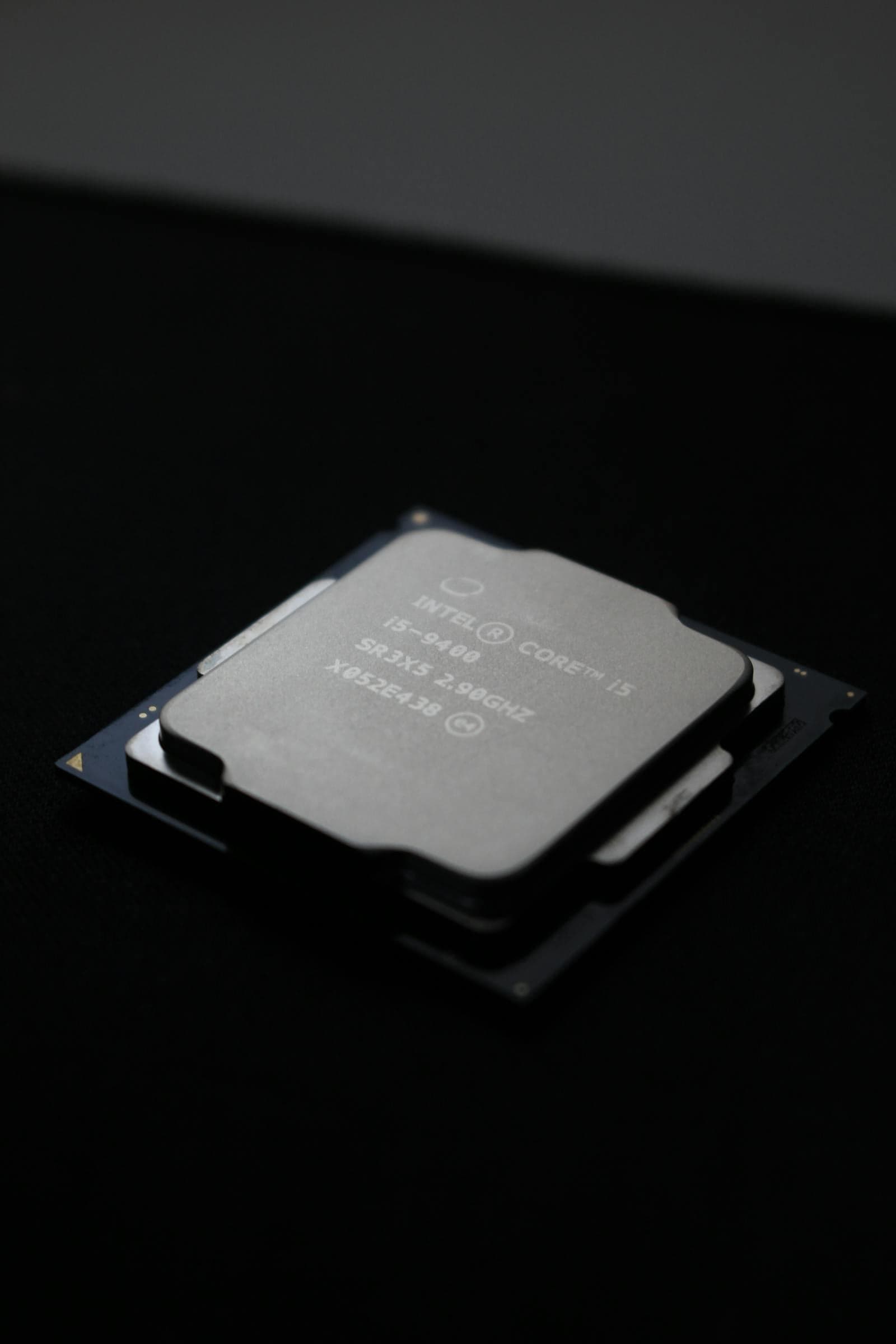
| AMD Ryzen 5 7600X | 105W | Up to 142W (PPT) |
| AMD Ryzen 9 9900X | 120W | Up to 200W (PPT) |
| Intel Core i5-13600K | 125W | Up to 181W (PL2) |
| Intel Core i7-14700K | 125W | Up to 253W (PL2) |
The practical bottom line: use PPT (AMD Ryzen) or PL2 (Intel Core) for the CPU — not base TDP — and TGP for the GPU. Add 15% headroom to cover GPU transient spikes and system variation.
How to Calculate Your PSU Wattage
The formula: (CPU PPT or PL2 + GPU TGP + 100W) × 1.15
Use PPT (AMD Ryzen) or PL2 (Intel Core) for the CPU — not base TDP. Since PPT/PL2 are already the real power ceiling, only a small buffer is needed to cover GPU transient spikes and system variation.
Step-by-step example — mid-range build
- CPU: AMD Ryzen 5 7600X — PPT 142W (base TDP is 105W)
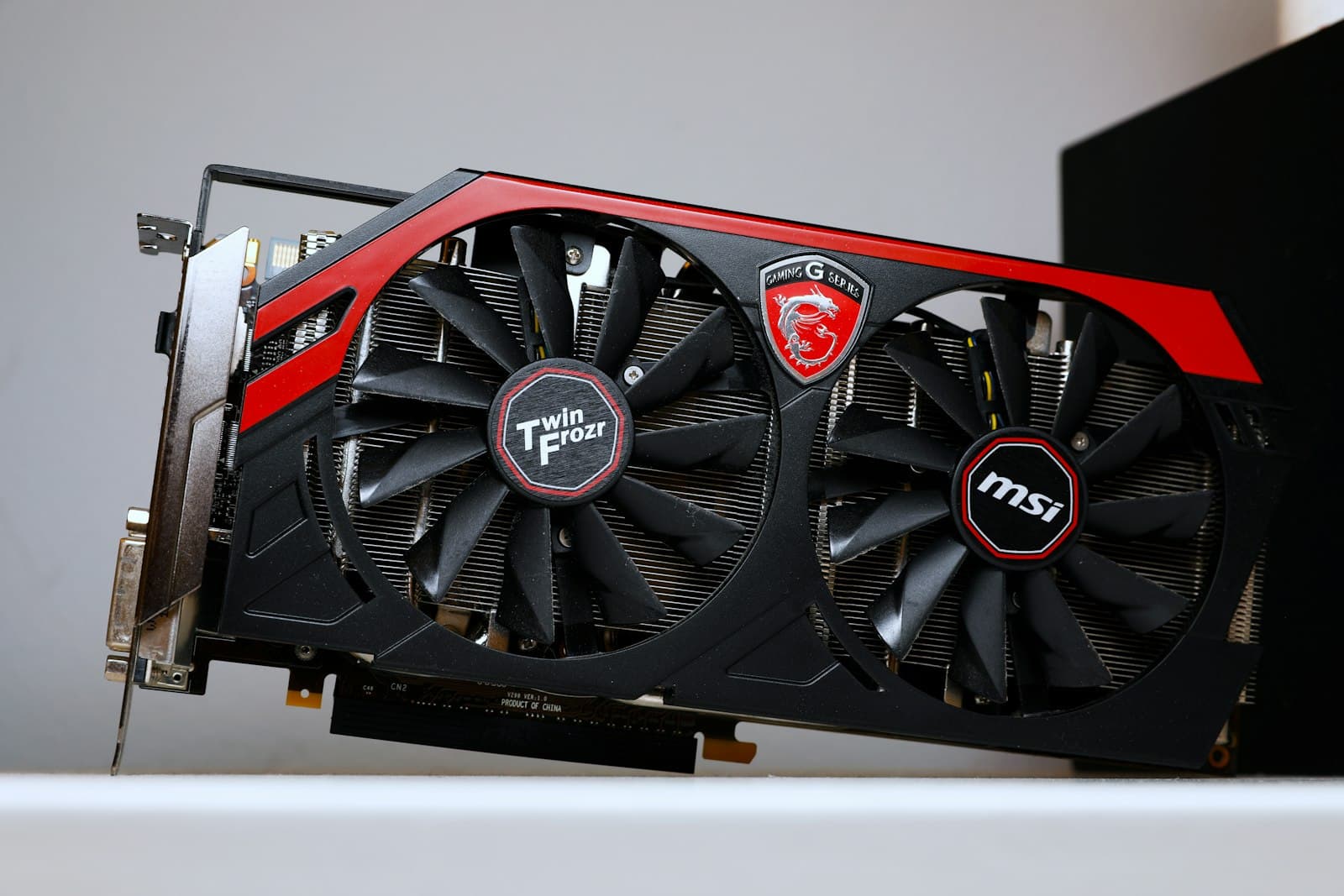
- GPU: NVIDIA RTX 4070 — TGP 200W
- System overhead: 100W
- Total before headroom: 442W
- With 15% headroom: 508W
- Recommended PSU: 550W
Step-by-step example — high-end build
- CPU: Intel Core i7-14700K — PL2 253W (base TDP is 125W)
- GPU: NVIDIA RTX 4080 — TGP 320W
- System overhead: 100W
- Total before headroom: 673W
- With 15% headroom: 774W
- Recommended PSU: 850W
Using PL2 here makes a significant difference — base TDP math would suggest something closer to 650W, but the i7-14700K regularly hits 200W+ in demanding games. An 850W unit is the right call for this pairing.
Common build combinations and recommended PSU wattage
| CPU (boost power) | GPU | Est. draw incl. 100W overhead | Recommended PSU |
|---|---|---|---|
| Ryzen 5 7600X (PPT 142W) | RTX 4060 (115W) | 357W | 550W |
| Ryzen 5 7600X (PPT 142W) | RTX 4070 (200W) | 442W | 550W |
| Ryzen 7 7700X (PPT 142W) | RTX 4070 Ti (285W) | 527W | 650W |
| Core i5-13600K (PL2 181W) | RTX 4070 Super (220W) | 501W | 650W |
| Core i7-14700K (PL2 253W) | RTX 4080 (320W) | 673W | 850W |
| Ryzen 9 9900X (PPT 200W) | RTX 4090 (450W) | 750W | 1000W |
| Core i9-14900K (PL2 253W) | RTX 4090 (450W) | 803W | 1000W |
These figures use PPT (AMD) or PL2 (Intel) boost values. The 15% headroom covers GPU transient spikes and system variation.
PSU Efficiency Ratings — 80 Plus Tiers Explained
80 Plus certification means the PSU converts at least 80% of AC power from the wall into DC power your components actually use. The rest becomes heat inside the PSU itself.
The tiers:
| 80 Plus Tier | Efficiency at 50% load | Practical guidance |
|---|---|---|
| White / Standard | 80% | Avoid — barely better than uncertified |
| Bronze | 85% | Acceptable minimum |
| Silver | 88% | Rare and not worth seeking out |
| Gold | 90% | Sweet spot — recommended |
| Platinum | 92% | Marginal real-world gain, meaningfully higher cost |
| Titanium | 94% | Server-grade efficiency, rarely worth the premium for gaming |
Why efficiency matters for a gaming build: a lower-efficiency PSU generates more heat internally to deliver the same output wattage. A Bronze unit delivering 500W pulls ~588W from the wall; a Gold unit delivering 500W pulls ~556W. The difference is modest in electricity cost — but the extra heat shortens PSU lifespan.
The tier does not tell you build quality. An 80 Plus Gold rating means the unit passed an efficiency test. It says nothing about capacitor quality, rail stability, or how it behaves near maximum load. A Gold-rated PSU from Seasonic, Corsair, or be quiet! is meaningfully better than a Gold-rated PSU from an unfamiliar brand — even at the same price.
Brands with consistently strong reviews across wattage ranges: Seasonic, Corsair (RM and HX lines), be quiet!, NZXT, Fractal Design. Avoid sub-$40 units with no established brand name — PSU failure modes can damage every other component in your build. For specific model recommendations at each wattage tier, see the best PSU for gaming 2026 guide.
How Much Headroom Do You Actually Need?
The rule is ~15% above your estimated draw when using PPT/PL2 values. Since PPT and PL2 are already the real gaming power ceiling, the buffer only needs to cover GPU transient spikes and system variation. For budget builds where PSU quality may vary, 20% is safer.
PSUs operate most efficiently at 50–80% of their rated capacity. A 550W unit running a 400W system is at 73% load — near the efficiency peak. That same 550W unit running a 520W system is at 95% load: hotter, less efficient, and aging faster.
More headroom is cheap insurance if you plan to upgrade. Adding a second NVMe drive adds ~5W. Replacing a GPU with the next tier up might add 80–100W. If you know a GPU upgrade is coming in 12–18 months, sizing up one PSU tier now ($20–$30 extra) avoids replacing both the PSU and GPU at the same time.
Don't overbuy past a reasonable ceiling. A 1000W PSU on a 400W system runs at 40% load — below the efficiency peak. You've paid a premium for watts you won't use and are running at slightly lower efficiency than a right-sized unit. The target range is 50–80% utilization at typical gaming load.
Will Your Current PSU Handle a GPU Upgrade?
This is one of the most common upgrade questions: "I have a 650W PSU — can I drop in an RTX 4070 Ti?"
How to check:
- Look up the new GPU's TGP (Total Graphics Power) on the manufacturer's spec page
- Add your existing CPU's PPT (AMD Ryzen) or PL2 (Intel Core) — not base TDP
- Add 100W for system overhead
- Multiply by 1.15
- Compare to your PSU's rated wattage
If the result exceeds your PSU's rating, you need a new PSU alongside the GPU. If it's within the rating, you're fine.
Example: 650W PSU, upgrading to an RTX 4070 Ti Super (285W TGP). CPU: Ryzen 5 7600X (PPT 142W). Calculation: (142 + 285 + 100) × 1.15 = 606W. A 650W PSU would run at 93% of its rated capacity — above the 85% threshold. Step up to a 750W PSU.
Red flag threshold: if your calculated draw exceeds 85% of your PSU's rated wattage, upgrade the PSU with the GPU.
PSU age matters. A power supply more than five years old may no longer deliver its rated wattage — electrolytic capacitors degrade over time, reducing real-world output. If your PSU is old and you're adding a high-TGP GPU, budget for a replacement alongside it.
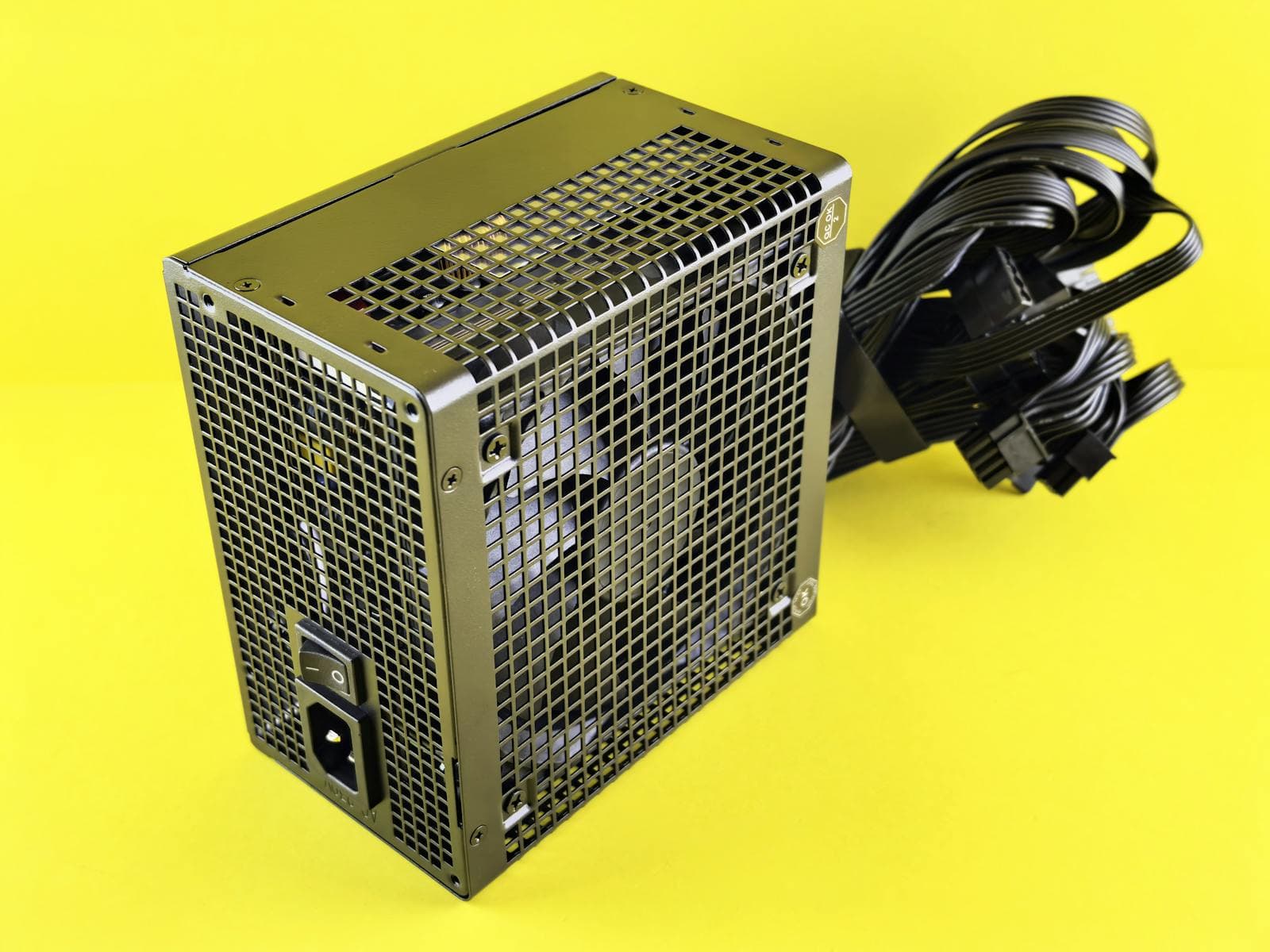
Check your connectors. High-end GPUs from NVIDIA's RTX 4000 series and newer use a 16-pin 12VHPWR connector (a high-power GPU connector standard introduced with RTX 4000-series). Some PSUs include a native 16-pin cable — no issue there. If yours doesn't, the GPU ships with a bundled adapter that converts two standard 8-pin PCIe connectors to one 16-pin connector. When using this adapter, each 8-pin end must connect to a separate cable run from the PSU — never daisy-chain both from a single cable. The GPU power connector requirements are covered in more detail in the GPU size and case clearance guide.
Common PSU Mistakes
Buying a no-name PSU to save $30. A PSU failure can destroy your GPU, motherboard, and CPU in a single event. This is the one component where brand reputation directly maps to risk. A quality 650W unit from a reputable brand costs $70–$90. The savings on a no-name unit are not worth the exposure.
Undersizing and running near the limit. A PSU at 95% load runs hot, ages fast, and may shut down under transient spikes. The calculation above exists precisely to avoid this. Don't skip the headroom step.
Over-buying wattage from a poor brand. A 1000W unit from an unknown brand is worse than a 650W unit from Seasonic. More watts don't compensate for poor build quality.
Not checking GPU power connector requirements. An RTX 4080 or RTX 4090 needs a 16-pin 12VHPWR connector. If your PSU doesn't have one natively, use the bundled adapter — and connect each of its two 8-pin ends to separate cable runs from the PSU, not daisy-chained from one.
Reusing an old PSU with a new GPU. If your PSU is five or more years old, its real-world output may be below its rated spec. Pairing an aged unit with a power-hungry new GPU is a common cause of instability and component damage.
Confusing 80 Plus tier with build quality. Gold efficiency and a reputable brand are two separate requirements. Meet both.
Does MaxMyBuild Handle PSU Sizing Automatically?
Yes. The PC Builder at MaxMyBuild calculates the power draw of every GPU and CPU combination it recommends, then selects a PSU from a matched wattage tier — you never have to run this calculation manually.
For a full walkthrough of how the PC Builder works, see the how to use MaxMyBuild guide.
For the full compatibility checklist beyond PSU sizing, see the PC build compatibility complete guide.
For case selection and how airflow affects sustained high-TGP GPU thermals, see the best airflow PC case guide.
For cooler recommendations matched to CPU TDP at every budget, see the best CPU cooler guide for 2026.
Frequently Asked Questions
What is TDP and does it equal power consumption?
TDP (Thermal Design Power) is a cooling spec that approximates maximum sustained power draw, but it is not exact. Modern CPUs at boost pull significantly more than their base TDP — use PPT (AMD Ryzen) or PL2 (Intel Core) for sizing. GPUs also spike briefly above their rated TGP. Add ~15% headroom to cover both.
How much PSU wattage do I need for a gaming PC?
Use (CPU PPT or PL2 + GPU TGP + 100W) × 1.15, then round up to the next standard PSU tier. See the calculation section and the reference table above for worked examples and common combinations.
What 80 Plus rating should I get?
80 Plus Gold is the sweet spot — 90% efficiency at typical load, affordable, and widely available from reputable brands. Bronze is the acceptable minimum. Efficiency tier and build quality are separate: a Gold-rated unit from Seasonic or Corsair beats a Platinum-rated unit from an unknown brand.
Is 650W enough for most gaming PCs?
For a Ryzen 5 or Core i5 paired with an RTX 4070, yes — the formula puts you around 550W, so 650W gives comfortable headroom. Where 650W gets tight is pairing with an RTX 4080 (320W TGP) — at PL2 CPU values, that build needs 850W.
Will my PSU handle an RTX 4070 or RTX 4080?
RTX 4070 (200W TGP): most mid-range CPU builds land around 550W with PPT/PL2 sizing — 650W covers it. RTX 4080 (320W TGP): budget 850W minimum. Also confirm your PSU has a native 16-pin 12VHPWR connector, or use the bundled adapter with two separate cable runs.
How do I know if my PSU is too small?
Unexpected shutdowns under gaming load, crashes when the GPU ramps up, or failure to POST after a GPU upgrade. Check proactively: calculate CPU PPT or PL2 + GPU TGP + 100W and compare to your PSU's rating — if it exceeds 85% of rated wattage, upgrade the PSU.