GPU Size and Case Clearance 2026 — Will Your GPU Fit Your Case?
This guide contains affiliate links. If you buy through them, we may earn a commission at no extra cost to you.
A GPU fits in a case when its length (in millimetres) is less than the case's maximum GPU length spec, and its slot width doesn't conflict with a drive cage or adjacent brackets. To check: find the GPU length on the manufacturer's product page, find the maximum GPU length in the case's official spec sheet, and confirm at least 5–10mm of margin between them.
If you want this verified automatically, the PC Builder at MaxMyBuild checks GPU clearance against case specs before including any combination in a build.
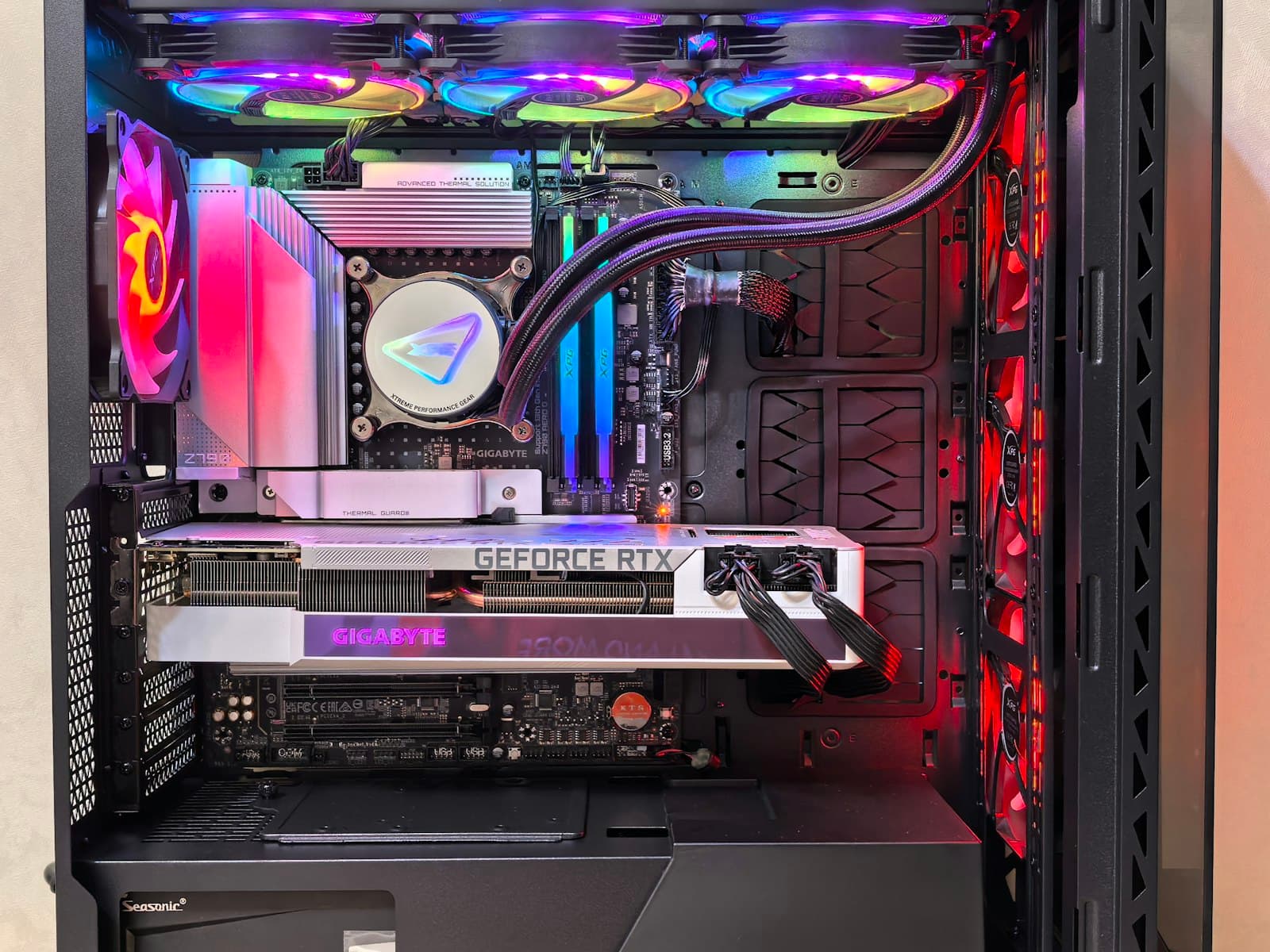
Quick Clearance Checklist
Run through this before finalising your GPU and case:
| Check | What to verify |
|---|---|
| GPU length | GPU length (mm) is less than the case's "Maximum GPU Length" spec |
| Margin | At least 5–10mm buffer — 1–2mm is too close |
| Front radiator | If fitting a front radiator, use the "with radiator" GPU clearance figure, not the bare number |
| Slot width | Confirm a 2.5- or 3-slot GPU doesn't hit a drive cage beside the PCIe slot |
| Drive cage | Check whether the drive cage is removable if you need extra clearance |
| Vertical mount | If vertical mounting, check the case's separate vertical GPU clearance spec |
GPU Length — What It Means and Where to Find It
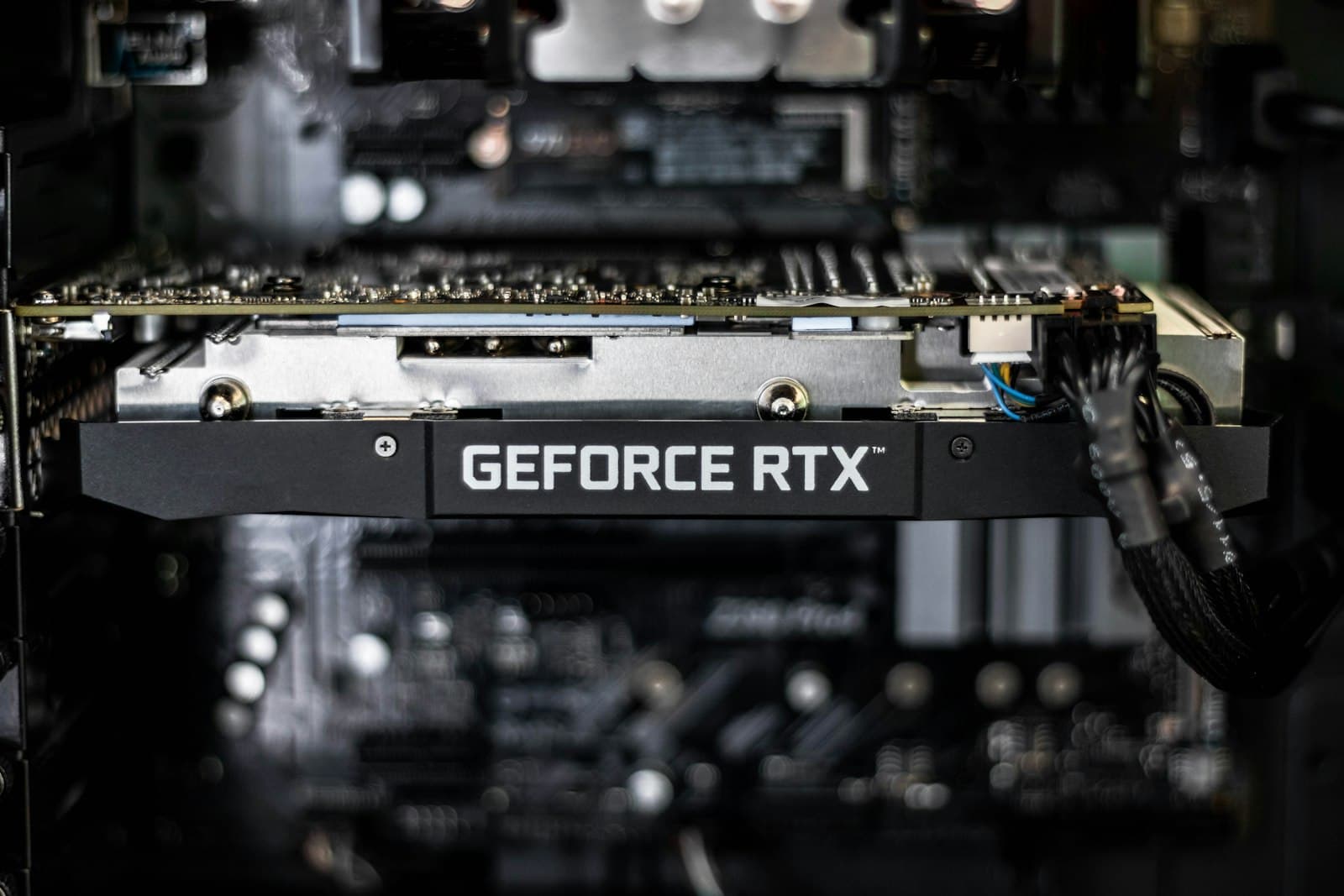
GPU length is the total end-to-end measurement of the card, including the cooler shroud. It's listed in millimetres on every GPU's product page — look under "Specifications" or "Dimensions." The number you want is the total length of the card with the cooler, not the PCB length alone.
Modern GPU lengths by tier:
| Tier | Examples | Typical Length |
|---|---|---|
| Budget | RTX 4060, RX 7600 | 200–270mm |
| Mid-range | RTX 4070, RX 7700 XT | 285–320mm |
| High-end | RTX 4080 Super, RX 7900 XTX | 320–360mm |
| Flagship | RTX 4090 (AIB models) | 330–360mm |
The 5–10mm margin rule: if your case lists a maximum GPU length of 330mm, don't buy a 328mm GPU. Manufacturing tolerances, cable routing, and slight measurement differences mean cutting it to 2mm rarely works cleanly in practice. 320mm or less is the safe target for a 330mm-rated case.
Where to find GPU length: go to the GPU manufacturer's product page (Nvidia, AMD, ASUS, MSI, Gigabyte, etc.), not a retailer listing. Retailer specs are frequently wrong or incomplete. The manufacturer's "Specifications" tab is the authoritative source.
Case Maximum GPU Length — How to Read It Correctly
The case manufacturer's official spec sheet is the only reliable source. Search the case model name plus "specifications" on the manufacturer's website. The spec you want is labelled "Maximum GPU Length," "Max VGA Length," or similar — listed in millimetres.
Don't use YouTube reviews or Amazon listings. Case manufacturers update internal designs without changing the product name or model number. A review from 18 months ago may reflect a different internal layout than the case shipping today. The official spec sheet reflects the current production version.
The front radiator caveat. Many cases list two GPU clearance figures:
- Without front radiator: the full available space from the PCIe slot to the front panel
- With front radiator installed: the reduced space once a 240mm or 360mm radiator is mounted at the front
If you're using a front-mounted AIO or radiator, use the "with radiator" figure. Using the bare figure will tell you the card fits when it doesn't.
Compact and ITX cases have significantly shorter clearance — often 150–300mm. Some SFF cases with creative internal layouts advertise clearances of up to 330mm, but those usually require removing drive cages or specific GPU orientation. Read the case manual before assuming a compact case fits a full-size GPU.
Slot Width — 2-Slot, 2.5-Slot, and 3-Slot GPUs
Slot width describes how thick the GPU cooler is, measured in PCIe expansion slot units. It affects how many slot brackets the card covers at the rear of the case, and whether the cooler overhands into the space beside the PCIe slot.
| Slot count | Cooler thickness | Common examples |
|---|---|---|
| 2-slot | ~40mm | Budget cards, some compact models |
| 2.5-slot | ~50–55mm | Many mid-range GPUs (RTX 4070, RX 7700 XT) |
| 3-slot | ~60–65mm | High-end and flagship GPUs, some mid-range |
The drive cage conflict. The most common slot-width failure isn't the bracket count — it's the drive cage. Many mid-tower cases position a 3.5" drive cage directly beside the lowest PCIe slot. A 3-slot GPU cooler can physically overhang into that cage, preventing the card from seating even when the length is fine. Check interior layout photos of the case (not marketing shots — installation photos) to see whether the drive cage sits adjacent to the GPU slot.
Removing the drive cage is often the fix — see the FAQ below for how that works.
Front Radiators and Drive Cages — The Hidden Clearance Killers
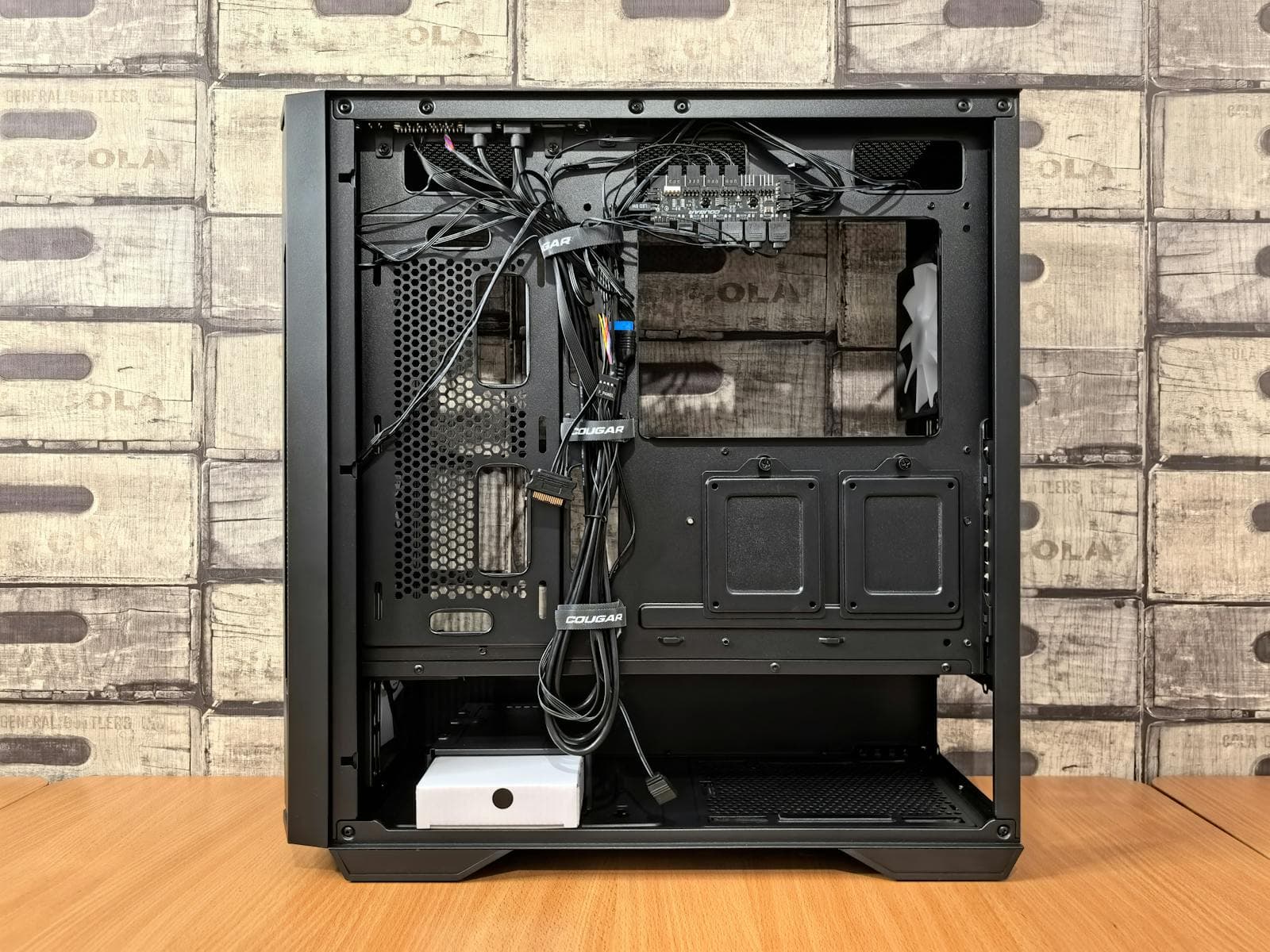
These two components reduce the effective GPU length clearance inside the case without changing the spec sheet number.
Front-mounted radiators occupy physical space at the front interior of the case — the same direction the GPU points. A 360mm radiator mounted at the front of a case can reduce the available GPU length by 20–60mm depending on case geometry. Always use the "with radiator" GPU clearance figure if you're running a front AIO.
Drive cages are the other common culprit. Even if the GPU length clears the front panel, the drive cage positioned beside or in front of the GPU slot can block a long or wide card. Some builders remove the cage to reclaim the space — confirm whether your case supports cage removal before buying.
The practical check: if you're planning any front radiator or keeping the drive cage, apply both constraints to the maximum GPU length figure before selecting a card.
Vertical GPU Mounting and Riser Cables
Vertical GPU mounting — where the card faces the tempered glass side panel rather than the case floor — requires a PCIe riser cable. It's popular for aesthetics, but it introduces its own clearance consideration.
A vertical mount doesn't solve a length problem. The card rotates 90 degrees, but it's still the same number of millimetres long. A GPU that doesn't fit horizontally won't fit vertically either.
Vertical mounting reduces side-panel clearance. The riser cable and bracket add 20–40mm of depth between the GPU and the side panel. Some cases that advertise vertical mounting have a separate "Vertical GPU clearance" spec — usually the distance from the riser mount to the side panel. A 3-slot GPU mounted vertically in a case with only 50mm of side clearance won't fit and may crack the tempered glass.
PCIe (Peripheral Component Interconnect Express) generation matters for riser cables. High-end GPUs on PCIe 4.0 or 5.0 need a riser cable rated for the same generation. A PCIe 3.0 riser on a PCIe 4.0 GPU will work but throttle bandwidth slightly. If aesthetics matter enough for vertical mounting, use a PCIe 4.0 riser cable.
How to Measure If You're Not Sure
If you already have the case and want to verify clearance before ordering the GPU:
- Open the side panel and remove any drive cages you intend to keep in place.
- Identify the PCIe slot where the GPU will mount (the primary x16 slot — usually the topmost full-length slot).
- Measure from the rear expansion bracket mounting point (where the GPU bracket screws in) toward the front of the case. Stop at the first obstruction — front panel, drive cage, or radiator if installed.
- That measurement is your effective GPU clearance. Subtract 5–10mm for margin. Any GPU shorter than that number will fit.
This takes two minutes and removes any ambiguity from spec sheet interpretation.
Common Mistakes That Cause GPU Clearance Failures
Trusting a YouTube review for clearance numbers. Reviews reflect the case at the time of filming — often a pre-production or early unit. Manufacturers update case designs. Use the spec sheet on the manufacturer's website.
Not leaving a margin. A GPU rated at exactly your case's maximum clearance is not a safe buy. Manufacturing variation, cable routing, and bracket alignment mean 1–2mm of theoretical clearance doesn't work in practice. Always leave at least 5–10mm.
Forgetting the front radiator reduces clearance. Builders who install a 360mm front radiator and then look up the bare GPU clearance figure will get a number that's 30–60mm too optimistic. If you're running a front AIO, the correct clearance figure is the "with radiator" spec.
Assuming a 3-slot GPU only affects bracket count. A 3-slot cooler often overhangs into the space beside the PCIe slot. If there's a drive cage there, the card won't seat regardless of its length.
Using the PCB length instead of the full card length. Some spec sheets list PCB length separately from total card length. The number you need is the full card length including the cooler shroud — the largest of the two dimensions listed.
Does MaxMyBuild Check This Automatically?
Yes. The PC Builder at MaxMyBuild cross-references GPU dimensions against case clearance specs before including any pairing in a build. It uses manufacturer spec data, accounts for typical margin, and won't suggest a combination where clearance is borderline.
If you're starting a new build from scratch, the PC Builder handles this check automatically. If you're adding a GPU to an existing case or mixing in parts you already own, the manual steps above are what you need.
For a full walkthrough of how the PC Builder works, see How to Use MaxMyBuild.
For the full list of compatibility checks — beyond just GPU clearance — see the PC Build Compatibility Complete Guide.
If you're shopping for a new case and want one that handles both GPU clearance and solid thermal performance, see the best airflow PC case guide for ranked picks with GPU clearance data, or the best PC case for gaming guide for the full clearance comparison across budget, Mini-ITX, and showcase builds. For SFF builds where the case also imposes a TDP cap, the GPU performance-per-watt chart shows TDP alongside benchmark scores for every card — filtering by TDP is the correct first step when the case limits what the GPU can draw.
Frequently Asked Questions
What happens if my GPU is too long for my case?
The GPU won't seat fully — the front panel, a drive cage, or intake fans will physically block it. This becomes obvious during installation: the card either won't slide into the PCIe slot completely, or it hits an obstruction before it's in position. If it's marginally over (1–2mm), some builders remove the drive cage for extra room — possible only if the case supports it.
How do I find the maximum GPU length for my case?
Check the case manufacturer's official spec sheet on their website under "Specifications" — look for "Maximum GPU Length" or "VGA Length." Do not use YouTube reviews or Amazon listings; these are often based on older case revisions. If your case supports front radiators, the spec sheet usually lists two figures: with and without a front radiator installed.
Can I remove the drive cage to fit a longer GPU?
Sometimes. Many mid-tower cases have tool-free removable drive cages — check the manual or spec sheet. Removing one can add 20–60mm of clearance. The trade-off is losing 3.5-inch HDD bays. If you're only using NVMe (fast M.2 solid-state) drives or 2.5-inch SSDs, removing the cage is usually a clean solution with no downside.
Does GPU width (slot count) matter for case compatibility?
Yes. A 3-slot GPU covers three expansion slot brackets at the back of the case, and the cooler often overhangs into adjacent space. The most common conflict is a 3-slot cooler hitting a drive cage positioned beside the PCIe slot. Check the case's interior layout photos — not just the max GPU length spec — before ruling out a clearance issue.
What is a 2.5-slot GPU?
A 2.5-slot GPU occupies two and a half expansion slot brackets at the rear of the case — wider than a 2-slot card but narrower than a full 3-slot. The slot count refers to cooler thickness, not length. Most modern mid-range and high-end GPUs in 2026 are 2.5 to 3 slots wide.
Can I use a riser cable to mount my GPU vertically if it's too long?
A vertical mount changes orientation but doesn't fix a length conflict — the card is still the same number of millimetres. Vertical mounting also typically reduces the gap between the GPU and side panel by 20–40mm, so check the case's separate vertical GPU clearance spec if vertical mounting is planned.