CPU & Motherboard Compatibility 2026: AM5, AM4, LGA1851 Socket Guide
This guide contains affiliate links. If you buy through them, we may earn a commission at no extra cost to you.
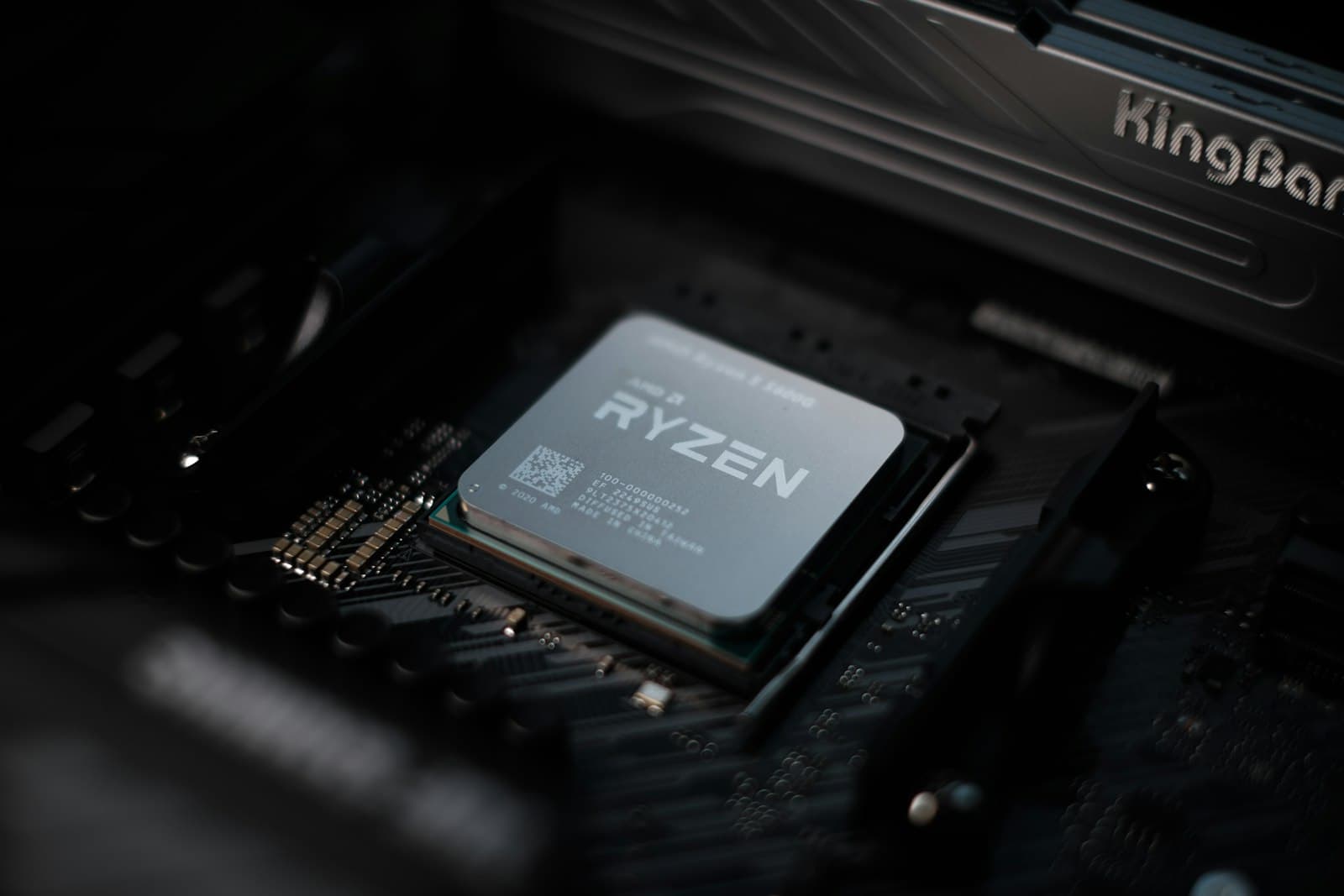
A CPU is compatible with a motherboard only if they share the same socket type — the physical connector that determines which processors a board supports. AMD and Intel use completely different sockets and cannot be mixed; within each brand, socket generations also differ, so always confirm both brand and socket before buying.
If you want socket matching handled automatically, the PC Builder at MaxMyBuild only pairs CPUs with compatible motherboards — you'll never see a mismatched combination in a generated build. The rest of this guide explains how to verify it yourself.
Quick Socket Compatibility Checklist
Run through this before finalising your CPU and motherboard:
| Check | What to verify |
|---|---|
| Brand match | AMD CPU → AMD motherboard only. Intel CPU → Intel motherboard only. No exceptions. |
| Socket match | CPU spec sheet lists the socket (e.g. AM5, LGA1700). Motherboard spec sheet lists the same socket under "CPU Support." They must match exactly. |
| Chipset tier | For most gaming builds, B650 (AMD) or B760/B860 (Intel) is sufficient. If you plan to overclock your CPU, check the chipset on the board's spec sheet: AMD B650 and above support it; Intel requires Z790 (LGA1700) or Z890 (LGA1851) — look for Z-series. |
| BIOS version | If installing a newer CPU on an older board of the same socket, check the board's CPU support list on the manufacturer's website. A BIOS update may be required before the CPU is recognised. |
What Is a CPU Socket?
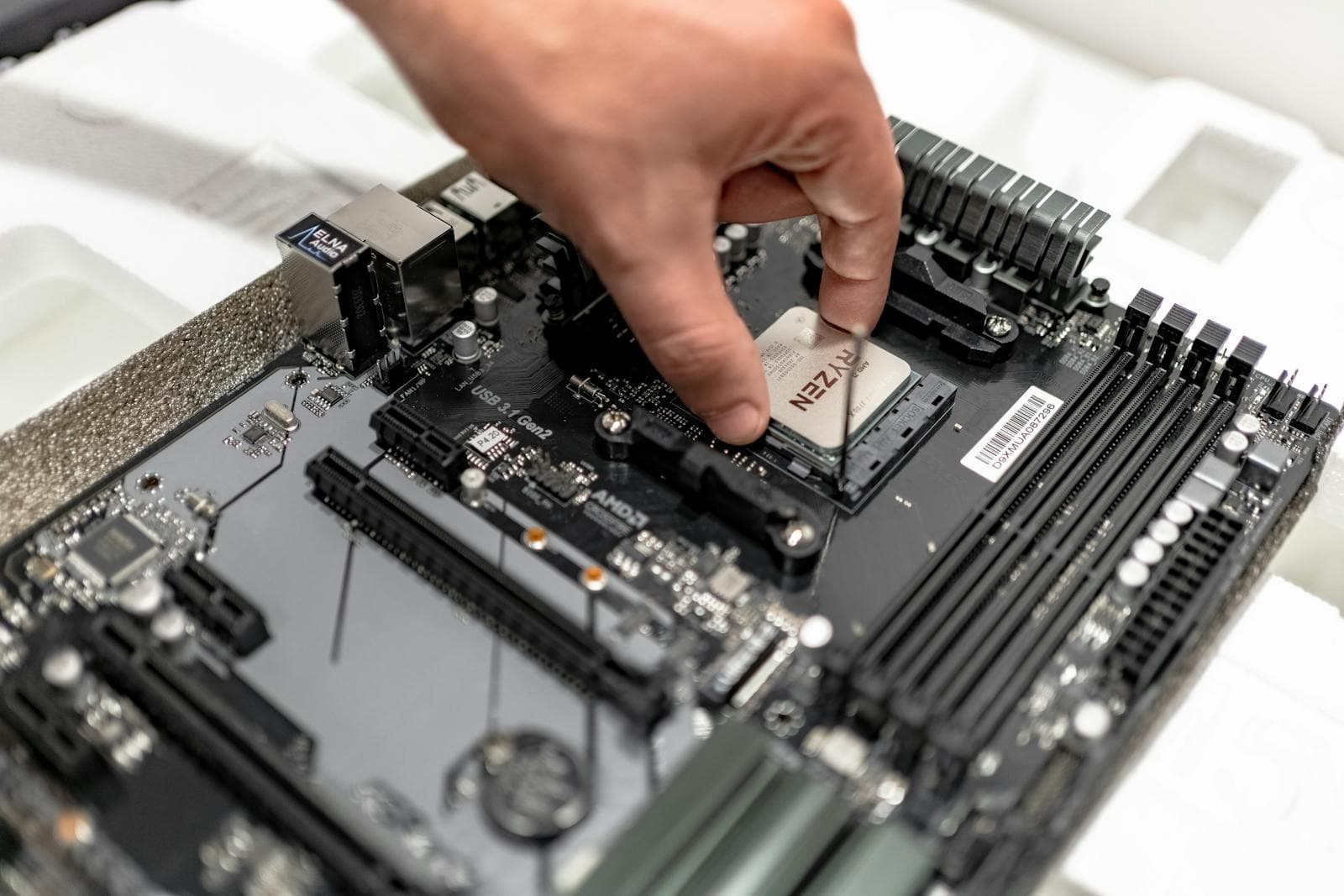
The socket is the physical interface between the CPU and the motherboard. It determines which processors can physically seat in the board and which electrical signals they can exchange. Different sockets have different pin counts, layouts, and locking mechanisms — a CPU designed for one socket will not fit another, and cannot be forced in without causing damage.
CPU socket and chipset are not the same thing. The socket is the connector itself; the chipset is a separate logic chip on the motherboard that controls available features — USB port count, M.2 slot count, PCIe lane allocation, and overclocking support. A single socket can support multiple chipsets: AM5 boards come in A620, B650, and X670 variants, all accepting the same CPUs but at different feature and price levels.
Current CPU Sockets for Gaming PCs
| Socket | Brand | Compatible CPUs | RAM | Status |
|---|---|---|---|---|
| AM4 | AMD | Ryzen 1000–5000 series | DDR4 only | Mature — few new CPU releases |
| AM5 | AMD | Ryzen 7000, 8000, 9000 series | DDR5 only | Current AMD platform |
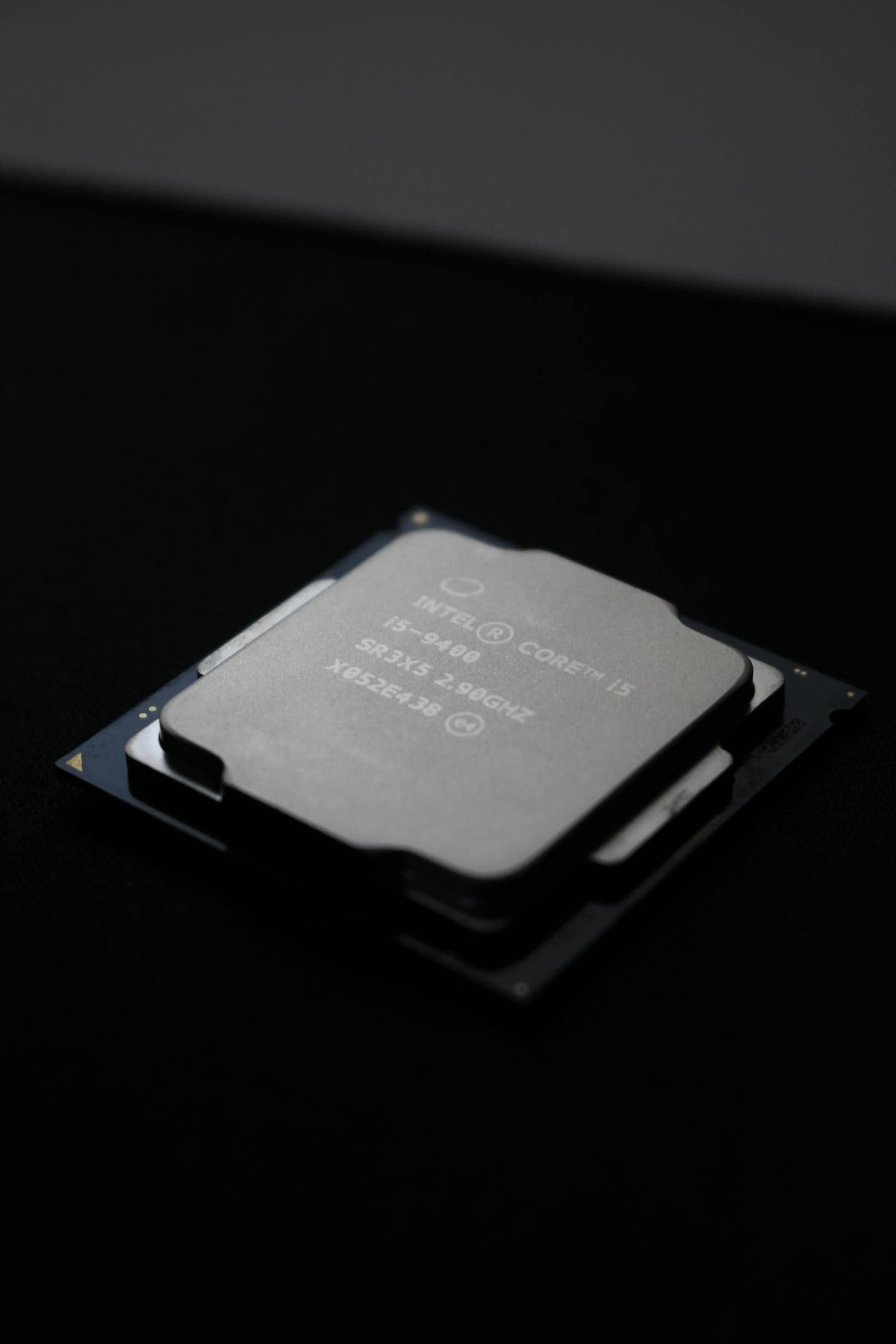
| LGA1700 | Intel | 12th, 13th, 14th Gen Core | DDR4 or DDR5 (board-dependent) | Previous Intel platform |
| LGA1851 | Intel | Core Ultra 200 series (Arrow Lake) | DDR5 only | Current Intel platform |
AM4 remains a strong budget option in 2026. The platform no longer receives new CPUs, but the used board and CPU market is large and prices have dropped significantly. A Ryzen 5 5600X paired with a B450 or B550 board is one of the most cost-effective entry points for first-time builders on a tight budget.
AM5 is AMD's current platform and is expected to support future Ryzen generations — AMD has historically maintained socket compatibility across multiple CPU generations. All AM5 boards require DDR5; there is no DDR4 option on this platform.
LGA1700 is Intel's previous generation, covering 12th through 14th Gen Core (Alder Lake, Raptor Lake, and Raptor Lake Refresh). It has an important quirk: some LGA1700 boards support DDR4, some DDR5, and some support both. The CPU generation alone doesn't tell you which — confirm the specific board's memory spec before buying. DDR4 and DDR5 are physically incompatible and cannot be swapped, so this matters at purchase time; see the RAM compatibility guide for the full breakdown.
LGA1851 is Intel's current platform, introduced with Core Ultra 200 (Arrow Lake). DDR5 only. B860 covers mainstream gaming; Z890 is for enthusiasts and CPU overclocking.
AMD vs Intel — No Cross-Compatibility
AMD CPUs will not fit Intel motherboards, and Intel CPUs will not fit AMD motherboards. The pin layouts, physical dimensions, and electrical interfaces are completely different — no adapter exists. Pairing an AMD CPU with an Intel board is one of the most common (and most expensive) first-build mistakes.
Within AMD, AM4 and AM5 are also incompatible with each other. They have different pin counts and different physical dimensions. A Ryzen 5 5600X (AM4) will not seat in an AM5 board, and a Ryzen 7 9700X (AM5) will not seat in an AM4 board. The cooler mounting hole spacing happens to be the same between AM4 and AM5, so coolers are interchangeable — but the CPUs and boards are not.
Within Intel, LGA1700 and LGA1851 are also incompatible. They have different socket sizes and pin arrangements. A Core i7-14700K (LGA1700) will not fit an LGA1851 board and vice versa.
Chipset Tiers — What They Mean and What to Choose
The chipset is the logic chip on the motherboard that determines the board's feature set: how many M.2 slots (the connectors for fast NVMe storage drives), USB port count, PCIe (Peripheral Component Interconnect Express) lane allocation, and whether you can overclock the CPU. Two boards with identical sockets but different chipsets can have meaningfully different capabilities at significantly different prices.
| Chipset | Socket | Tier | CPU OC | Notes |
|---|---|---|---|---|
| A620 | AM5 | Entry | No | Limited M.2 and USB. Budget-only option. |
| B650 | AM5 | Mainstream | Yes | Sweet spot for gaming — good features, competitive price, full CPU OC support |
| X670 / X670E | AM5 | Enthusiast | Yes | Max PCIe lanes, full OC. Overkill for most gaming builds. |
| H610 | LGA1700 | Entry | No | Bare minimum. Limited expansion options. |
| B760 | LGA1700 | Mainstream | No | Sweet spot for 12th–14th Gen Intel gaming builds |
| Z790 | LGA1700 | Enthusiast | Yes | Full OC support. For K-series CPUs only. |
| B860 | LGA1851 | Mainstream | No | Sweet spot for Core Ultra 200 gaming builds |
| Z890 | LGA1851 | Enthusiast | Yes | Full OC support. For unlocked Core Ultra 200 CPUs. |
For most gaming builds, B650 (AMD) or B760/B860 (Intel) is the right tier. These boards typically offer two or more M.2 slots, USB-A and USB-C connectivity, and a full-length PCIe x16 slot for the GPU — everything a gaming build needs, at a price that leaves more budget for GPU and CPU.
For specific board picks at each chipset tier with current prices, see the best gaming motherboard guide for 2026.
AMD B650 supports full CPU overclocking — this is one of AMD's key platform advantages. All Ryzen CPUs can run Precision Boost Overdrive (PBO) or manual overclocking on a B650 board. X670 and X670E are worth the premium only if you need maximum PCIe lane allocation or a higher-end VRM for extreme overclocking; for most builders, B650 covers everything.
Intel B760 and B860 do not support CPU multiplier overclocking — that requires a Z-series board (Z790 for LGA1700, Z890 for LGA1851) paired with an unlocked K or KF-series CPU. Intel B-series boards do support memory overclocking (XMP profiles), so you can still run your RAM at its rated speed — just not push the CPU beyond stock clocks.
The BIOS Update Requirement
This is the most common hidden compatibility problem for builders pairing a newer CPU with an existing board. The BIOS is the firmware on the motherboard that needs to recognise the CPU before it can boot. A board manufactured before a CPU was released will typically ship with BIOS that doesn't include support for that chip.
Example: You buy a Ryzen 7 9700X (AM5, released in 2024) and pair it with an AM5 board purchased at the AM5 platform launch in 2022. The board's original BIOS predates the Ryzen 9000 series. The PC either won't POST, or will show a CPU error — not because the socket is wrong, but because the firmware doesn't know the chip exists.
The fix is a BIOS update — but the problem is that updating BIOS normally requires a working CPU. If you don't have an older supported AM5 CPU to borrow, you need a board with BIOS Flashback (AMD terminology) or USB BIOS Flashback (Intel). This lets you load a BIOS update from a USB drive without any CPU installed. Many B650 and Z790/B760 boards support it, but not all — confirm before buying if you won't have access to a second CPU.
When building new from current stock, this is not a concern. A B650 board bought today ships with BIOS that supports Ryzen 7000, 8000, and 9000 series CPUs. The risk applies specifically to used or older-stock boards paired with CPUs released after the board was manufactured.
Intel note: LGA1700 boards that originally shipped supporting only 12th Gen (Alder Lake) required a BIOS update to add 13th and 14th Gen (Raptor Lake) support. Most boards on the used market have been updated by now, but if you're buying a used Z790 or B760 board, confirm the current BIOS version against the manufacturer's CPU support list before pairing it with a 13th or 14th Gen CPU.
How to Check Socket Compatibility Before Buying
This takes about three minutes and prevents an expensive return.
Step 1 — Find the CPU's socket. Go to AMD.com (Ryzen) or Intel.com (Core/Core Ultra) and look up your CPU model. The product spec sheet lists the socket explicitly — "Socket AM5," "FCLGA1700," or similar.
Step 2 — Find the motherboard's socket. Go to the motherboard manufacturer's website (ASUS, MSI, Gigabyte, ASRock, or similar) and look up the board model. The spec sheet lists supported sockets under "CPU Support" or "Processor Compatibility."
Step 3 — Cross-reference if using an older board. If the sockets match and both board and CPU are current-generation, you're compatible. If you're installing a newer CPU in an older board, navigate to the board's CPU support list on the manufacturer's website — it lists every validated CPU by model, along with the minimum BIOS version required for support.
For BIOS compatibility with specific CPU releases, always use the manufacturer's official CPU support page — it lists every validated CPU by model along with the minimum BIOS version required, and is updated as new firmware ships.
Does MaxMyBuild Handle This Automatically?
Yes. The PC Builder at MaxMyBuild matches every CPU to a compatible motherboard by socket — AM5 CPUs are only paired with AM5 boards, LGA1700 CPUs with LGA1700 boards. A socket mismatch will never appear in a generated build.
For a full walkthrough of how the PC Builder works, see the how to use MaxMyBuild guide.
For the full compatibility checklist beyond socket matching — including GPU clearance, RAM generation, PSU sizing, and CPU cooler clearance — see the PC build compatibility complete guide. For the CPU cooler side of that equation specifically — how to verify your cooler height fits the case and clears the RAM — see the CPU cooler height & RAM clearance guide.
Frequently Asked Questions
Do I need to update BIOS to install a new CPU?
Only if pairing a newer CPU with an older board of the same socket. New boards ship with BIOS for current CPUs. If reusing an existing board, check the manufacturer's CPU support list for your board model and confirm which BIOS version added support for your CPU.
What chipset do I need for a gaming PC?
B650 (AM5) or B760/B860 (Intel) covers the vast majority of gaming builds. B650 supports AMD CPU overclocking; Intel B760/B860 do not — Z790/Z890 is required for Intel CPU OC. X670 is for maximum PCIe lanes on AMD, not required for overclocking.
Can I upgrade my CPU without changing my motherboard?
Yes, if the new CPU uses the same socket and is on the board's CPU support list. Socket matching alone isn't sufficient — check the manufacturer's official CPU support page for your board model to confirm compatibility and any required BIOS version.