Best Motherboard for Gaming in 2026: AMD and Intel Picks by Budget
This guide contains affiliate links. If you buy through them, we may earn a commission at no extra cost to you.
The best AMD motherboard for gaming in 2026 is the MSI MAG B850 Tomahawk MAX WiFi (around $200 at Newegg): 14-phase VRM, WiFi 7, and 4x M.2 slots on the AM5 socket. The best Intel motherboard for gaming is the MSI MAG Z890 Tomahawk WiFi (around $230 at Newegg): WiFi 7, 4x M.2 slots, and Z890 overclocking support for Core Ultra 200 K-series CPUs on LGA1851.
Most motherboard guides overcomplicate this. Your CPU determines your socket. Your socket determines your chipset options. Pick the chipset tier that matches your budget and you are done.
Some links on this page are affiliate links. If you buy through them, MaxMyBuild earns a small commission at no extra cost to you. Prices shown are approximate US retail prices from June 2026 and change frequently; check current Newegg listings before buying.
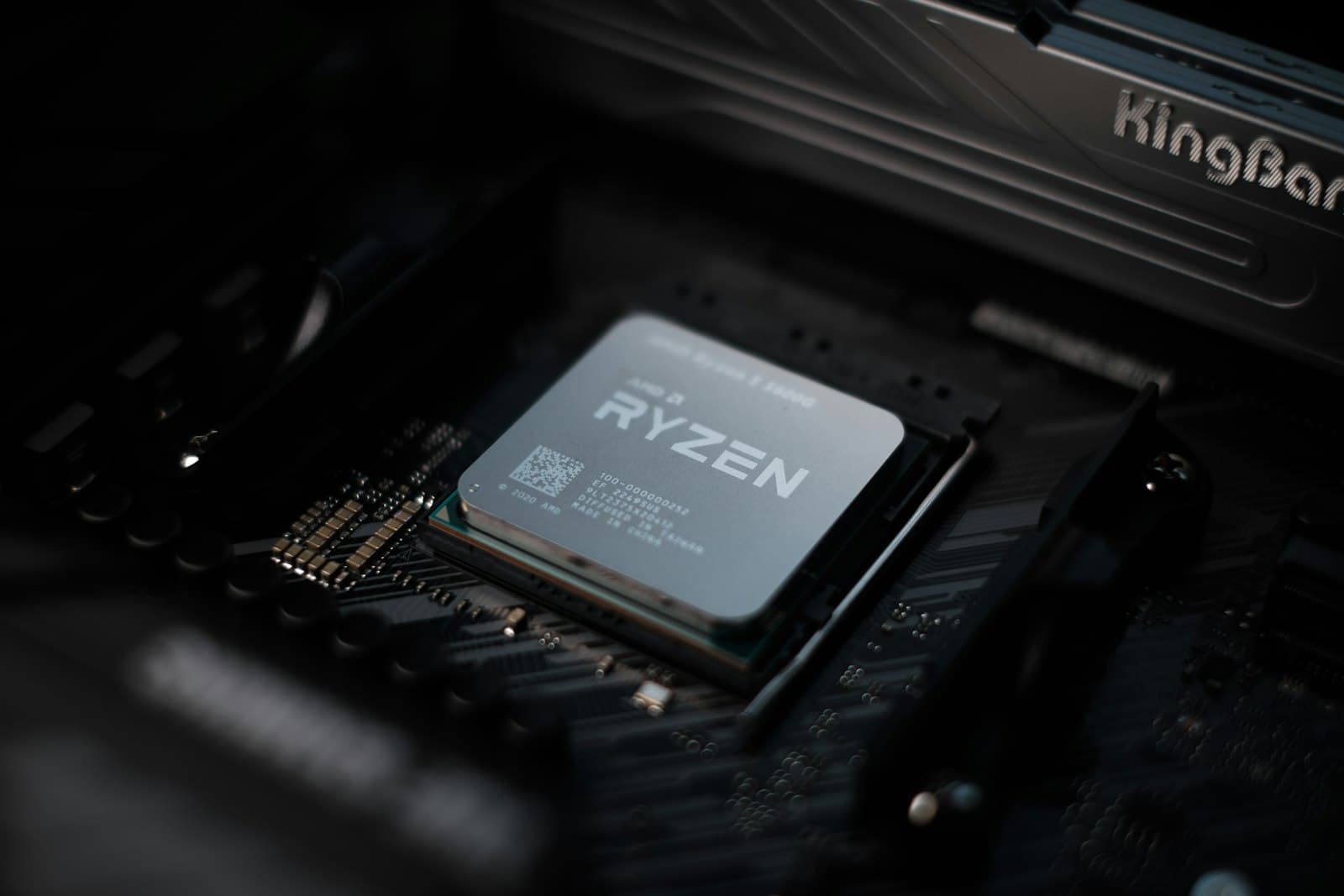
Best Gaming Motherboard Picks at a Glance
The table below covers all 8 picks from this guide. All prices are approximate Newegg retail prices from June 2026. VRM phases are listed as CPU power stages only.
| Board | Chipset | Socket | Form | WiFi | M.2 | VRM Phases | Price |
|---|---|---|---|---|---|---|---|
| MSI MAG B850 Tomahawk MAX WiFi | B850 | AM5 | ATX | WiFi 7 | 4 | 14+2+1 | ~$200 |
| Gigabyte B650M AORUS Elite AX | B650 | AM5 | mATX | WiFi 6E | 2 | 12+2+1 | ~$150 |
| MSI MAG X870 Tomahawk WiFi | X870 | AM5 | ATX | WiFi 7 | 4 | 14+2+1 | ~$210 |
| ASRock B850I Lightning WiFi | B850 | AM5 | Mini-ITX | WiFi 6E | 2 | 10+1+1 | ~$180 |
| ASRock B860 Pro-A | B860 | LGA1851 | ATX | None | 3 | 10+1+1+1+1 | ~$120 |
| ASUS Prime B860-Plus WiFi | B860 | LGA1851 | ATX | WiFi 6E | 2 | 8+1+1+1 | ~$161 |
| Gigabyte B860 AORUS Elite WiFi7 Ice | B860 | LGA1851 | ATX | WiFi 7 | 3 | 14+1+2 | ~$190 |
| MSI MAG Z890 Tomahawk WiFi | Z890 | LGA1851 | ATX | WiFi 7 | 4 | 16+1+1+1 | ~$230 |
| ASUS ROG Strix B860-I WiFi | B860 | LGA1851 | Mini-ITX | WiFi 7 | 2 | 10+1+2+1 | ~$210 |
AMD vs. Intel: Pick Your Platform First
Before you look at a single motherboard spec, lock in your CPU platform. AMD Ryzen 9000 series CPUs use the AM5 socket. Intel Core Ultra 200 series CPUs use LGA1851. Those two sockets are completely different and not interchangeable. Buying a B850 board with an Intel CPU does not work, and vice versa.
For a full breakdown of how sockets work across chipset generations, see the motherboard and CPU socket compatibility guide.
One hard rule for 2026 builds: do not buy a last-generation board. LGA1700 (Intel 12th/13th/14th gen) and AM4 (Ryzen 5000 and older) are dead-end platforms now. You cannot drop a Ryzen 9000 into an AM4 board, and you cannot run a Core Ultra 200 CPU on LGA1700. If your CPU choice is already made, your socket is already made.
If you have not locked in your CPU yet, the how to choose a CPU for gaming guide covers platform selection alongside performance tiers.
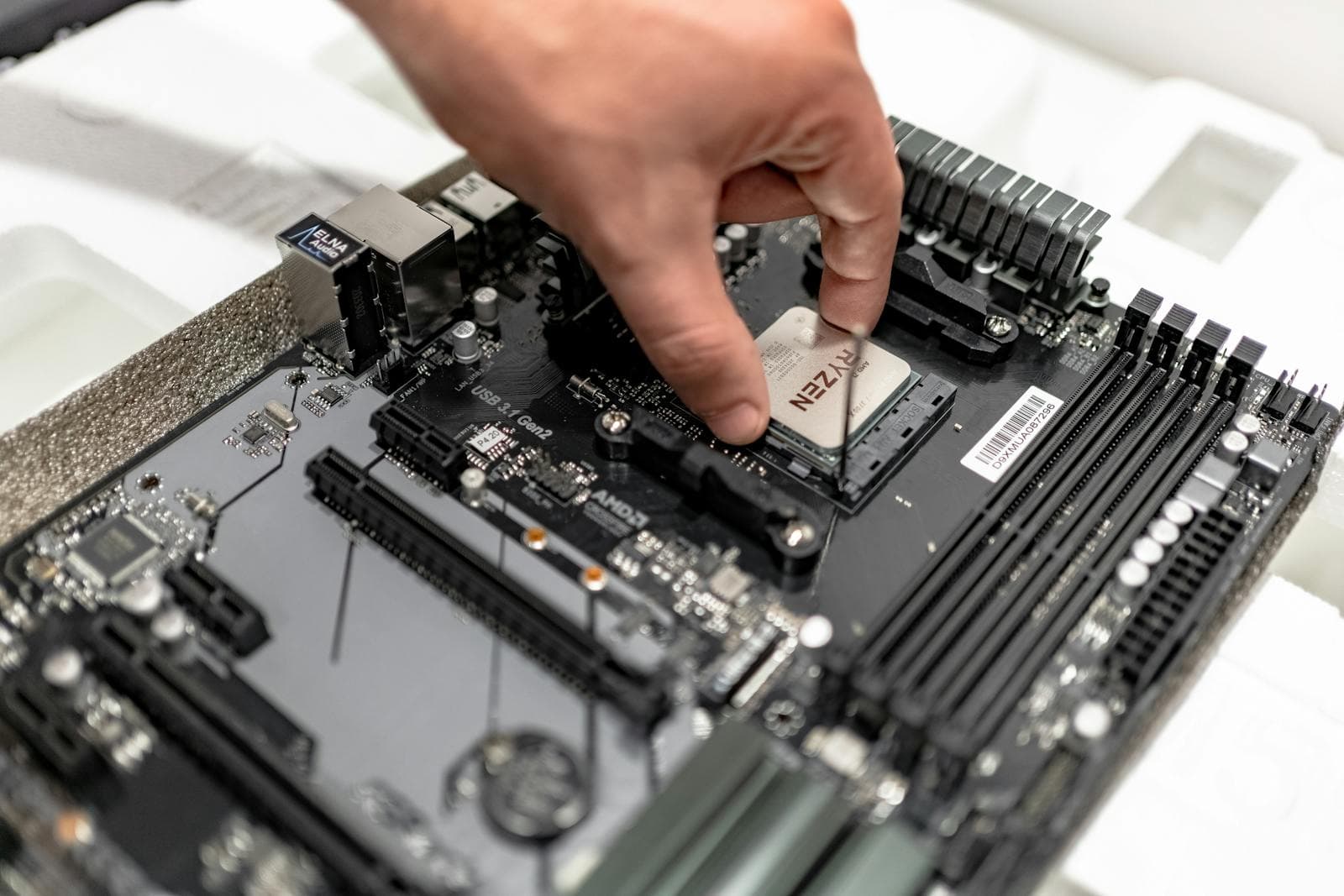
The MaxMyBuild database currently tracks 797 in-stock motherboards across all chipsets. AMD AM5 boards (B650, B850, X870, X670 combined) account for roughly 424 units in stock. Intel LGA1851 boards (B860, Z890, B840 combined) account for about 274. Both platforms are well-supplied.
Neither platform is the wrong choice for gaming. AMD's advantage is the AM5 socket roadmap running through at least 2027, meaning your next CPU upgrade stays on the same board. Intel's advantage is strong single-core performance and a wider selection of budget boards. Pick the platform that matches the CPU you want, then use this guide to find the right board.
Best Budget AMD Motherboard for Gaming: B650
B650 was AMD's mainstream chipset for Ryzen 7000 and early Ryzen 9000 builds. As of June 2026, 186 B650 boards remain in stock at Newegg, more than any other single chipset. Prices have dropped as B850 took over, which is exactly why B650 still makes sense for budget builds.
The trade-off is real though. B650 boards guarantee PCIe 5.0 on the GPU slot, but not on M.2 slots (that varies board to board). The VRM configurations at entry price points are lighter than B850. And the price gap between budget B650 and entry B850 has narrowed to $20-50, so check current pricing before defaulting to B650.
Gigabyte B650M AORUS Elite AX: Best Budget AMD Pick
The Gigabyte B650M AORUS Elite AX (~$150) is the best budget AMD pick right now. It fits a Micro ATX (mATX) case at 244mm x 244mm, which is smaller than a full ATX board and works in both mATX and full ATX mid-tower cases. WiFi 6E is included (the previous generation of WiFi, still fast and more than adequate for gaming). Two M.2 slots cover the boot drive plus one extra. VRM is a 12-phase design (2x6+2+1) which handles Ryzen 5 and Ryzen 7 CPUs cleanly.
At $150, it sits $50 below the B850 Tomahawk MAX. That gap funds RAM or an SSD upgrade instead. For a first build on a Ryzen 5 9600X or Ryzen 7 9700X, this is the board.
Buy the Gigabyte B650M AORUS Elite AX at Newegg (~$150)
MSI MAG B650 Tomahawk WiFi: ATX Option with a Caveat
The MSI MAG B650 Tomahawk WiFi (~$220) is a strong board but the price creates a problem. At $220, it actually costs $20 more than the B850 Tomahawk MAX. You are paying a premium for an older chipset with worse PCIe 5.0 M.2 support and a shorter software support runway. Buy the B650 Tomahawk only if you find it on sale well below that price point. Otherwise, spend $200 on the B850 Tomahawk MAX instead.
Buy the MSI MAG B650 Tomahawk WiFi at Newegg (~$220)
Best AMD Motherboard for Gaming: B850 Picks
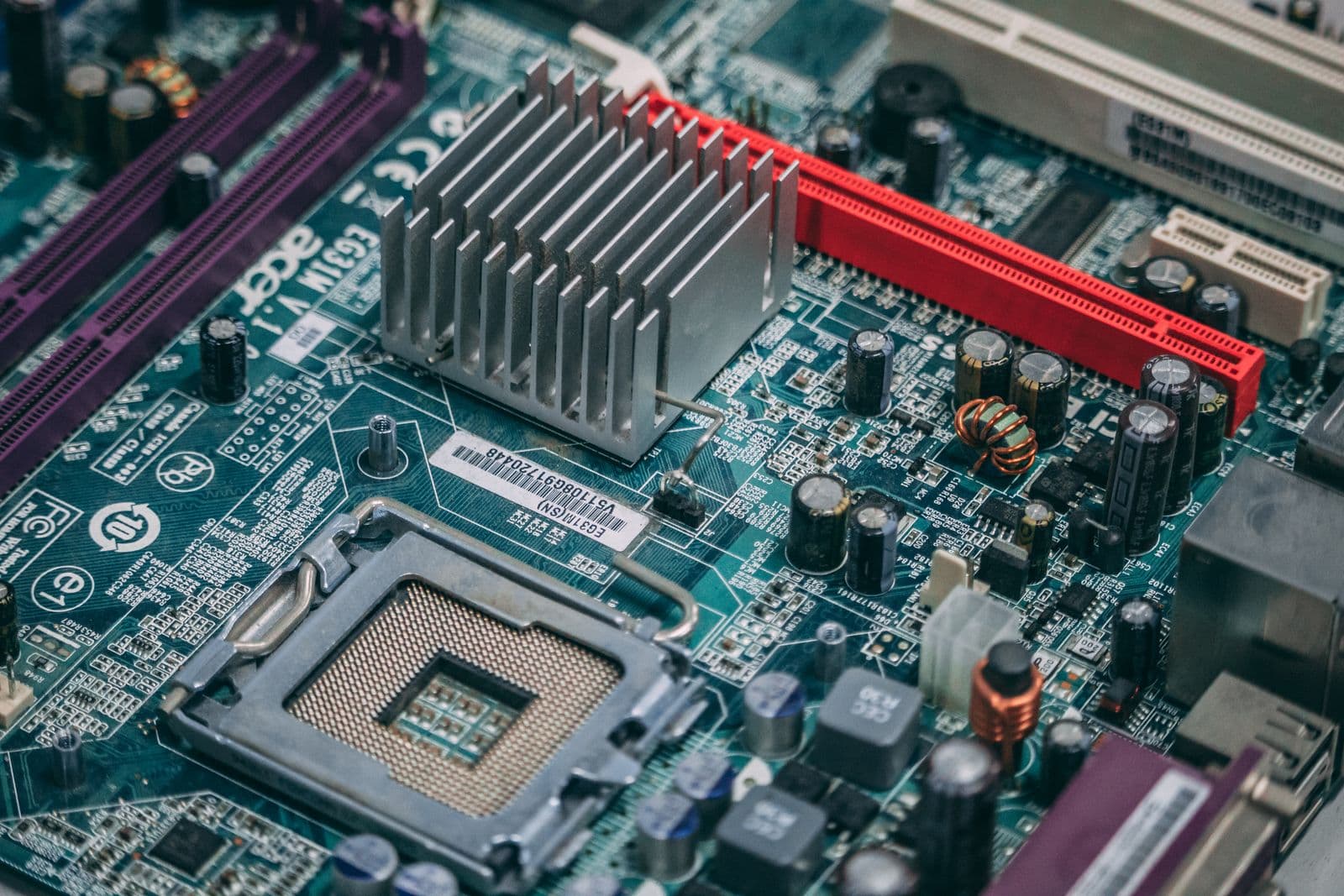
B850 is the right chipset for most AMD gaming builds in 2026. It replaced B650 as the mainstream chipset when Ryzen 9000 launched. It supports PCIe 5.0 (the high-speed bus that connects the GPU and storage to the CPU) on both the primary GPU slot and the top M.2 slot (a compact storage connector for fast NVMe SSDs). B650 boards only guaranteed PCIe 5.0 on the GPU slot.
For DDR5 speed recommendations and slot pairing rules by platform, see the RAM compatibility guide.
MSI B850 Gaming Plus WiFi: Entry B850 with WiFi
The MSI B850 Gaming Plus WiFi (~$170) is the entry point for B850 with WiFi 7 on a full ATX board. It steps down to a 12-phase VRM (2x6+2+1) and 3x M.2 slots. That VRM spec handles Ryzen 5 9600X and Ryzen 7 9700X without issue. It is not the board for a Ryzen 9 9950X, but it is not priced for that CPU either. If $170 is the ceiling and you need WiFi 7, this is the pick.
Buy the MSI B850 Gaming Plus WiFi at Newegg (~$170)
MSI MAG B850 Tomahawk MAX WiFi: The Best AMD Pick
The MSI MAG B850 Tomahawk MAX WiFi is the top recommendation for AMD gaming builds at any budget up to $250. It ships with a 14-phase VRM (the 2x7+2+1 configuration means 14 power stages for the CPU, delivering clean and stable voltage even under a Ryzen 9 9950X at full load), WiFi 7, four M.2 slots (two of which support PCIe 5.0 x4 for the fastest NVMe drives available), and a full ATX form factor (305mm x 244mm, fits any standard mid-tower case).
At around $200, it costs $30 more than the entry B850 but delivers significantly better VRM headroom and the extra PCIe 5.0 M.2 slot. For any Ryzen 7 9700X or Ryzen 9 9900X build, this board does not throttle, does not require a BIOS update workaround for new CPUs, and does not leave you wishing you had spent more.
Buy the MSI MAG B850 Tomahawk MAX WiFi at Newegg (~$200)
Gigabyte B850 AORUS Elite WiFi7: Step-Up ATX
The Gigabyte B850 AORUS Elite WiFi7 (~$230) is the step-up from the Tomahawk MAX. It adds a slightly stronger VRM configuration (2x7+2+2 phases versus the Tomahawk's 2x7+2+1) and 3x M.2 slots on a full ATX board. The $30 premium over the Tomahawk MAX is hard to justify for gaming alone. If you plan to run a Ryzen 9 9950X with an all-core workload alongside gaming, the extra VRM headroom is real. For a Ryzen 7 9700X gaming build, save the $30.
Buy the Gigabyte B850 AORUS Elite WiFi7 at Newegg (~$230)
Best AMD Motherboard for Content Creators and Power Users: X870
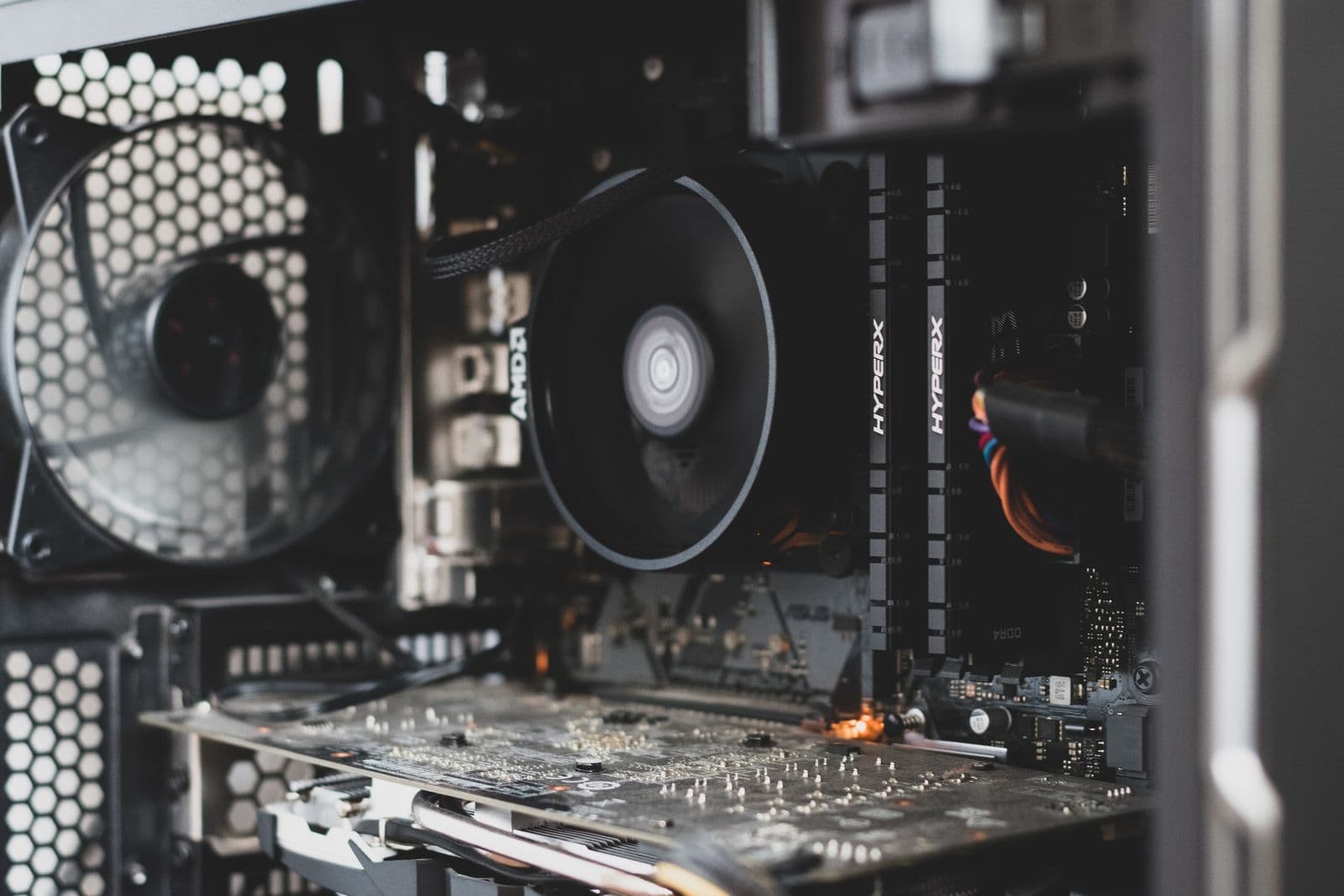
X870 is the current-generation enthusiast chipset for AM5. It adds two things over B850 that actually matter for non-gaming workloads: USB4 (a 40 Gbps port that supports Thunderbolt 4 devices and ultra-fast external SSDs) and a guaranteed second PCIe 5.0 M.2 slot. For gaming alone, neither of those changes your frame rates — if gaming is your only use case, the B850 picks above are the right call. X870 earns its premium for builders who also edit video, work with fast external drives, or need maximum NVMe throughput across multiple drives.
MSI Pro X870-P WiFi: Entry X870 Option
The MSI Pro X870-P WiFi (~$170) is the budget entry into X870. It offers a 14-phase VRM (2x7+2+1), WiFi 7, and 3x M.2 slots. It is a solid board that punches above its price. The trade-off against the X870 Tomahawk is polish: fewer USB ports on the rear panel, less robust heatsink coverage, and a slightly plainer aesthetic. For a Ryzen 7 9700X build where the USB4 port is the main draw and budget is tight, this works cleanly.
Buy the MSI Pro X870-P WiFi at Newegg (~$170)
MSI MAG X870 Tomahawk WiFi: Best Value X870
The MSI MAG X870 Tomahawk WiFi (~$210) is the recommended X870 pick for most creators. It shares the same 14-phase VRM design as the B850 Tomahawk MAX, adds WiFi 7, and delivers 4x M.2 slots with two running at PCIe 5.0 x4. The USB4 port and guaranteed dual PCIe 5.0 M.2 support make this the right board for a Ryzen 9 build that handles gaming and video editing alongside each other.
Buy the MSI MAG X870 Tomahawk WiFi at Newegg (~$210)
Gigabyte X870 AORUS Elite WiFi7: Step-Up Option
The Gigabyte X870 AORUS Elite WiFi7 (~$250) is the step-up from the X870 Tomahawk. A 16-phase VRM (2x8+2+1) and 4x M.2 slots make it the right board for a Ryzen 9 9900X or 9950X build where sustained all-core loads are expected alongside gaming. For a pure gaming build on a Ryzen 7 or Ryzen 5 CPU, the $40 premium over the X870 Tomahawk is not justified.
Buy the Gigabyte X870 AORUS Elite WiFi7 at Newegg (~$250)
Best Intel Motherboard for Gaming: B860 and Z890 Picks
Intel's B860 chipset handles the Core Ultra 200 non-K lineup (Core Ultra 5 245, Core Ultra 7 265, Core Ultra 9 285). Z890 exists for K-series chips (Core Ultra 7 265K, Core Ultra 9 285K) where CPU overclocking unlocks higher multi-core performance. For gaming on a non-K CPU, B860 is the right chipset.
ASRock B860 Pro-A: Best Budget Intel (No WiFi)
The ASRock B860 Pro-A (~$120) is the budget Intel pick. Full ATX form factor. Three M.2 slots. No WiFi. The VRM configuration (2x5+1+1+1+1) is lighter than the mid-range picks but handles Core Ultra 5 and Core Ultra 7 non-K CPUs without throttling during gaming. At $120, it is the cheapest way onto LGA1851 without compromising stability on mainstream Core Ultra 200 CPUs.
Add a WiFi adapter if you need wireless. A PCIe (Peripheral Component Interconnect Express) x1 WiFi card runs $25-35 and delivers WiFi 6E or WiFi 7. The total is still cheaper than any B860 board with built-in WiFi.
Buy the ASRock B860 Pro-A at Newegg (~$120)
ASUS Prime B860-Plus WiFi: Mid-Range Intel with WiFi
The ASUS Prime B860-Plus WiFi (~$161) is the mid-range Intel recommendation. It adds WiFi 6E, steps up the VRM to an 8+1+1+1 configuration, and keeps an ATX layout with 2x M.2 slots. ASUS's UEFI (Unified Extensible Firmware Interface, the firmware menu you access before the OS loads) is among the easiest to navigate for first-time builders. For a Core Ultra 7 265 gaming build that needs WiFi without overspending, this is the call.
Buy the ASUS Prime B860-Plus WiFi at Newegg (~$161)
Gigabyte B860 AORUS Elite WiFi7 Ice: WiFi 7 on B860
The Gigabyte B860 AORUS Elite WiFi7 Ice (~$190) is the WiFi 7 option within the B860 tier. It adds 3x M.2 slots, a stronger 14-phase VRM (2x7+1+2), and a white aesthetic that suits white-themed builds. At $190 it sits in a gap between the ASUS Prime at $161 and the Z890 Gaming Plus at $210. If WiFi 7 specifically matters and you want to stay on B860, this is the board. If WiFi 6E is enough, save $30 with the ASUS Prime.
Buy the Gigabyte B860 AORUS Elite WiFi7 Ice at Newegg (~$190)
MSI MAG Z890 Tomahawk WiFi: Best Enthusiast Intel
The MSI MAG Z890 Tomahawk WiFi (~$230) is the right Intel board if you own or plan to buy a K-series CPU. Z890 is the only Intel chipset that unlocks CPU multiplier overclocking on LGA1851. With a 16-phase VRM (2x8+1+1+1), WiFi 7, and 4x M.2 slots, it handles a Core Ultra 9 285K at maximum all-core boost without VRM thermal issues. For a non-K CPU, Z890 provides no meaningful gaming benefit over B860.
Buy the MSI MAG Z890 Tomahawk WiFi at Newegg (~$230)
Also worth noting for Intel enthusiast builders: the MSI Z890 Gaming Plus WiFi (~$210) sits $20 below the Tomahawk with a slightly lighter VRM (2x7+1+1+1 phases). For a Core Ultra 7 265K gaming build, the Gaming Plus handles the load. For a 285K that will be pushed hard, spend the extra $20 for the Tomahawk's headroom.
Buy the MSI Z890 Gaming Plus WiFi at Newegg (~$210)
Best Mini-ITX Motherboard for Gaming
Mini-ITX boards measure 170mm x 170mm. That is roughly half the surface area of a full ATX board. They fit small-form-factor (SFF) cases that can sit on a desk or fit in a TV cabinet. The trade-offs are real: typically 2x M.2 slots maximum, 2x RAM slots instead of 4, higher price per feature, and less VRM cooling surface. SFF builds are not for everyone, but if size matters, these are the picks.
Small cases also impose GPU length limits and cooler height restrictions. See the GPU size and case clearance guide before finalizing a mini-ITX build.
ASRock B850I Lightning WiFi: Best Mini-ITX AMD
The ASRock B850I Lightning WiFi (~$180) is the AMD mini-ITX pick. B850 chipset on AM5, WiFi 6E, 2x M.2 slots, and a 10-phase VRM (10+1+1) that handles Ryzen 7 9700X at stock. At $180 it costs more than the Gigabyte B650M AORUS Elite AX mATX board at $150 while offering fewer features. You are paying the ITX premium for the size reduction. If your case allows mATX, take the mATX board and spend the $30 on storage.
Buy the ASRock B850I Lightning WiFi at Newegg (~$180)
ASUS ROG Strix B860-I WiFi: Best Mini-ITX Intel
The ASUS ROG Strix B860-I WiFi (~$210) is the Intel mini-ITX recommendation. B860 chipset on LGA1851, WiFi 7, 2x M.2 slots, and a 10-phase VRM (10+1+2+1) that handles Core Ultra 7 265 without issue. ROG Strix boards have a strong reputation for ITX-specific thermal design: the board routes airflow more deliberately than most mini-ITX options. At $210 it is priced as a premium ITX product, which it is. SFF Intel builders get a well-built board here.
Buy the ASUS ROG Strix B860-I WiFi at Newegg (~$210)
What Specs Actually Matter on a Motherboard for Gaming?
Most motherboard spec sheets are padded with features that have no gaming impact. Here are the ones that do matter, and what to look for on each.
Socket and Chipset
The socket determines which CPUs fit. The chipset (a chip on the board itself) determines how many PCIe lanes, M.2 slots, and USB ports the board can offer. B-series chipsets (B850, B860) are for non-overclocking builds. X-series and Z-series are for enthusiast builds with overclocking. Never mismatch socket to CPU.
VRM Quality
The VRM (voltage regulator module) converts and regulates power from the PSU (power supply unit) before it reaches the CPU. More phases generally means smoother power delivery and less heat per phase. For a Ryzen 5 or Core Ultra 5 gaming build, 8-10 phases is plenty. For a Ryzen 9 9950X or Core Ultra 9 285K at full load, aim for 14+ phases with heatsink coverage.
M.2 Slots
M.2 slots are the connectors for fast NVMe SSDs. One slot is essential. Two covers most gaming builders. The speed (PCIe 4.0 vs PCIe 5.0) affects sequential read speeds but not load times in most current games, so do not pay a premium for PCIe 5.0 M.2 slots unless you specifically need them for workstation tasks. For which NVMe drives to pair with each slot tier, see the best SSD for gaming in 2026 guide.
WiFi
WiFi is not built into every board. Budget boards often omit it to cut cost. If you need wireless, confirm the board includes it and check the standard: WiFi 6 (2.4/5GHz) is acceptable but dated, WiFi 6E adds 6GHz for less congestion, WiFi 7 adds higher throughput and multi-link operation. Wired Ethernet is always preferable for gaming if you can run the cable.
RAM Slots and DDR5 Speed
AM5 and LGA1851 both require DDR5 (the current memory standard, faster and more efficient than DDR4 but not backward compatible). Most gaming boards have 4x DDR5 slots. Mini-ITX boards typically have 2x slots. DDR5-6000 is the sweet spot for AMD Ryzen builds on B850 and X870. Intel platforms are less sensitive to memory frequency.
For how much RAM and what speed to pair with each platform, see the how much RAM do you need for gaming guide.
Motherboard Size Guide: ATX, Micro ATX, and Mini-ITX
Form factor is the physical size of the board. It determines which cases the board fits. The three common gaming form factors are ATX, Micro ATX (mATX), and Mini-ITX (ITX). Cases list which form factors they support on the product page.
Cases list supported form factors on their product page. For how GPU length interacts with case size, see the GPU size and case clearance guide.
| Form Factor | Size | PCIe Slots | M.2 Slots (typical) | Best For |
|---|---|---|---|---|
| ATX | 305mm x 244mm | 3-7 | 3-5 | Mid-tower and full-tower cases, most builds |
| Micro ATX (mATX) | 244mm x 244mm | 2-4 | 2-3 | Compact mid-tower, budget-friendly |
| Mini-ITX (ITX) | 170mm x 170mm | 1 | 1-2 | Small-form-factor cases, desk builds |
ATX is the standard for first-time builders. It gives the most room to work, the widest case compatibility, and the most expansion slots for future upgrades. mATX fits in most ATX cases too, so you do not lose case options by choosing a smaller board. Mini-ITX is a deliberate constraint: choose it when size is the priority, not as a default.
One practical point for first-timers: a larger board makes CPU installation, RAM seating, and cable routing physically easier. The extra space is not wasted.
What the PC Builder Handles Automatically
Picking a compatible motherboard manually requires cross-referencing socket, chipset, memory type, form factor, and case size. One mismatched spec means the build does not POST (Power-On Self-Test: the initial startup check before the OS loads).
The MaxMyBuild PC Builder handles this automatically. You pick your CPU, your use case, and your budget. The builder filters to only compatible boards, flags socket mismatches before you finalize, and shows current Newegg pricing from the same database behind this guide.
The most common first-build mistake is not picking the wrong chipset tier. It is mismatching the socket to the CPU entirely: putting an AM5 CPU in an order for a B860 board, or selecting a Ryzen CPU with a Z890 cart. Socket errors are the ones that end up as returns. The PC build compatibility guide walks through every compatibility check in order, socket first.