Best SSD for Gaming in 2026: NVMe and SATA Picks by Budget
This guide contains affiliate links. If you buy through them, we may earn a commission at no extra cost to you.
The best SSD for most gaming builds in 2026 is the Kingston NV3 1TB (around $155 on Amazon): PCIe Gen4, 6,000 MB/s reads, and the lowest price among reliable NVMe drives in this guide. For those willing to spend $20 more, the Crucial P310 1TB ($175) hits 7,100 MB/s — right at the practical speed ceiling where gaming load times stop improving meaningfully. For 2TB, the Crucial T700 2TB with heatsink ($235) is the standout pick: PCIe Gen5 speeds at a price that beats most Gen4 2TB drives.
NVMe is the right default for any new gaming build. SATA SSDs still have a place as cheap secondary storage, but the price gap between budget NVMe and SATA has narrowed enough that SATA is rarely the right call for a primary drive.
Some links on this page are affiliate links. If you buy through them, MaxMyBuild earns a small commission at no extra cost to you. Prices shown are approximate US retail prices from June 2026 and change frequently; check current listings before buying.
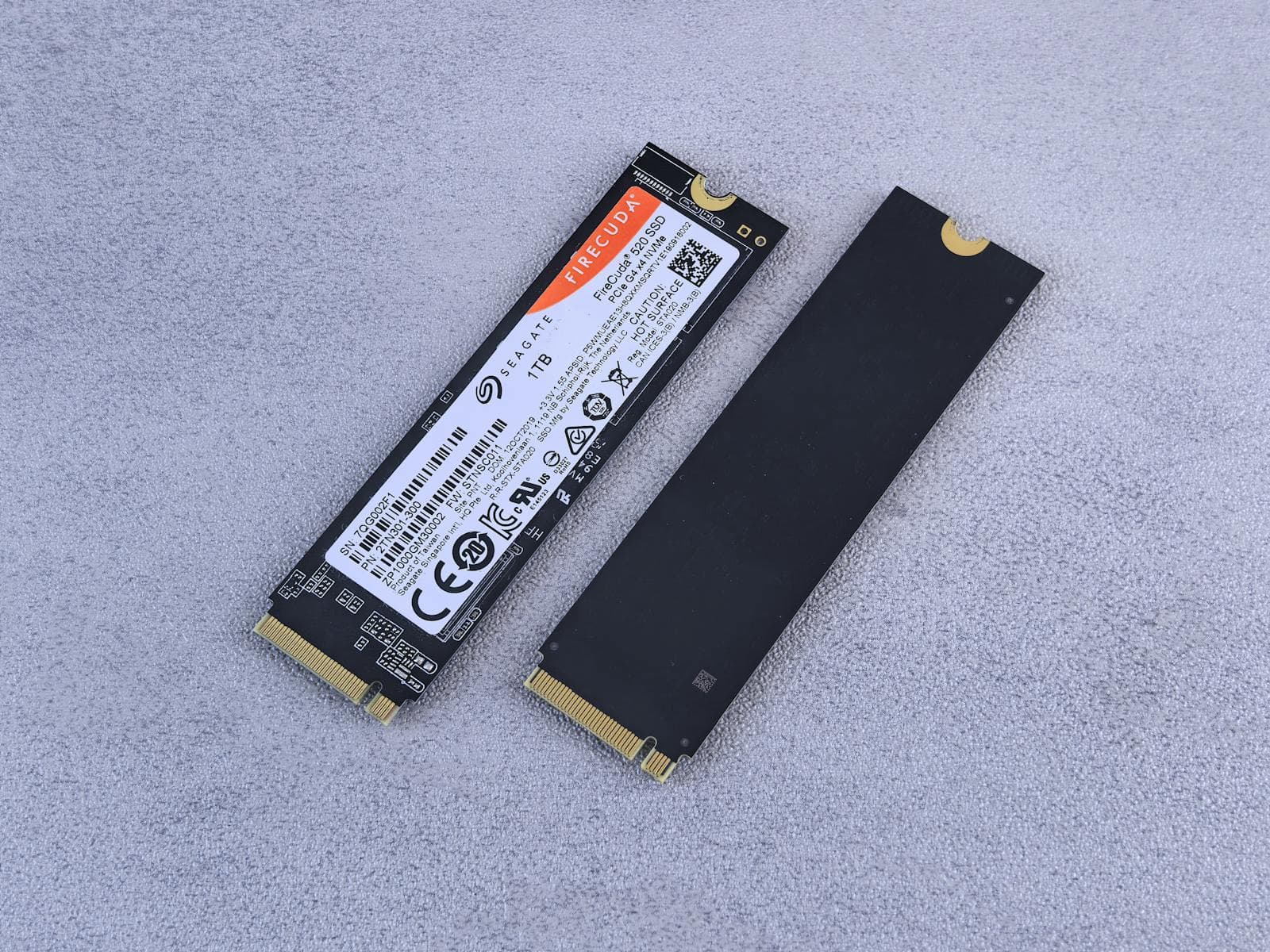
Best Gaming SSD Picks at a Glance
All speed and price data is sourced from the MaxMyBuild database, which currently tracks over 99 in-stock NVMe SSDs across capacities from 500GB to 4TB. This guide focuses on 1TB and 2TB, which cover the majority of gaming builds. Sequential speeds are manufacturer-rated at full-speed operation. Prices are the lowest current US retail price tracked across Amazon, Newegg, and B&H as of June 2026.
| Drive | PCIe Gen | Capacity | Seq. Read | Seq. Write | Cache | Price |
|---|---|---|---|---|---|---|
| WD Black SN7100 | Gen4 x4 | 1TB | 7,250 MB/s | 6,900 MB/s | HMB | ~$190 |
| Samsung 990 PRO | Gen4 x4 | 1TB | 7,450 MB/s | 6,900 MB/s | 1GB DDR4 | ~$220 |
| WD Black SN850X | Gen4 x4 | 1TB | 7,300 MB/s | 6,300 MB/s | 1GB LPDDR4 | ~$230 |
| Crucial T500 | Gen4 x4 | 1TB | 7,300 MB/s | 6,800 MB/s | 1GB LPDDR4 | ~$230 |
| Crucial P310 | Gen4 x4 | 1TB | 7,100 MB/s | 6,000 MB/s | HMB | ~$175 |
| Kingston NV3 | Gen4 x4 | 1TB | 6,000 MB/s | 4,000 MB/s | None | ~$155 |
| Samsung 980 | Gen3 x4 | 1TB | 3,500 MB/s | 3,000 MB/s | HMB | ~$140 |
| Crucial T700 w/ heatsink | Gen5 x4 | 2TB | 12,400 MB/s | 11,800 MB/s | 4GB LPDDR4 | ~$235 |
| WD Black SN7100 2TB | Gen4 x4 | 2TB | 7,250 MB/s | 6,900 MB/s | HMB | ~$295 |
| Samsung 9100 PRO | Gen5 x4 | 1TB | 14,700 MB/s | 13,300 MB/s | 1GB LPDDR4X | ~$250 |
| WD Blue SA510 | SATA | 1TB | 560 MB/s | 520 MB/s | SLC buffer | ~$178 |
Does SSD Speed Actually Matter for Gaming?
For load times, yes. For frame rates, no.
The GPU handles all rendering. Once a game is running, your SSD's job is done. Drive speed only affects you when the game is loading: maps, levels, textures, and assets at startup or during transitions between areas.
The practical impact depends heavily on what you play. Older games with compact world structures show almost no difference between storage tiers. Open-world games that stream assets continuously as you move through the world, like Cyberpunk 2077 or Microsoft Flight Simulator, show the clearest differences — but context matters. The biggest load time jump by far is going from an HDD to any SSD. Going from a SATA SSD to a Gen4 NVMe shaves a few seconds off the longest loads in demanding titles, but the gap is not dramatic. Going from budget Gen4 to top-tier Gen5 NVMe is rarely measurable in real gaming sessions.
DirectStorage, Microsoft's API (application programming interface) that lets the GPU pull assets directly from the SSD without routing through the CPU, has added a secondary consideration (requires Windows 11 and a DirectX 12 Ultimate GPU). Games built with DirectStorage show noticeably faster level loading on NVMe drives compared to SATA, and marginally faster on Gen5 versus Gen4. Most major titles released after 2024 support it.
The bottom line: NVMe over SATA is worth it for any new build. Gen5 over Gen4 is only worth paying for if you do more than gaming.
NVMe vs SATA for Gaming: What Is the Real Difference?
NVMe (Non-Volatile Memory Express) drives connect via the M.2 slot on your motherboard and use the PCIe bus, the same high-speed interface your GPU uses. SATA SSDs connect either via a 2.5-inch drive bay with a separate cable, or via an M.2 slot running at SATA speeds (the connector looks identical to NVMe but runs at a fraction of the speed).
The performance difference is substantial:
| Type | Sequential Read | Real Gaming Impact |
|---|---|---|
| PCIe Gen5 NVMe | 10,000–14,700 MB/s | Fastest loads; no advantage over Gen4 for gaming |
| PCIe Gen4 NVMe | 6,000–7,450 MB/s | Best choice for most builds in 2026 |
| PCIe Gen3 NVMe | 3,000–3,500 MB/s | Adequate for gaming; Samsung 980 1TB ($140) is the budget pick if saving $15 over the NV3 matters |
| SATA SSD | 500–560 MB/s | Fine as secondary storage; not recommended as primary |
| HDD | 80–200 MB/s | Avoid as a game drive |
The price gap between budget NVMe and SATA has narrowed sharply since 2023. A Kingston NV3 1TB NVMe runs around $155. A WD Blue SA510 SATA 1TB runs around $178. SATA is actually more expensive at that capacity comparison, making the case for SATA as a primary drive difficult to justify for a new build.
Where SATA still makes sense: as a cheap high-capacity secondary drive for games you do not play often, or replacing an HDD in an older build with no free M.2 slots.
For a full head-to-head on the interface decision, including why SATA now costs more than NVMe at every capacity and how to spot an M.2 drive that only runs at SATA speeds, see the NVMe vs SATA SSD guide. For why NVMe outperforms SATA and when an HDD still makes sense as secondary storage, see the SSD vs HDD for gaming guide.
How Much SSD Storage Does a Gaming PC Need?
For most gaming builds, 1TB is the minimum and 2TB is the sweet spot.
Modern games are storage-hungry. Call of Duty requires over 300GB for a full install. Cyberpunk 2077 with its expansion tops 100GB. Microsoft Flight Simulator with add-ons exceeds 200GB. On a 1TB drive, you can comfortably store your OS, apps, and 10–15 games simultaneously, assuming a mix of large and smaller titles. On 2TB, that concern largely disappears.
The most practical storage setup for a gaming build:
- 1TB NVMe as your primary drive (OS, applications, active game library)
- 2TB secondary drive added later for games you want installed but are not actively playing
Starting with 1TB and adding secondary storage over time is cheaper than buying 2TB upfront for most builds. The exception: if you already have a large library, record gameplay footage to the same drive, or regularly play multiple storage-heavy titles at once, buy 2TB from the start.
Best 1TB NVMe SSD for Gaming: Full Tier Breakdown
The 1TB options below run from a Gen3 budget pick at $140 to a DRAM-backed enthusiast drive at $230. For pure gaming, the sweet spot is the Kingston NV3 at $155 or the Crucial P310 at $175 — both hit speeds where gaming load times stop improving meaningfully. The drives above $180 add real value for mixed-use workloads but deliver no measurable gaming load-time gain over budget Gen4.
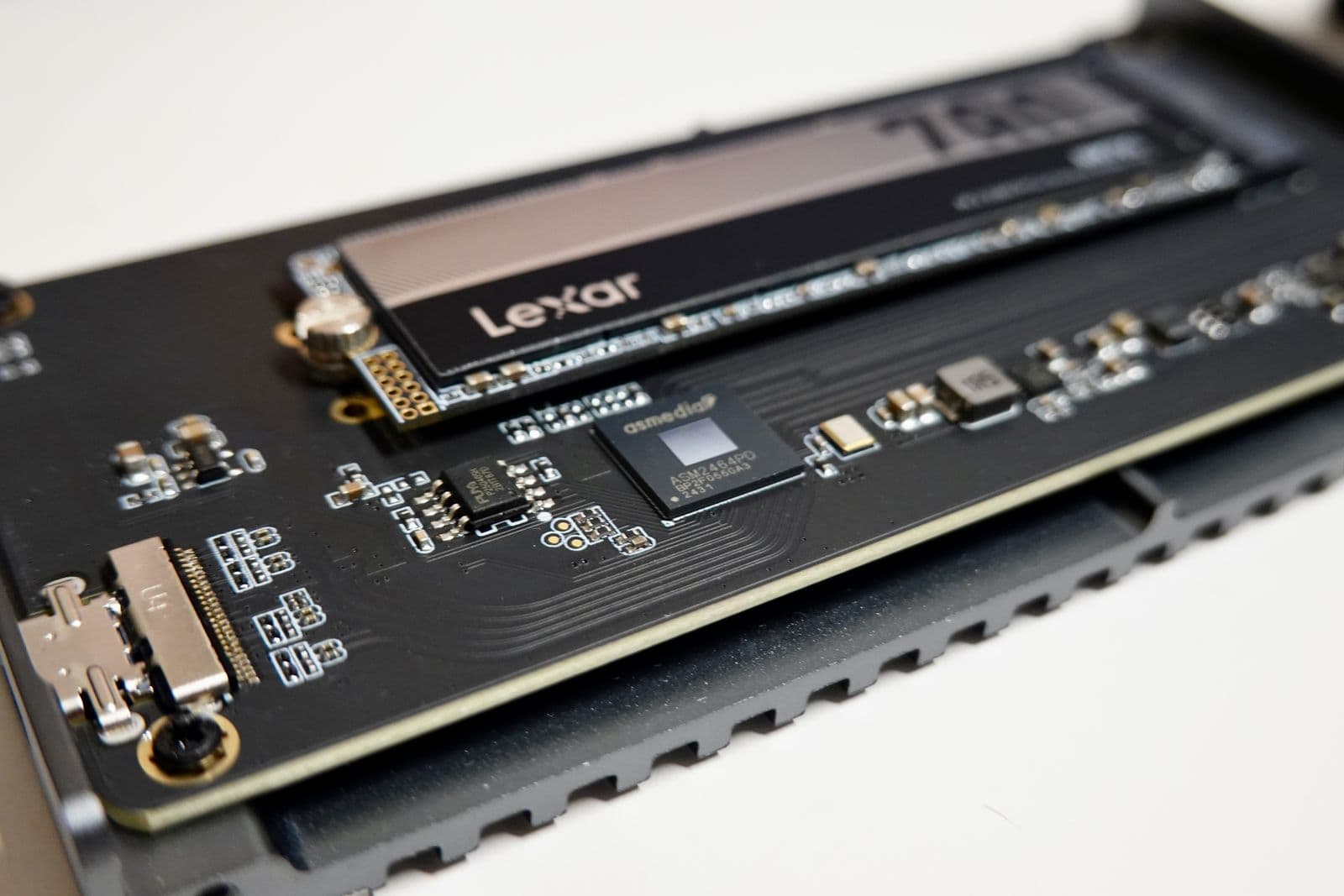
Samsung 980 1TB: Best Gen3 Budget Option ($140)
The Samsung 980 1TB ($140) is the pick for builders on the tightest budget. PCIe Gen3 x4, 3,500/3,000 MB/s, TLC NAND, HMB caching. At the Gen3 ceiling of 3,500 MB/s, it delivers adequate gaming load times and full DirectStorage compatibility — the speed range where the biggest gains over SATA are already realized.
At $15 less than the NV3, the trade-off is a drop from 6,000 MB/s to 3,500 MB/s sequential read. For gaming, that difference is small: the practical load time benefit between 3,500 MB/s and 6,000 MB/s is marginal. For large file installs, the NV3 is noticeably faster. For pure gaming on the tightest budget, the 980 is a reasonable call.
Buy the Samsung 980 1TB on Amazon ($140)
Kingston NV3 1TB: Cheapest Reliable Gen4 NVMe ($155)
The Kingston NV3 1TB ($155) is the lowest-priced Gen4 NVMe drive in this guide worth recommending. PCIe 4.0 x4, 6,000/4,000 MB/s sequential speeds, M.2 2280 form factor. No DRAM cache, which means sustained write performance can drop during large file transfers, but gaming loads arrive in short bursts rather than continuous streams, so the NV3 handles typical gaming workloads cleanly.
The trade-off against the Crucial P310 is clear: the NV3 costs $20 less but writes at 4,000 MB/s vs 6,000 MB/s. For gaming day-to-day, that write speed difference shows up during game installs and updates, not during play. If budget is the hard ceiling, the NV3 delivers.
Buy the Kingston NV3 1TB on Amazon ($155)
Crucial P310 1TB: Gen4 Speed Ceiling at Near-Budget Price ($175)
The Crucial P310 1TB ($175) hits 7,100/6,000 MB/s, placing it within 5% of the most expensive Gen4 picks at a $15–$20 discount. It uses HMB (Host Memory Buffer, a method where the drive borrows a small portion of system RAM as a cache instead of using a dedicated DRAM chip) to manage the TLC NAND efficiently. For gaming workloads, the HMB implementation performs well.
At $175 versus the NV3's $155, the extra $20 buys a 50% jump in write speed and nudges sequential reads to the gaming performance ceiling. For pure gaming, that $20 is more impactful spent on GPU or RAM — the NV3 handles game loads fine. The P310 makes sense if you want to squeeze the last bit of load-time performance out of your storage and the budget allows it.
Buy the Crucial P310 1TB on Amazon ($175)
WD Black SN7100 1TB: Best Sustained Write Performance ($190)
The WD Black SN7100 1TB ($190) is the step up for builds where sustained write performance matters. PCIe 4.0 x4, 7,250/6,900 MB/s, HMB caching. Western Digital's HMB implementation maintains consistent performance under sustained pressure without the write speed drops that cheaper DRAM-less drives show.
At $190, it costs $35 more than the NV3 and $15 more than the P310 for a marginal sequential speed increase. For pure gaming, that premium adds nothing measurable to load times. Where the SN7100 earns its place is in builds that mix gaming with regular large file work — game recording, software development, light content creation — where the sustained write headroom shows up in day-to-day use rather than benchmark loads.
At $190, it undercuts the Samsung 990 PRO by $30 with only a 200 MB/s read difference; for mixed-use builders who want a step up without going to full DRAM, it is the better value over the 990 PRO.
Buy the WD Black SN7100 1TB on Amazon ($190)
Samsung 990 PRO 1TB: Best for Mixed-Use Builds ($220)
The Samsung 990 PRO 1TB ($220) adds a 1GB DDR4 DRAM cache and reaches 7,450/6,900 MB/s. Dedicated DRAM is the key difference from the SN7100: it gives the drive a consistent fast path for frequently accessed data without borrowing system RAM. In sustained write workloads such as large game updates, recording gameplay to the same drive, or video editing, the 990 PRO maintains higher speeds for longer before slowing down.
For pure gaming, the DRAM advantage over HMB is marginal day-to-day. Where it matters is mixed-use: if you edit video, stream footage to disk, or work with large files alongside gaming, the 990 PRO is the upgrade worth making. Samsung's firmware reliability record on NVMe is among the best in the market.
Buy the Samsung 990 PRO 1TB on Amazon ($220)
WD Black SN850X 1TB: PC and PS5 Compatible ($230)
The WD Black SN850X 1TB ($230) is one of the few NVMe drives officially compatible with PS5 storage expansion alongside PC use. PCIe Gen4, 7,300/6,300 MB/s, 1GB LPDDR4 DRAM. Write speed is slightly lower than the 990 PRO at 6,300 vs 6,900 MB/s, but real-world gaming performance between the two is indistinguishable.
The SN850X costs $10–15 more than the 990 PRO for slightly lower specs. The reason to choose it over the SN7100 or 990 PRO is PS5 compatibility, which neither of those offer. For a PC-only system, the SN7100 gives better value.
Buy the WD Black SN850X 1TB on Amazon ($230)
Best 2TB NVMe SSD for Gaming
2TB NVMe is more expensive per gigabyte than 1TB, but eliminates the install shuffling that large game libraries require. If you play titles like Call of Duty, modern FIFA, or Flight Simulator alongside a varied library, 2TB is the more practical starting point.
Crucial T700 2TB with Heatsink: Best Value 2TB by a Wide Margin
The Crucial T700 2TB with heatsink ($235) is the standout value in this guide. It is a PCIe Gen5 drive priced below most PCIe Gen4 2TB alternatives: 12,400/11,800 MB/s sequential speeds, 4GB LPDDR4 DRAM, and the included heatsink prevents thermal throttling on builds without M.2 heatsink covers on the board.
To put the value in context: the WD Black SN7100 2TB costs $295 with Gen4 speeds of 7,250/6,900 MB/s. The T700 2TB with heatsink costs $60 less for Gen5 speeds that are 70% higher. This pricing gap is real: the T700 launched in 2023 and prices have dropped substantially since then, while the SN7100 is a 2025 drive still at launch pricing. The 4GB DRAM buffer means sustained write performance holds up better than any other drive in this guide.
One compatibility note: the T700 is a Gen5 x4 drive. It runs at full 12,400 MB/s only in a PCIe 5.0 M.2 slot. In a Gen4 M.2 slot, it falls back to Gen4 speeds (around 7,000 MB/s), which is still competitive with any Gen4 drive. Most B850, X870, Z890, and B860 boards have at least one Gen5 M.2 slot, but check your motherboard's M.2 slot specifications before buying. The motherboard and CPU socket compatibility guide covers how to verify this.
Buy the Crucial T700 2TB with heatsink on Amazon ($235)
WD Black SN7100 2TB: Hard to Justify Over the T700
The T700 is backward compatible — it falls back to around 7,000 MB/s in a Gen4 M.2 slot, which is comparable to the SN7100 2TB's 7,250 MB/s while costing $60 less. The SN7100 2TB has no clear win case: it is slower and more expensive in a Gen5 slot, and only marginally faster in a Gen4 slot at a $60 premium. The T700 is the better pick either way.
Buy the WD Black SN7100 2TB on Amazon ($295)
PCIe Gen5 NVMe: Is It Worth It for Gaming in 2026?
PCIe Gen5 NVMe drives hit 12,000–14,700 MB/s sequential reads — nearly double the throughput of a fast Gen4 drive.
For gaming, that speed advantage is mostly invisible. Games are not built to stream data at 14,000 MB/s. The bottleneck during game loading has always been the game's own asset-streaming code, not the drive. Benchmarks from Gamers Nexus and Hardware Unboxed consistently show under 2 seconds of load time difference between Gen4 and Gen5 NVMe in gaming, well within the margin most players will never notice in real sessions.
Where Gen5 does deliver real impact:
- Large file transfers (copying game libraries, moving recorded footage)
- Video editing with large source files
- 3D rendering, photogrammetry, or data science workloads
- Workstation use alongside gaming
For a gaming-only build, stick with Gen4 and redirect the premium toward GPU or RAM. If you genuinely need Gen5 throughput, the Crucial T700 2TB with heatsink ($235) is the right call — it delivers Gen5 speeds with twice the capacity of a 1TB Gen5 drive at a lower price. The Samsung 9100 PRO 1TB ($250) exists for builders who specifically need a compact 1TB Gen5 drive, but the T700 2TB undercuts it by $15 with more storage, making the 9100 PRO a hard sell for most.
Best SATA SSD for Gaming: Budget and Secondary Storage
SATA SSDs make sense in two situations in 2026: replacing an HDD in an older build with no M.2 slot available, or adding cheap high-capacity secondary storage to hold games you play infrequently.
For a brand-new gaming build, SATA is not the primary drive recommendation. Budget NVMe drives are now priced competitively and are significantly faster. But for a secondary 2TB drive that holds overflow games, SATA is cheaper per gigabyte than NVMe at that capacity.
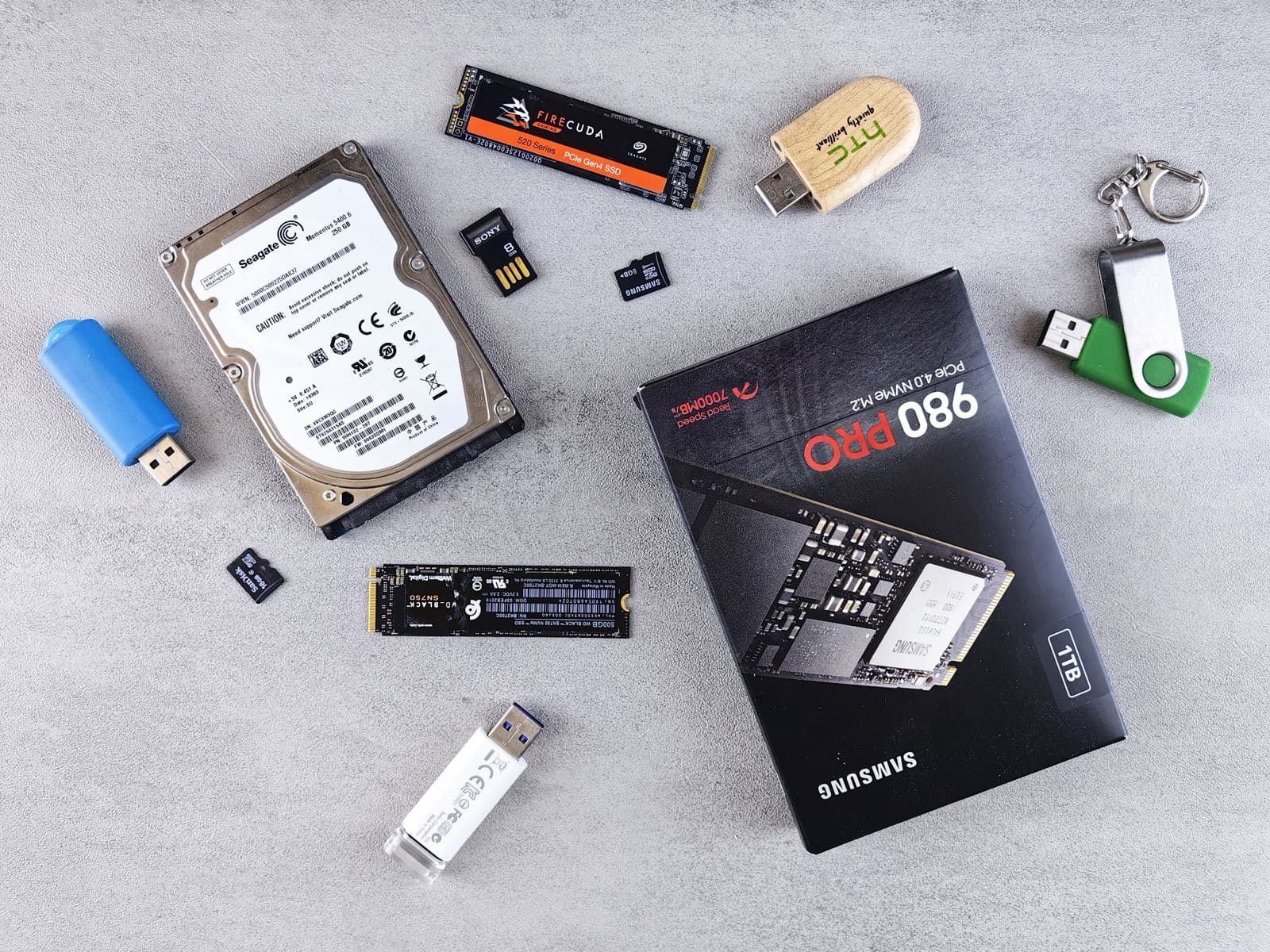
WD Blue SA510 1TB: The Reliable SATA Pick
The WD Blue SA510 1TB ($178) is the SATA recommendation for primary use in older builds without an M.2 slot. 560/520 MB/s, 2.5-inch form factor with a standard SATA data cable. An SLC write cache layer keeps sequential performance consistent at SATA speeds. Western Digital's reliability record on SATA drives is well-documented across years of real-world use.
At $178, it costs roughly the same as the Crucial P310 NVMe at $175. That price comparison is the clearest illustration of why NVMe is the default for new builds: same cost, 13x the sequential read speed.
Buy the WD Blue SA510 1TB on Amazon ($178)
ADATA Ultimate SU650 1TB: Cheapest Reliable SATA Option
The ADATA Ultimate SU650 1TB ($153) is the budget SATA option. 550/510 MB/s, M.2 2280 SATA form factor (connects via M.2 slot but runs at SATA speeds, not NVMe). No DRAM, but SATA speeds are slow enough that the bus itself is the bottleneck rather than the cache implementation. For a secondary storage drive where you load infrequently-played games, it works.
One point to confirm before buying: the SU650 uses an M.2 form factor with a SATA interface. If your board only has NVMe-capable M.2 slots and no SATA M.2 support, this drive will not work in them. Check your motherboard spec sheet.
Buy the ADATA SU650 1TB on Amazon ($153)
Crucial BX500: The 2TB Secondary Storage Pick
The Crucial BX500 is available in 1TB ($175) and 2TB ($247) in 2.5-inch form factor. QLC NAND (Quad-Level Cell, a higher-density NAND type with lower write endurance than TLC), 540/500 MB/s. No cache.
The BX500 is not a primary drive recommendation due to its QLC endurance rating (360TBW on 1TB, 720TBW on 2TB) and lack of any caching. For secondary game library storage where writes are infrequent and sequential, it performs adequately and the 2TB option at $247 undercuts most NVMe 2TB drives by $50–$90.
Buy the Crucial BX500 2TB on Amazon ($247)
What Specs Actually Matter on a Gaming SSD
Spec sheets are padded with numbers that look impressive but rarely affect gaming. Here is what actually matters.
Sequential Read and Write Speeds
These are the headline numbers: "7,250 MB/s read, 6,900 MB/s write." They reflect peak throughput during large, continuous file transfers. For gaming, sequential read determines how fast large map files and asset packs load into memory. Sequential write determines how fast games install and update.
For gaming, the meaningful speed thresholds are: 3,500 MB/s is the floor where DirectStorage operates efficiently (reached by Gen3 NVMe). Beyond that, there is a gradual benefit through to roughly 7,000 MB/s — where the game's asset loading pipeline runs out of ability to absorb more throughput. Above 7,000 MB/s, you are paying for speed the game engine cannot use. This is why budget Gen4 NVMe is the practical sweet spot and Gen5 adds nothing to gaming.
DRAM Cache vs HMB vs No Cache
This is the spec that separates drives within the same speed tier. Drives manage their data map (tracking where each file is stored physically on the NAND) in different ways:
- Dedicated DRAM (Samsung 990 PRO, WD Black SN850X, Crucial T700): A separate DRAM chip on the drive holds the map. Fastest and most consistent under sustained workloads.
- HMB, Host Memory Buffer (WD Black SN7100, Crucial P310, Crucial T500): Borrows a small slice of your system RAM for the map. Slower than dedicated DRAM but significantly better than no cache. Most modern gaming drives at this price tier use HMB effectively.
- No cache (Kingston NV3, some entry options): The drive manages the map in slower NAND memory. Performance drops noticeably during sustained writes. Acceptable for gaming loads, which are mostly reads with short write bursts.
For gaming only, HMB is sufficient. For mixed-use builds with frequent large writes, DRAM-backed is worth the premium.
Form Factor: M.2 2280 Is the Standard
Almost every NVMe SSD in this guide uses the M.2 2280 form factor: a stick 22mm wide and 80mm long. Most motherboards support this size. A few compact boards and laptops use 2230 or 2242 sizes; check your motherboard manual before buying if uncertain.
SATA SSDs come in 2.5-inch (traditional drive bay) or M.2 SATA (same physical stick as NVMe but with SATA interface). When building new, use M.2 slots exclusively for NVMe drives.
TBW Endurance
TBW (Total Bytes Written) is the manufacturer's endurance estimate. For a gaming PC writing 20–30GB per day through typical game installs and updates, a 600TBW drive will last well over 50 years at that pace. TBW is not a real concern for gaming builds. It matters for NAS and server workloads with constant heavy writes.
Installing Your SSD: What to Know Before You Build
For the full step-by-step process, the how to build a gaming PC guide covers SSD installation in context alongside every other component. Quick summary:
M.2 NVMe installation steps:
- Locate the M.2 slot on your motherboard (usually under a heatsink cover labeled M.2_1)
- Remove the retaining screw at the far end of the slot
- Insert the drive at a roughly 30-degree angle and press flat toward the board
- Secure with the retaining screw
For heatsink-equipped drives like the Crucial T700 with heatsink: confirm the drive's included heatsink fits under your motherboard's M.2 cover. On most boards, the cover needs to be removed and the drive's own heatsink used in its place.
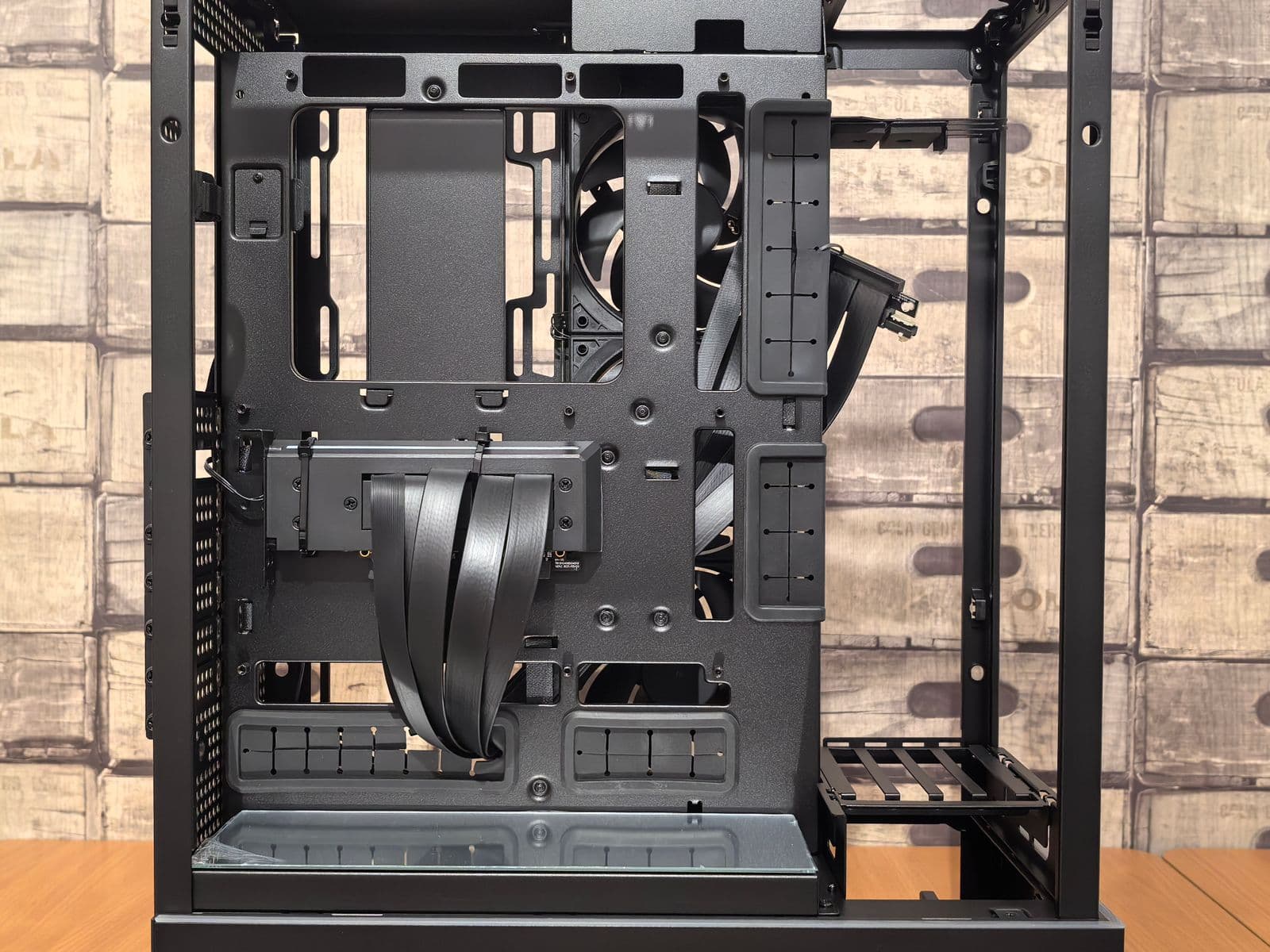
For 2.5-inch SATA drives, you need an available drive bay and a SATA data cable routed to a free SATA port on the motherboard. Most mid-tower cases include two to four 2.5-inch bays. On a tight budget build, see the gaming PC on a budget guide for how to balance storage against other component costs.
What the PC Builder Handles Automatically
Picking a compatible SSD manually means cross-referencing M.2 slot availability, PCIe generation support, heatsink clearance, form factor compatibility, and case storage options. One mismatched spec means a drive that does not fit or does not run at the speed you paid for.
The MaxMyBuild PC Builder handles storage selection automatically. Enter your budget and the builder selects a compatible NVMe drive from the same database behind this guide, confirms your motherboard has a free M.2 slot of the right generation, and shows current retail pricing. If you are building a full PC rather than swapping storage into an existing system, the builder removes the cross-referencing entirely.
For how PCIe slot generation and M.2 availability varies across chipsets, the PC build compatibility guide covers every compatibility check in order.