How to Choose a CPU for Gaming — Cores, Speed, and Budget Guide
This guide contains affiliate links. If you buy through them, we may earn a commission at no extra cost to you.
For gaming, choosing a CPU is simpler than it looks: your GPU does most of the work, and the CPU just needs to keep pace. Get a chip that matches your GPU tier, spend the rest of your budget on the GPU, and you'll never leave performance on the table.
If you want the matching handled automatically, the PC Builder at MaxMyBuild pairs every build with a CPU balanced to its GPU and resolution target — no benchmarking spreadsheets required.
Disclosure: Some links on this page are affiliate links — if you buy through them, MaxMyBuild earns a small commission at no extra cost to you. Prices listed were current at time of writing.
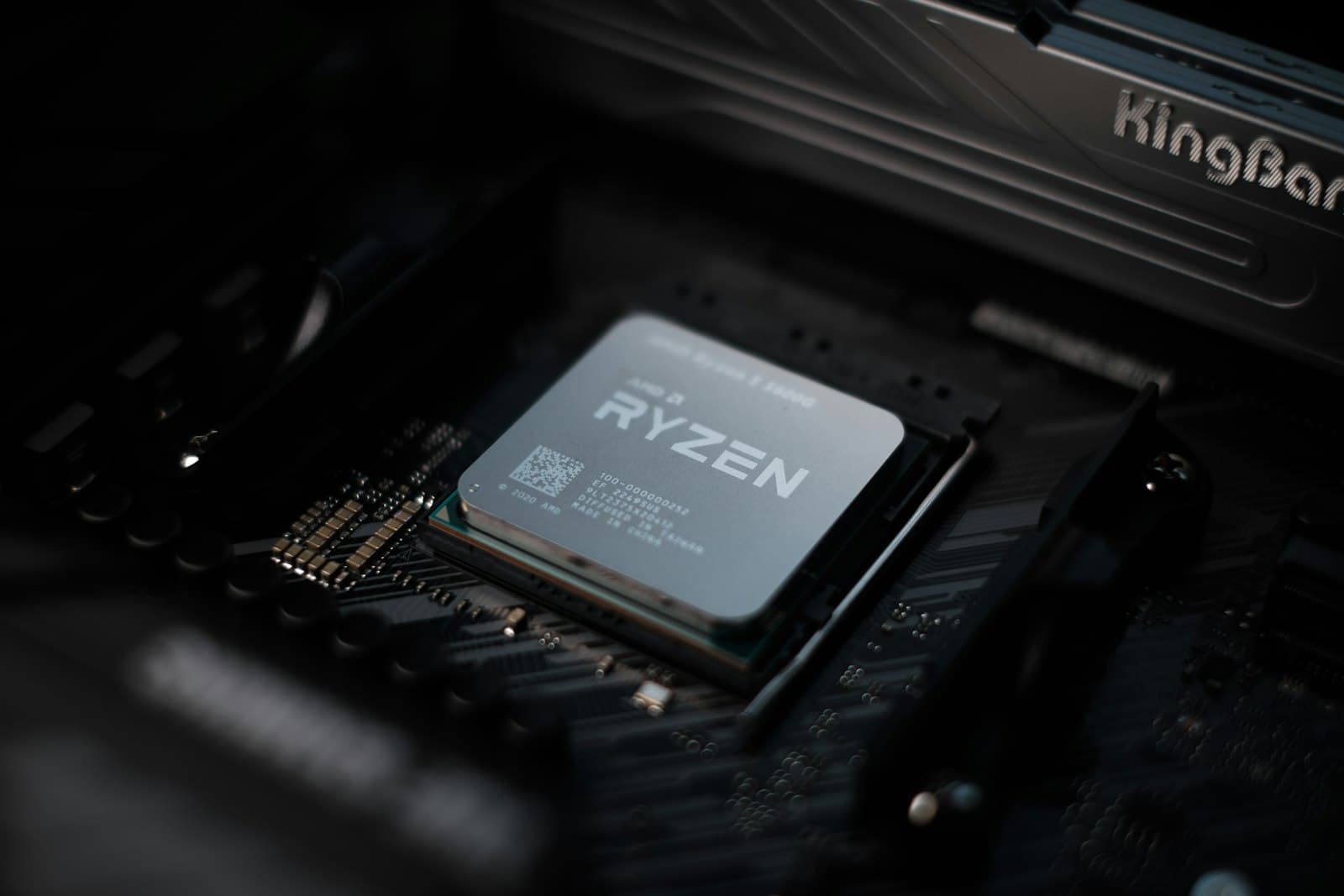
Quick CPU Selection by Budget
Pick the row that matches your budget. Gaming score is normalized to the Ryzen 7 9800X3D = 100, the fastest gaming CPU in the MaxMyBuild database. Scores are the geometric mean fps across games at 1080p — 1080p is used because it puts the most demand on the CPU; the GPU has fewer pixels to process, so the CPU becomes the limiting factor sooner and differences between chips show up more clearly. Prices are current retail at time of writing and vary.
| Price | CPU | Socket | Gaming Score | TDP |
|---|---|---|---|---|
| $107 | Core i3-14100F | LGA1700 | 57/100 | 58W |
| $180 | Ryzen 5 9600X | AM5 | 72/100 | 65W |
| $207 | Ryzen 5 7600 | AM5 | 59/100 | 65W |
| $245 | Core i5-14600KF | LGA1700 | 71/100 | 125W |
| ~$249 | Ryzen 7 5700X3D | AM4 | 66/100 | 105W |
| $303 | Ryzen 7 9700X | AM5 | 77/100 | 65–105W |
| $360 | Ryzen 7 7800X3D | AM5 | 88/100 | 120W |
| $440 | Ryzen 7 9800X3D | AM5 | 100/100 | 120W |
The jump from the Ryzen 5 9600X ($180, 72/100) to the Ryzen 7 9800X3D ($440, 100/100) costs $260 and gains about 39% in gaming performance in CPU-bound scenarios. That gap matters at 1080p with a fast GPU and high frame-rate targets; at 1440p and 4K, where the GPU becomes the bottleneck, it shrinks to near zero.
What Specs Actually Matter for Gaming CPUs
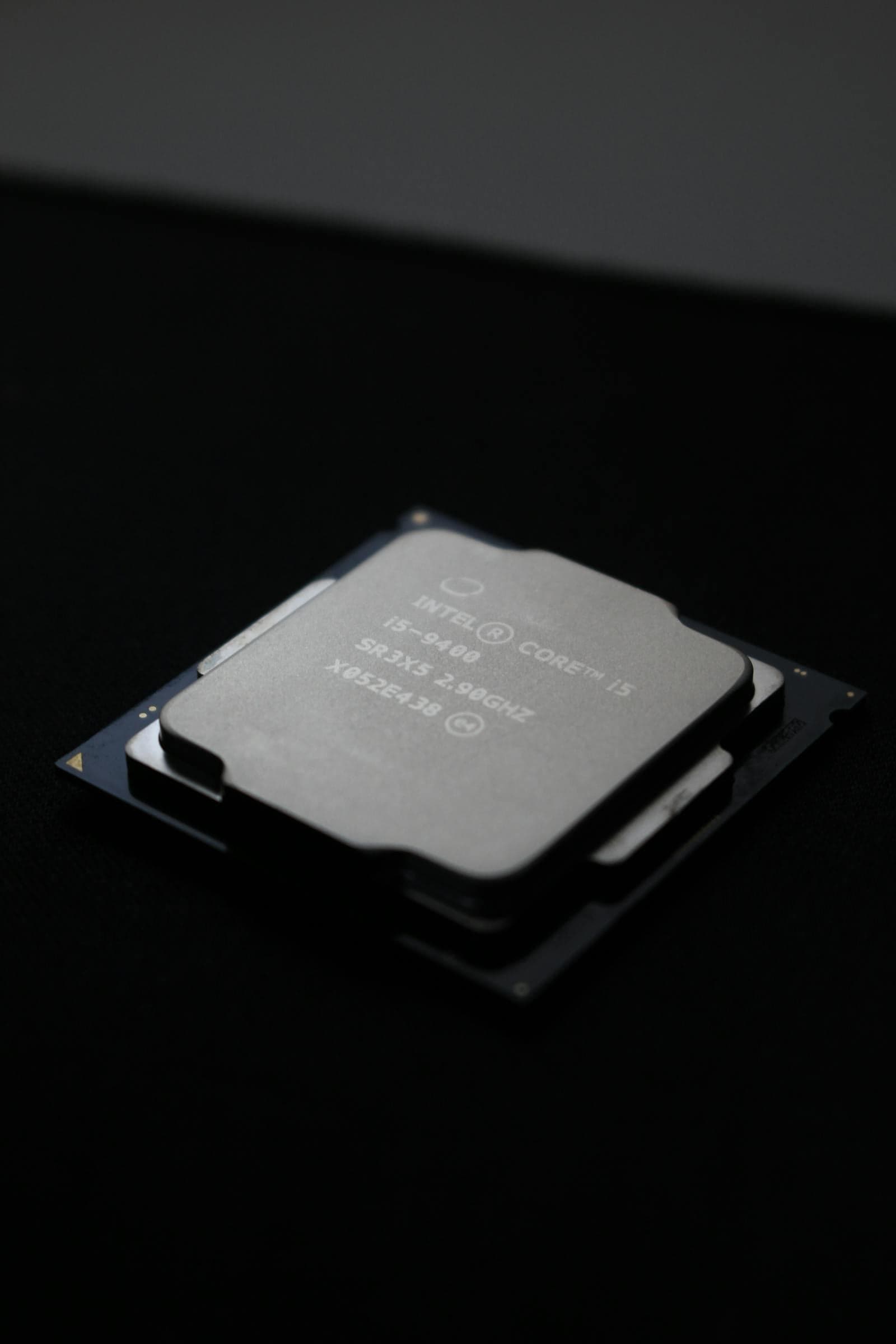
CPU spec sheets list a lot of numbers. Most of them have almost no relationship to gaming frame rate. Three do.
Clock speed and IPC (instructions per clock — how much work each CPU cycle completes) are the primary drivers of gaming frame rate. Games are mostly single-threaded: they produce one frame's worth of scene data on a small number of cores and hand it to the GPU. The faster each core runs and the more efficiently it processes instructions per cycle, the faster the CPU feeds frames. Clock speed is listed in GHz and easy to find; IPC is an architecture property that improves each generation, which is why a newer chip at the same GHz outperforms an older one.
L3 cache (Level 3 cache — the largest, slowest on-chip memory pool) is the hidden variable. When the CPU prepares a frame, it needs data: geometry, AI state, physics results. If that data fits in the L3 cache, the cores access it almost instantly. When it doesn't, the CPU stalls while it fetches from much slower system RAM. This is the entire principle behind AMD's 3D V-Cache — more L3 cache means fewer stalls and faster frame delivery to the GPU.
TDP (Thermal Design Power — the heat and power load the chip produces at rated operation) determines your cooler requirements and PSU (power supply) headroom. Budget chips draw 58–65W and work with a stock cooler. Unlocked mid-range and high-end chips draw 125–250W under sustained load and need a proper aftermarket cooler — the stock cooler won't handle it. Some chips (like the Ryzen 7 9700X) have a configurable TDP that scales from 65W to 105W via BIOS, giving you a trade-off between lower power draw and peak performance.
What not to stress about: core count above 8 (almost no games benefit), boost clock versus base clock (boost is the peak frequency the chip reaches when thermal and power headroom allows — it can sustain with adequate cooling, but spec sheet comparisons based on boost clocks alone are unreliable), and thread count. These numbers make spec sheets look impressive without meaningfully affecting gaming frame rate.
CPU Naming Schemes Explained
Once you know the pattern, you can decode any model number from either brand without looking it up.
AMD Ryzen
AMD's gaming lineup spans two current architectures on two sockets:
- Ryzen series number (the 5, 7, or 9 in "Ryzen 5," "Ryzen 7," "Ryzen 9") = primary performance tier: 5 is mainstream, 7 is high-end, 9 is flagship.
- First digit of model number = generation: 9xxx = 9000-series (Zen 5, current), 7xxx = 7000-series (Zen 4), 5xxx = 5000-series (Zen 3, AM4 only).
- Second digit of model number = sub-tier within the series: 8 (upper-end, e.g. 9800X3D), 6 (mid, e.g. 9600X), 3 (entry). Higher is faster within the same Ryzen series.
- Suffixes: X = higher boost clock than the base model. G = includes integrated graphics. X3D = 3D V-Cache — AMD's gaming-optimised chips that sit at the top of every benchmark.
Example: Ryzen 7 9800X3D = Ryzen 7 (high-end tier) + 9000-series (Zen 5, current) + sub-tier 8 (upper-end within the Ryzen 7 family) + X3D (3D V-Cache).
Intel Core i-series (12th–14th Gen, LGA1700)
Still widely available and solid value, though LGA1700 is Intel's outgoing platform:
- i3 / i5 / i7 / i9 = tier from entry to flagship.
- First two digits of the model number = generation: 12xxx = 12th gen (Alder Lake), 13xxx = 13th gen (Raptor Lake), 14xxx = 14th gen (Raptor Lake Refresh — nearly identical to 13th gen architecturally).
- K suffix = unlocked multiplier, overclockable — needs a Z-series motherboard and an aftermarket cooler. F suffix = no integrated graphics, typically $20–30 cheaper. Fine for gaming builds with a dedicated GPU. KF = both.
Example: Core i5-14600KF = tier i5 + 14th gen + K (overclockable) + F (no iGPU). The ~$245 price-to-performance sweet spot on LGA1700.
Intel Core Ultra 200 (Arrow Lake, LGA1851)
Intel's current platform, replacing the outgoing LGA1700:
- Core Ultra 5 / 7 / 9 = tier naming, replacing i5/i7/i9 on the new socket (the physical interface between CPU and motherboard).
- Three-digit model number: higher is faster within the same tier.
- K / KF suffixes work identically to the i-series conventions above.
Arrow Lake gaming performance is solid — the Core Ultra 7 265K (~$394) scores similarly to the Core i7-14700K. It doesn't match AMD's V-Cache lineup in gaming, but LGA1851 has a longer upgrade runway than LGA1700.
Critical rule: CPU numbers cannot be compared across AMD and Intel. A Ryzen 7 doesn't automatically beat a Core i7 — always compare by benchmark score, not naming tier.
Six Cores Is the Floor — Why More Cores Don't Help Gaming
Six cores is the practical minimum for gaming in 2026. Most modern titles parallelize across 4–8 cores and gain almost nothing from additional cores beyond that point. Above eight cores, the extra threads sit idle during gameplay while the active game threads run.
The Core i3-14100F makes the floor concrete at $107: four cores, a gaming score of 57/100, and it handles 1080p gaming cleanly paired with a budget GPU. The Ryzen 5 9600X at $180 has six cores and scores 72/100 — that 15-point gain comes almost entirely from better IPC and larger cache, not the additional two cores.
For gaming, buy clock speed and cache over core count. The 6-core Ryzen 5 9600X outperforms the 8-core Ryzen 7 7700 ($329, 64/100) in many titles because its Zen 5 cores run faster per thread — the architecture advantage outweighs the core count advantage.
The exception is streaming while gaming. A live encoder running in the background (OBS, Streamlabs) genuinely uses additional cores alongside the game. If you stream your gameplay, aim for 8+ cores — the Ryzen 7 9700X ($303, 77/100) or Core i7-14700F handle gaming and encoding simultaneously without starving either task.
3D V-Cache — AMD's Gaming-Specific Advantage
AMD's 3D V-Cache technology uses a vertical chip-stacking process to bond extra L3 cache to the CPU die. The Ryzen 7 9800X3D carries 96MB of L3 cache; a standard Ryzen 7 9700X has 32MB. That extra cache means game threads have far more data available on-chip, reducing the times the CPU stalls and waits for slower system RAM — and faster data access means faster frame delivery to the GPU.
The benchmark numbers make the effect concrete. The Ryzen 7 9800X3D scores 100/100; the Ryzen 7 9700X scores 77/100 at $137 less. That $137 premium buys roughly 30% more gaming performance in CPU-bound scenarios — the largest single-chip gaming uplift available in the MaxMyBuild database.
The Ryzen 7 5700X3D ($249, AM4) shows the same principle on the older platform: 66/100 at a price that beats everything else near that budget for gaming specifically. V-Cache overcomes AM4's lower memory bandwidth in the scenarios that matter most for games.
When 3D V-Cache is worth it:
- Gaming-first build targeting the maximum possible gaming performance
- Playing at 1080p with a fast GPU and a high frame-rate target (144fps, 240fps+) — CPU-limited scenarios where the extra cache pays off most
- Pairing with a high-end GPU (RTX 5080 tier or above) and you don't want any CPU ceiling
When 3D V-Cache isn't worth the premium:
- Gaming at 1440p or 4K — the GPU bottlenecks first, and the benchmark gap between 72/100 and 100/100 effectively disappears in practice
- Heavy non-gaming workloads (video rendering, Blender, code compilation) — standard chips often outperform 3D V-Cache in sustained multi-threaded tasks, because the extra cache doesn't help those workloads and can limit all-core thermal headroom
- Budget is the constraint — the $260 from a $180 Ryzen 5 9600X to a $440 9800X3D goes further spent on GPU at 1440p
The Ryzen 9 9900X3D ($599, 94/100) and 9950X3D ($699, 100/100) both exist in the database. The 9950X3D effectively ties the 9800X3D in gaming — paying an extra $220 for a chip that scores identically at 1080p is hard to justify for a gaming build.
AMD or Intel — How to Actually Decide
AMD wins on gaming performance per dollar across almost the entire price range. The Ryzen 7 9800X3D is the fastest gaming CPU in the database. The Ryzen 5 9600X at $180 scores 72/100 — ahead of every Intel chip under $300 in CPU-limited gaming scenarios. AMD's AM5 platform has confirmed future CPU generations planned, while Intel's LGA1700 is end-of-life.
Intel wins at budget entry and trades blows in the mid-range. The Core i3-14100F at $107 is the cheapest viable gaming CPU on any current platform — there is no AM5 equivalent near that price. The Core i5-14600KF ($245, 71/100) now competes with the Ryzen 5 9600X ($180, 72/100) — AMD's price drop makes the 9600X the stronger value, scoring higher at $65 less, though both are dead-end platforms with no future CPU upgrades.
For workloads beyond gaming, mid-range Intel and AMD non-V-Cache chips are evenly matched. Video editing, rendering, and multi-threaded productivity tasks don't benefit from 3D V-Cache and perform similarly across both brands at comparable prices. If gaming is one of several workloads, pick whichever platform appeals — the difference in those tasks won't be the deciding factor.
Platform longevity is the deciding factor if you plan to upgrade the CPU later. AM5 has future Ryzen generations confirmed. LGA1700 is done — no further Intel CPU generations will support it. LGA1851 is Intel's current answer, but the chip lineup is still maturing. If you're buying a motherboard intending to upgrade the CPU in two or three years, AM5 is the cleaner choice.
The CPU-GPU Pairing — How Much CPU You Actually Need
A CPU bottleneck happens when the GPU renders frames faster than the CPU can prepare them — the GPU stalls, and your frame rate drops below the GPU's actual capability. How often this happens depends almost entirely on resolution. For the full breakdown of how to spot one and what to do about it, see the what is a PC bottleneck guide.
At 1080p, the GPU renders faster because there are fewer pixels per frame. With a fast GPU and a high frame-rate target (144fps, 240fps+), the CPU ceiling becomes real — this is the scenario where V-Cache chips pull away from the field. A Ryzen 5 9600X ($180) handles 1080p gaming at high frame rates with most GPU tiers, but pairing a budget CPU with a flagship GPU at 1080p 240fps+ will expose the gap.
At 1440p, the GPU processes significantly more work per frame. A Ryzen 5 7600 ($207) won't hold back an RTX 5070 or RX 9070 in the vast majority of 1440p titles — the CPU overhead is too small relative to GPU render time for the bottleneck to appear.
At 4K, the GPU is almost always the limiting factor. Render time at 4K is long enough that the CPU has ample time to prepare the next frame. A $229 CPU paired with an RTX 5080 at 4K produces frame rates nearly identical to a $479 CPU in the same setup.
A rough matching guide:
| GPU Tier | Target 1080p CPU | Target 1440p CPU |
|---|---|---|
| Budget (Arc B580, RTX 5060) | Any $107+ | Any $207+ |
| Mid-range (RTX 5070, RX 9070) | Ryzen 5 9600X ($180)+ | Ryzen 5 7600 ($207)+ |
| High-end (RTX 5080, RX 9070 XT) | Ryzen 7 9800X3D ($440) for max fps | Ryzen 7 9700X ($303)+ |
| Flagship (RTX 5090) | Ryzen 7 9800X3D ($440) | Ryzen 7 9700X ($303)+ |
The consistent pattern: 1440p and 4K let you spend less on CPU and more on GPU. 1080p at high refresh rates is the scenario where CPU investment actually converts to extra frames.
Platform Considerations — AM5, LGA1700, and LGA1851
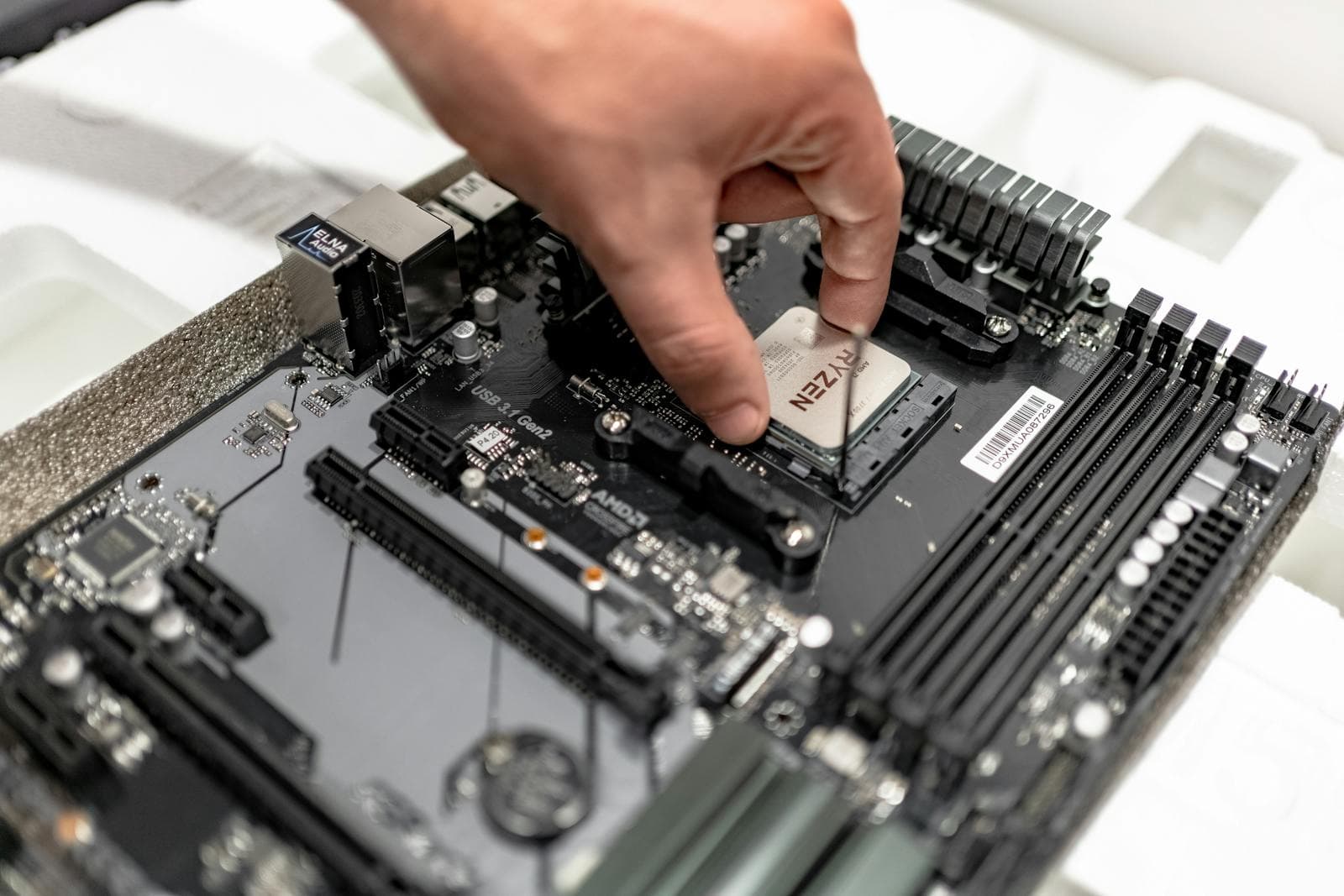
The platform — socket plus chipset — determines which CPUs your motherboard supports and how long you can upgrade without replacing the board.
AM5 (Ryzen 7000/9000-series): The current AMD platform. Supports Zen 4 and Zen 5 today, with additional generations confirmed through at least 2027. Requires DDR5 (the current generation of high-speed RAM — faster and more power-efficient than DDR4, the previous standard). AM5 is the right choice if platform longevity matters — buy the board now, upgrade the CPU to a future Ryzen generation without touching the motherboard.
LGA1700 (Intel 12th–14th gen): Intel's outgoing platform. No future CPU generations will support this socket. It remains excellent value — the Core i5-14600KF is a strong gaming chip — but you're buying a dead end. Supports both DDR4 and DDR5 depending on the specific motherboard, which can be a cost advantage if DDR4 pricing is significantly lower at the time of building. For the full DDR4 vs DDR5 breakdown, see the RAM compatibility guide.
LGA1851 (Intel Core Ultra 200 / Arrow Lake): Intel's current platform. Supports Core Ultra 200-series today with future generations planned. Requires DDR5. Gaming performance at comparable prices doesn't yet match AM5's V-Cache lineup, but it's Intel's correct long-term platform if Intel is your preference.
Bottom line: AM5 for the best gaming chips and platform longevity. LGA1700 if you want maximum value now and won't upgrade the CPU. LGA1851 if you prefer Intel on a current platform.
Once your platform is locked in, the best gaming motherboard guide for 2026 covers board picks at every price point for B650, B850, X870, B860, and Z890.
What to Check Before You Buy
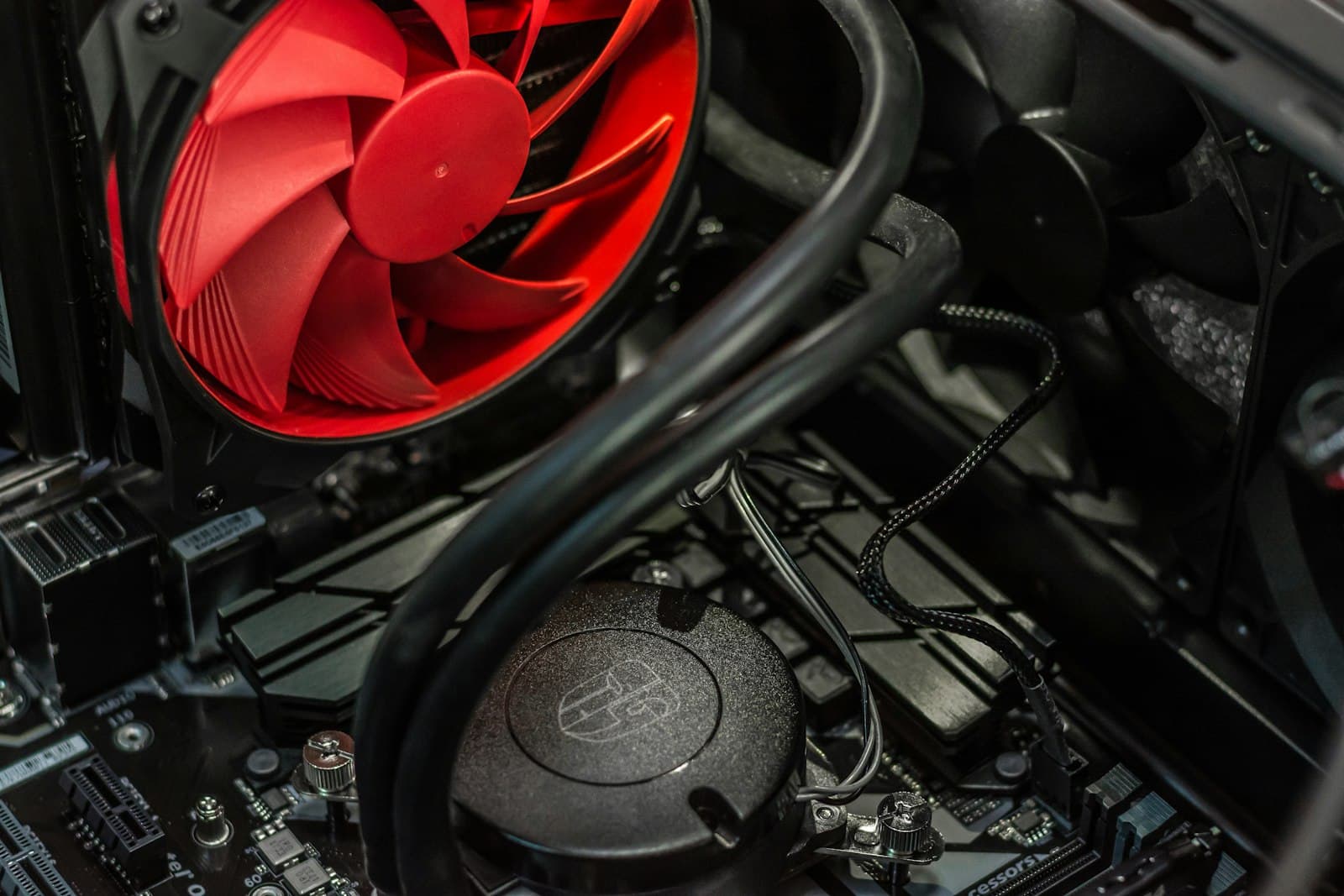
Cooler requirements. Chips without a stock cooler listed in the spec sheet — Core i5-14600KF, Ryzen 5 9600X, Ryzen 7 9700X, Ryzen 7 9800X3D — need an aftermarket cooler purchased separately. Budget $35–$80 for a mid-range tower air cooler. The Ryzen 7 9800X3D's 120W TDP is manageable with any decent dual-tower or mid-range AIO (all-in-one liquid cooler). For specific picks at every price point, see the best CPU cooler guide for 2026. See the CPU cooler height and clearance guide before ordering to confirm the cooler fits your case.
DDR5 vs DDR4. AM5 and LGA1851 require DDR5 — no DDR4 option exists on either platform. LGA1700 motherboards come in DDR4 and DDR5 variants; check the specific board's spec sheet before buying RAM. See the RAM compatibility guide for the full breakdown including XMP speed settings.
Socket compatibility is absolute. A Ryzen 9000-series CPU will not physically fit an LGA1700 motherboard, and no adapter exists. Confirm the CPU socket matches the motherboard before ordering either component. The motherboard and CPU socket compatibility guide covers this in full.
F-suffix Intel CPUs have no integrated graphics. Core i3-14100F, Core i5-14600KF — these chips produce no display output without a dedicated GPU. For a gaming build that always has a GPU installed, this is not an issue and the lower price is worth taking. If you ever need to boot the system without a GPU to diagnose hardware, you'll need the non-F variant or an AMD G-suffix chip instead.
13th and 14th gen Intel BIOS update. If you buy a Core i-series 13th or 14th gen chip, confirm your motherboard has the latest BIOS installed — manufacturers released a microcode fix (the "Vmin Shift" update) to address a CPU degradation issue that affected some early units. Most boards have shipped with it applied for over a year, but verify before first boot.
Does MaxMyBuild Handle This Automatically?
Yes. The PC Builder at MaxMyBuild selects a CPU matched to your GPU, resolution target, and budget. The bottleneck logic above runs automatically — you won't see a $479 CPU paired with a budget GPU, or a flagship GPU paired with a chip that limits it.
For the full list of compatibility checks the PC Builder runs before generating a build, see the PC build compatibility complete guide.
Frequently Asked Questions
How many cores do I need for gaming?
Six is the practical floor in 2026. Most games run on 4–8 cores and gain nothing from more — above eight, additional cores sit idle during gameplay. For gaming, clock speed and cache drive frame rates far more reliably than core count.
Is AMD or Intel better for gaming?
AMD holds the gaming performance lead right now. The Ryzen 7 9800X3D ($440, 100/100) is the fastest gaming CPU in the MaxMyBuild database, and AM5 has confirmed future CPU generations while Intel's LGA1700 is end-of-life. Intel wins at budget entry with the Core i3-14100F at $107 — no AM5 equivalent exists near that price.
Does CPU speed or core count matter more for gaming?
Clock speed and IPC matter far more. Games run on one or two cores at a time and can't efficiently distribute work across many cores. AMD's 3D V-Cache chips prove this — they lead gaming benchmarks through massive L3 cache, not higher core counts.
What is a CPU bottleneck in gaming?
A CPU bottleneck happens when the GPU finishes frames faster than the CPU can prepare the next one. It matters most at 1080p with a fast GPU and high frame-rate targets (144fps, 240fps+). At 1440p and 4K, the GPU is almost always the bottleneck — a $207 Ryzen 5 7600 won't hold back a $975 GPU at those resolutions.
Do you need an expensive CPU for gaming?
No. At 1440p and 4K, the GPU does most of the work — a Ryzen 5 7600 ($207) won't meaningfully limit a high-end GPU at those resolutions. Higher CPU spending pays off for 1080p at 240fps+ targets, streaming while gaming, or AMD's 3D V-Cache chips when gaming performance ceiling is the priority.
What is 3D V-Cache and is it worth it for gaming?
3D V-Cache bonds extra L3 cache to the CPU die using vertical chip-stacking — more on-chip data means game threads stall less waiting on RAM. The Ryzen 7 9800X3D ($440, 100/100) is the top chip in the database. It's worth it for gaming-first builds at 1080p with a fast GPU; at 1440p and 4K where the GPU bottlenecks first, the gap over a mid-range chip shrinks to near zero.