How to Enter BIOS for the First Time (By Motherboard Brand)
This guide contains affiliate links. If you buy through them, we may earn a commission at no extra cost to you.
Press Delete repeatedly the instant you hit the power button, before any logo or Windows loading screen shows up. That's the BIOS key on nearly every current motherboard, MSI, Gigabyte, ASRock, and ASUS all default to it. The screen you land on is BIOS, or more precisely UEFI, its modern graphical replacement, though almost everyone still calls it BIOS out of habit. Getting the key right is rarely what trips people up. Missing the narrow timing window is.
This guide covers the exact key for each major motherboard brand, the timing that catches most first-time builders off guard, how to get in through Windows 11 if you already have an OS installed, and what to actually check once you're there.
The BIOS Key for Every Major Motherboard Brand
| Brand | BIOS Key | Backup Key |
|---|---|---|
| MSI | Delete | F11 (boot menu) |
| Gigabyte | Delete | F12 (boot menu) |
| ASRock | Delete | F11 (boot menu) |
| ASUS | Delete | F2, or hold F2 while pressing the power button |
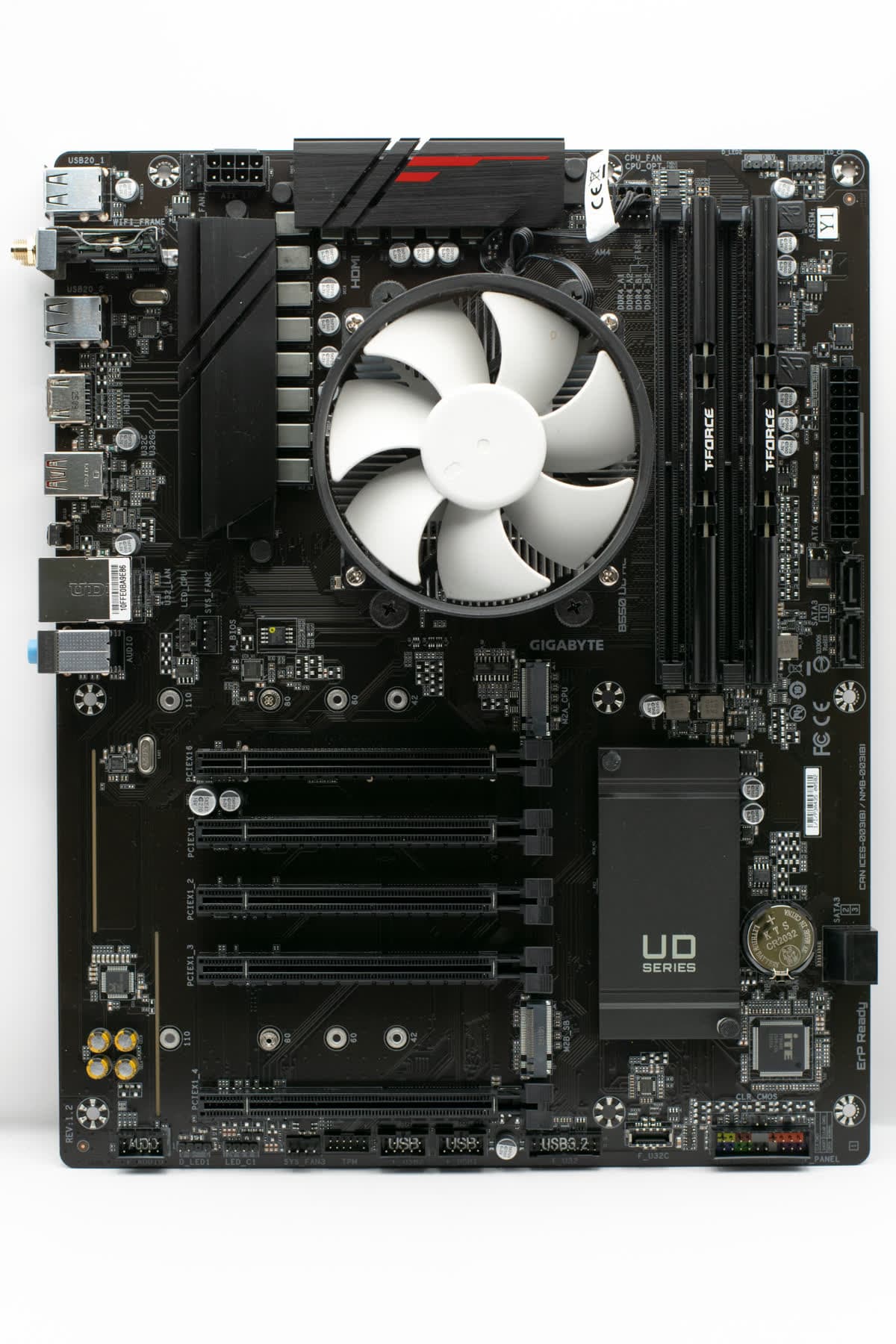
These four brands cover the overwhelming majority of boards sold today. Gigabyte alone accounts for about a third of the boards currently on sale in the US (33%), with ASRock (24%), ASUS (22%), and MSI (18%) splitting most of the rest. If you're not sure which brand you have, the name is usually printed in large text somewhere on the board itself, visible through the case's side panel or silkscreened near the RAM slots.
Prebuilt desktops from Dell, HP, and Lenovo are the exception. Those typically use F2 or F10 instead of Delete, and the correct key usually flashes briefly on the same screen where the manufacturer's logo appears during boot.
How to Enter BIOS on a New PC (Step by Step)
- Plug the monitor into the right port before you power on. If you have a graphics card installed, run the cable to a port on the GPU rather than the motherboard's video output near the USB ports. The motherboard's ports are driven by the CPU's integrated graphics, so they work only if your CPU actually has one, and most boards hand output over to the discrete card automatically once they detect it. A CPU with no integrated graphics, AMD's F-series chips for example, gives you nothing from the motherboard ports at all. The GPU port is the safe choice either way.
- Press the power button once, then start tapping Delete immediately, don't wait for a logo to appear. Tap roughly twice a second.
- Watch for the boot logo or a "Press DEL to enter Setup" prompt flashing briefly on screen. Catch it in time and BIOS loads instead of the PC continuing on to Windows or a blank drive.
- If nothing happens the first time, restart and try again, tapping faster and starting the instant the power light comes on. On a first-time build with no operating system installed yet, the PC has nothing else to boot into, so it loops back to this same screen and gives you another chance.
- Once you're in BIOS, use the arrow keys, or your mouse on most current boards, to navigate. Nothing changes just from looking around, settings only take effect once you save and exit.

How to Access BIOS in Windows 11 (If You Keep Missing the Timing)
If Windows is already installed and boots fine, but you can never quite catch the Delete-key window, Windows 11 has a built-in shortcut that skips the timing problem entirely.
- Open Settings > System > Recovery.
- Under Advanced startup, click Restart now.
- Choose Troubleshoot > Advanced options > UEFI Firmware Settings > Restart.
The PC reboots straight into BIOS, no key-tapping required. This only works with Windows already installed and running. A brand-new build with no operating system yet has to use the Delete-key method above, since there's no Windows to launch the restart from.
What to Check the First Time You're in BIOS
Three things are worth confirming before you install an OS. First, that the CPU shows its correct model name and core count rather than a placeholder or blank field, that confirms the socket connection is good. Second, that installed RAM capacity matches what you bought, if you put in a 32GB kit and BIOS reports 16GB, a stick isn't fully seated. Third, that your boot drive appears in the storage list, since that's the drive Windows install media will need to see later.
For a full walkthrough of enabling XMP or EXPO to actually run your RAM at its rated speed instead of a slow default, see the how to install RAM guide and the deeper RAM compatibility guide.
If your CPU is newer than the motherboard's original release, an outdated BIOS may not recognize it at all, and the PC won't boot no matter how correctly everything else is installed. That's the one case worth updating BIOS before your first real boot, and it's more common than it sounds: around 86% of boards on sale today include a rear-panel BIOS Flashback button built specifically for this, letting you flash new firmware from a USB drive with no CPU installed and no display connected at all.
If BIOS Won't Show Up, or the PC Won't Boot at All
If tapping Delete does nothing, no logo, no beep, no change in fan behavior, the problem usually isn't BIOS. It's power or a loose connection. Reseat the RAM sticks and the 24-pin and CPU power cables, and double-check the monitor cable runs to the correct port as covered above. The PC won't turn on after building guide works through the full checklist from most to least likely cause.
If BIOS loads fine but a change you made afterward stops the PC from booting, a fan curve, an XMP profile the board doesn't like, an overclock, clearing CMOS resets everything back to default. Only about a third of current boards (31%) include a dedicated rear Clear CMOS button. On the rest, you'll need to move a jumper on the board itself or pull the CMOS battery for about a minute with the PC unplugged. Check your motherboard manual for the exact jumper location, since it varies by board.
Where BIOS Setup Fits in a First Build
Entering BIOS is usually the very first thing that happens after you close up the case and press the power button for the first time, before Windows is ever installed. If you haven't gotten to that point yet, the how to build a gaming PC guide walks through every component in order leading up to this first boot. Once BIOS confirms your parts are detected correctly, the how to test your PC after building guide covers the checks worth running before you trust the build with a full Windows install.
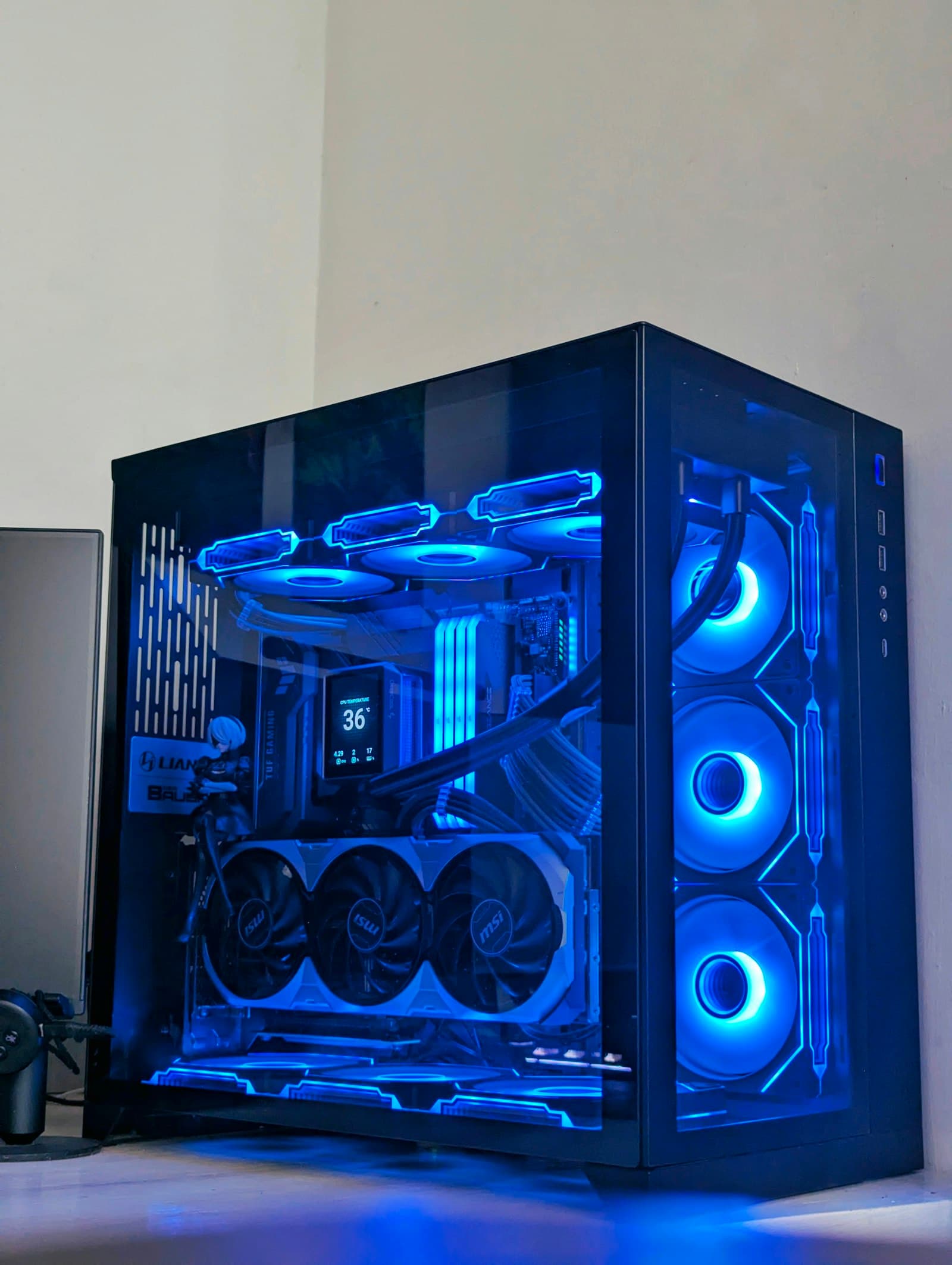
If you're still choosing parts rather than troubleshooting a build you already have, the PC Builder matches a compatible CPU, motherboard, and RAM kit to your budget automatically, so BIOS on first boot ends up being a formality instead of a guessing game.
Frequently Asked Questions
What key do I press to enter BIOS?
Delete is the key on nearly every current motherboard, MSI, Gigabyte, ASRock, and ASUS all default to it. Tap it repeatedly right after you hit the power button, before any boot logo or Windows loading screen appears. F2 works as a backup entry key on most boards, and ASUS adds its own shortcut: hold F2 while pressing the power button to jump straight into BIOS.
How do I access BIOS in Windows 11?
Open Settings, go to System > Recovery > Advanced startup, and click Restart now. Choose Troubleshoot > Advanced options > UEFI Firmware Settings > Restart, and Windows reboots directly into BIOS. This only works once Windows is already installed and booting; a brand-new build with no OS yet still needs the Delete key during POST.
Why can't I get into BIOS on my new PC?
The most common cause is timing: Delete only works during the few seconds between the power button press and the operating system taking over, so tap it repeatedly starting the instant you hit power rather than waiting for a boot logo. If tapping Delete does nothing at all, reseat the RAM and check that the monitor cable runs to the motherboard or GPU, not a port with no signal.
Do all motherboards use the same BIOS key?
Delete covers MSI, Gigabyte, ASRock, and ASUS, which together account for the vast majority of boards sold today. Older boards and some prebuilt desktops from Dell, HP, or Lenovo use F2 or F10 instead, so check the splash screen on first boot or the motherboard box if Delete doesn't respond.
What's the difference between BIOS and UEFI?
UEFI is the modern replacement for the old BIOS firmware, with mouse support, a graphical interface, and faster boot times, but nearly everyone still calls it "BIOS" out of habit. Every motherboard sold today ships with UEFI, so when this guide says BIOS, it means the UEFI setup screen you reach with the Delete key.
Should I update BIOS the first time I boot a new PC?
Only if your CPU is newer than the motherboard's release, in which case an outdated BIOS won't recognize it and the PC won't boot at all. Otherwise, skip it. A working PC doesn't need a BIOS update on day one, and updating introduces a small risk of a failed flash for no real benefit.