NVMe vs SATA SSD: Which Should You Buy?
This guide contains affiliate links. If you buy through them, we may earn a commission at no extra cost to you.
Buy NVMe. Not because it makes games run faster, it mostly does not, but because at the capacities a gaming PC actually uses it now costs less. Across the drives we track in stock at US retailers, the cheapest 1TB NVMe drive is $134.99 against $149.90 for the cheapest 1TB SATA SSD, and the gap widens as capacity goes up: $41 at 2TB, $108 at 4TB. NVMe is several times faster and the cheaper option, which makes this a much shorter decision than the internet usually makes it.
The one place that flips is below 500GB, where SATA still has a few cheap small drives with no NVMe equivalent. Those capacities are poor value per terabyte and too small for a modern game library, so they rarely belong in a build.
SATA is worth buying in one situation: your motherboard has no free M.2 slot. That is real for a lot of older systems, and this guide covers it. For anything you are building new, the interface question is already settled.
Some links on this page are affiliate links. If you buy through them, MaxMyBuild earns a small commission at no extra cost to you. Prices are the lowest in-stock US retail prices we tracked in August 2026. Storage pricing has been unusually volatile through 2026, so check current listings before buying.
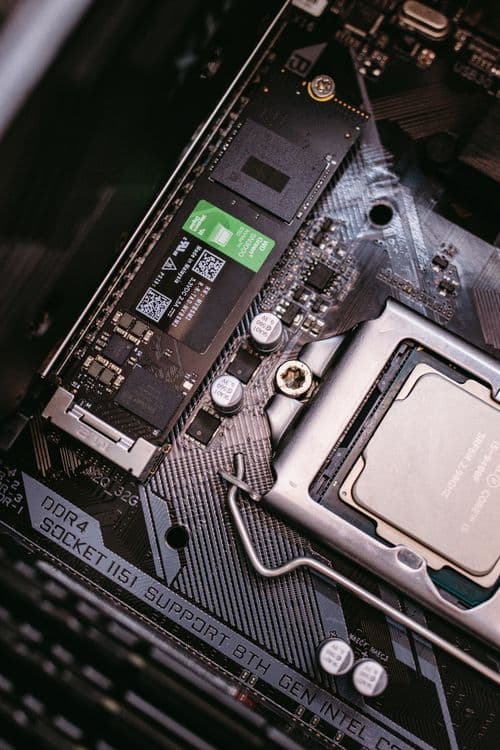
NVMe vs SATA at a Glance
| SATA SSD | NVMe SSD | |
|---|---|---|
| Sequential read | 520 to 560 MB/s | 2,400 to 14,800 MB/s |
| Connection | Data cable + power cable, or M.2 slot | M.2 slot on the motherboard |
| Cables needed | Two, unless it is an M.2 SATA drive | None |
| Cheapest 1TB tracked | $149.90 | $134.99 |
| Cheapest 2TB tracked | $249.00 | $208.00 |
| Cheapest 4TB tracked | $544.99 | $436.48 |
| Typical slots per board | 4 to 6 SATA ports | 2 to 3 M.2 slots |
| Runs hot enough to need a heatsink | No | Gen4 and Gen5 models, yes |
| Buy it when | No free M.2 slot | Everything else |
What NVMe and SATA Actually Mean
The naming is genuinely confusing, and most of the confusion comes from three different things getting mixed into one word. Here is the separation that makes the rest of it click.
SATA (Serial ATA) and NVMe (Non-Volatile Memory Express) are both protocols: the language the drive uses to talk to the rest of the computer. SATA was designed in 2003 for spinning hard drives, so it assumes the storage device is slow and takes its time queuing up requests. NVMe was designed in 2011 specifically for flash memory, and assumes the device is fast. The specification is maintained by NVM Express, the industry group that publishes it.
PCIe (Peripheral Component Interconnect Express) is the bus: the high-speed pathway on your motherboard that also feeds your graphics card. NVMe drives ride on it. SATA drives ride on the older, narrower SATA bus, which tops out around 600 MB/s in theory and 560 MB/s in practice. That ceiling is why every SATA SSD ever made, budget or premium, reads at roughly the same speed.
M.2 is the form factor: the physical shape and connector. It is the stick of gum, usually 80mm long, that screws flat onto your motherboard. M.2 is not a speed and it is not a protocol, which is where most people get caught out.
Is NVMe an SSD?
Yes. This trips up a lot of people because product listings say "SSD" for one drive and "NVMe" for another as though they are different categories. SSD (Solid State Drive) just means storage with no moving parts. NVMe and SATA are both types of SSD. The real comparison is NVMe SSD against SATA SSD, and against a hard drive, which is the only one of the three with spinning platters inside.
NVMe Costs Less Than SATA From 1TB Up
This is the part that ends the argument, and it is the opposite of how the trade-off gets described almost everywhere online. SATA is routinely framed as the budget choice. At the sizes a gaming PC actually uses, it is not, and has not been for a while.
Here are the cheapest in-stock US prices across the drives we track:
| Capacity | Cheapest NVMe | Cheapest SATA SSD | Result |
|---|---|---|---|
| ~500GB | $97.99 (500GB) | $96.66 (480GB) | Effectively a tie |
| 1TB | $134.99 | $149.90 | NVMe $14.91 cheaper |
| 2TB | $208.00 | $249.00 | NVMe $41.00 cheaper |
| 4TB | $436.48 | $544.99 | NVMe $108.51 cheaper |
The pattern is that the NVMe advantage grows with capacity. At around 500GB the two are within a couple of dollars, and the closest SATA comparison is a 480GB drive rather than a true 500GB one. From 1TB up, where any real game library lives, NVMe wins outright and the gap keeps widening.
Two smaller drives do undercut everything here: the Crucial BX500 240GB SATA at $66.39 and the WD PC SN740 256GB NVMe at $69.88 sit close together, but both work out above $270 per terabyte. They are the worst value in the entire table, and 240GB does not hold Windows plus a modern game. Cheap in absolute terms is not the same as cheap per gigabyte.
On speed, NVMe wins by at least 4x comparing the slowest Gen3 drive here against the SATA ceiling, and by more than 13x on a mainstream Gen4 drive.
The cleanest version of this comparison is within a single brand. ADATA sells both a Legend 710 1TB NVMe drive at $134.99 and an Ultimate SU650 1TB SATA drive at $149.90. Same brand, same capacity, same shop. The SATA drive costs $15 more and reads at 520 MB/s against the NVMe drive's 2,400 MB/s.
The reason is boring supply-side economics rather than anything technical. SATA SSDs are a shrinking product line, so they are made in smaller volumes on older production runs, and the price stopped falling. NVMe is where the volume went.
One honest caveat on all of these numbers: NAND flash pricing rose sharply through 2026 across the whole market, and individual listings have swung by large amounts within a single week. The gap between NVMe and SATA is consistent, but treat the absolute figures as a snapshot rather than a fixed price.
How to Spot an M.2 Drive That Is Secretly SATA
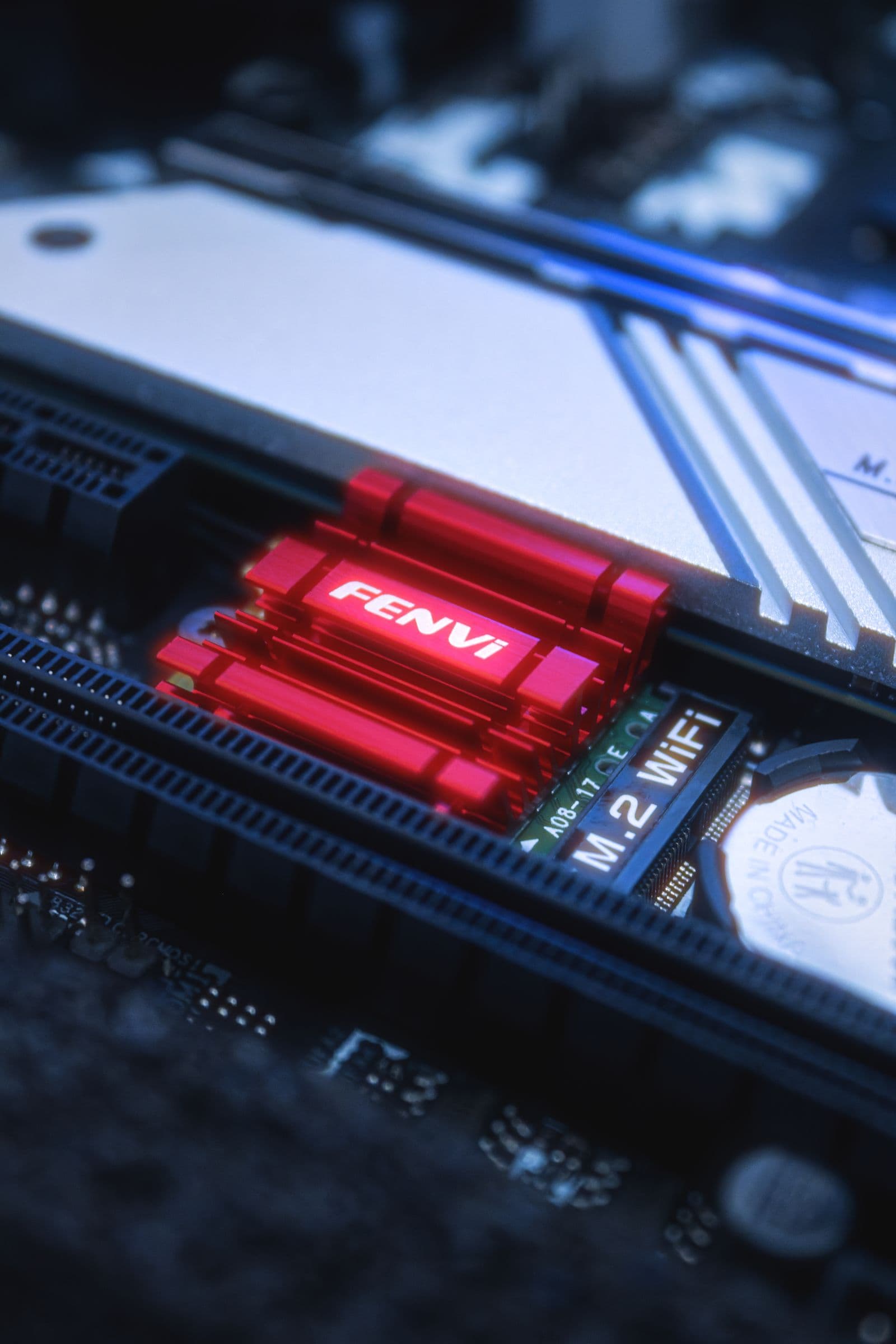
The form factor point above has an expensive practical consequence: two drives in the identical M.2 shape can differ by 10x in speed, and nothing on the outside tells you which is which.
| Drive | Form factor | Protocol | Sequential read | Price |
|---|---|---|---|---|
| WD Blue SA510 2TB | M.2 2280 | SATA | 560 MB/s | $279.99 |
| Kingston NV3 2TB | M.2 2280 | NVMe PCIe 4.0 | 6,000 MB/s | $279.30 |
Same slot, within a dollar of each other on price, roughly ten times the throughput on one of them.
The tell is in the specification line, not the photo. If a listing says "PCIe" or "NVMe" or "Gen3 / Gen4 / Gen5", it is an NVMe drive. If it says "SATA III" or "6 Gb/s" and quotes a read speed near 550 to 560 MB/s, it is a SATA drive regardless of its shape. When the headline read speed is under 600 MB/s, it is always SATA.
How to Tell If Your M.2 Slot Is SATA or NVMe
Your motherboard has a matching quirk: some M.2 slots only run in SATA mode. Checking takes a minute.
- Find your motherboard model. Press Windows + R, type
msinfo32, and look at Baseboard Product on an existing system, or read it off the box for a new one. - Search that model plus "specifications" and find the storage section. It lists each M.2 slot and what it supports, in the form "M2_1: PCIe 5.0 x4" or "M2_2: supports SATA mode only".
- If at least one slot lists PCIe, you can run an NVMe drive.
Boards made from roughly 2019 onward almost always have at least one NVMe-capable slot. Do not try to identify it by eye: the physical notches in M.2 connectors overlap between the two types and are not a reliable signal. Our PC build compatibility guide walks through the rest of the checks in order, and the motherboard and CPU socket compatibility guide covers how slot counts vary by chipset.
One thing worth knowing before you fill every slot: on many boards, populating the second or third M.2 slot disables two SATA ports, because they share bandwidth with the chipset. Your manual documents which pairs conflict. It is not a problem for a typical two-drive build, but it surprises people adding a fourth drive.
Does the Speed Difference Show Up in Games?
Not the way the numbers suggest, and it would be dishonest to imply otherwise.
Frame rate is unaffected. Your GPU and CPU determine frames per second, and once a game is running, the drive has largely finished its job. Storage only matters while the game is loading or streaming new assets.
On load times, the honest ranking of upgrades is:
- Hard drive to any SSD: enormous. Load screens that ran 60 to 90 seconds drop under 15. This is the upgrade people remember.
- SATA SSD to NVMe: a few seconds off the longest loads in demanding open-world games, and less in most titles. Noticeable if you are watching for it, not life-changing.
- Budget NVMe to high-end NVMe: rarely measurable in a real gaming session.
Where NVMe does pull clearly ahead is random reads, the scattered small-file requests a game makes while streaming a world in as you move through it. That is what causes traversal stutter, and it is the part a sequential speed number on a box does not show you.
The other forward-looking reason is DirectStorage, a Microsoft feature on Windows 11 that lets the GPU pull game assets straight off the drive instead of routing them through the CPU. It is built around NVMe throughput. SATA drives technically support the API but fall short of the bandwidth it is designed for.
None of that is why you should buy NVMe, though. Buy it because it is cheaper. The speed is what you get for free. For the wider storage picture, including where hard drives still fit, see our SSD vs HDD guide.
When SATA Still Makes Sense
Four situations, and only four.
Your motherboard has no free M.2 slot. The most common one. Plenty of boards from before 2018 have zero M.2 slots, and plenty of current builds have filled the two or three they came with. SATA ports are usually still free, and a SATA SSD is a massive upgrade over a hard drive even at 560 MB/s.
You want more drives than you have M.2 slots. Boards typically have two or three M.2 slots but four to six SATA ports. Past three drives, SATA is how you keep adding.
You already own the drive. Moving a working SATA SSD from an old build into a new one costs nothing and takes five minutes. Do not replace a functioning drive just to change interface.
It is a laptop or small form factor machine that only takes 2.5-inch drives. Some older laptops have a drive bay and no M.2 slot at all.
If one of those applies, the ADATA Ultimate SU650 1TB at $149.90 is the cheapest in-stock 1TB SATA SSD we track. It is a 2.5-inch drive at 520/450 MB/s with no DRAM cache, which is fine for a drive holding games and files rather than running your operating system. At 2TB, the Crucial BX500 2TB at $249 is the cheapest option, though its QLC flash memory (Quad-Level Cell, a denser and slower-writing type than the TLC used in better drives) makes it a storage drive rather than a boot drive.
What does not make sense is buying a SATA drive to save money on a build that has an empty M.2 slot sitting right there. That trade does not exist anymore.
For Bulk Storage, Buy Neither
If the goal is somewhere to park a large game library, media, or backups, both SSD types are the wrong tool. The per-terabyte maths is not close:
| Storage type | Example | Price | Cost per TB |
|---|---|---|---|
| Hard drive | Seagate BarraCuda 8TB | $267.39 | $33 |
| NVMe SSD | ADATA Legend 710 2TB | $208.00 | $104 |
| SATA SSD | Crucial BX500 2TB | $249.00 | $125 |
A hard drive is roughly a third of the cost per terabyte of either SSD. It is also much slower, at around 190 MB/s sequential and far worse on random reads, which is exactly why it belongs in a secondary role rather than as your only drive.
The setup that gets the most out of a budget: a 1TB or 2TB NVMe drive for Windows and whatever you are actively playing, plus a large hard drive for everything you are not. You get fast loads where you notice them and cheap capacity where you do not. If you are working out how to split a fixed budget across the whole build, our budget gaming PC guide covers where storage sits in the priority order.
Which Drive to Buy
Best 1TB: the Kingston NV3 1TB at $156.99. PCIe Gen4, 6,000/4,000 MB/s, TLC flash, M.2 2280. This is the cheapest drive here that clears the throughput modern games are built around, which is the reason to spend past the absolute floor.
Cheapest way into NVMe, with a caveat: the ADATA Legend 710 1TB at $134.99 is genuinely the lowest-priced 1TB NVMe drive we track, and it undercuts every 1TB SATA drive. But it is PCIe Gen3 at 2,400/1,800 MB/s, the slowest NVMe drive in this guide. That is fine for older titles and a big jump over any hard drive, but it sits below the roughly 3,500 MB/s that DirectStorage-era games are tuned around, so the newest streaming-heavy titles are the one place it can hold you back. Saving $22 against the NV3 is a reasonable trade only if the budget is genuinely at its limit.
Best 2TB: the Kingston NV3 2TB at $279.30. PCIe Gen4, 6,000/5,000 MB/s, TLC flash. 2TB is the comfortable target in 2026 now that single AAA installs run 100 to 150GB, and this is the fastest 2TB drive here that uses TLC rather than the denser, slower-writing QLC flash the Crucial P310 2TB ($284.90) and WD Green SN3000 2TB ($279) use at similar money.
Cheapest 2TB, same caveat as above: the ADATA Legend 710 2TB at $208 saves $71, but it is the same Gen3 2,400 MB/s drive as the 1TB version, with the same weakness in streaming-heavy games.
Gen5 is not worth chasing for gaming. A PCIe Gen5 drive reads at 12,000 to 14,800 MB/s, but the cheapest 2TB Gen5 option we track is the Crucial T700 2TB with heatsink at $364.95, roughly $85 more than the NV3 2TB for speed no game engine can currently absorb. Gen5 earns its price in video editing and large file work, not in a games library.
Only if you have no free M.2 slot: the ADATA Ultimate SU650 1TB at $149.90.
Skip: M.2 SATA drives at NVMe prices, any SATA SSD bought for a build with a free M.2 slot, and 240GB to 256GB drives of either type at over $270 per terabyte.
For the full picks list at every price tier, including DRAM-cached drives for mixed gaming and content work, see our best SSD for gaming guide.
What the PC Builder Handles Automatically
The failure mode with storage is not picking a slow drive, it is picking one that does not fit the board: an NVMe drive for a system with no M.2 slot, a Gen5 drive going into a Gen4-only slot, or a third M.2 drive that quietly disables the SATA ports your other drives are using.
The MaxMyBuild PC Builder picks the drive from the same tracked pricing behind this guide, confirms your motherboard has a free M.2 slot of the right generation, and sizes the capacity to the build. If you are choosing the board yourself and want to count M.2 slots first, our best motherboard guide lists slot counts by chipset.
Frequently Asked Questions
Is NVMe faster than SATA?
Yes, by roughly 4x to 13x on sequential reads. Every SATA SSD is capped at about 550 to 560 MB/s because the SATA bus itself runs out of bandwidth there, no matter how good the drive is. NVMe drives run over PCIe lanes instead: entry-level Gen3 drives read at 2,400 to 3,500 MB/s, Gen4 drives at 6,000 to 7,450 MB/s, and Gen5 drives at 12,000 to 14,800 MB/s. The gap is even larger on random reads, which is what actually causes stutter when a game streams data mid-session.
Can I put an NVMe drive in a SATA slot?
No. They are physically different connections. NVMe drives use the M.2 slot on your motherboard, a short slot you screw the drive flat into. SATA drives use a wide flat data cable plus a power cable from the power supply. The confusing part is that some M.2 slots only run at SATA speeds, and some M.2 drives are SATA drives in an M.2 shape, so a drive can physically fit an M.2 slot and still be limited to 560 MB/s. Check your motherboard manual for which of your M.2 slots support NVMe.
What are the disadvantages of NVMe?
Three real ones, none of which usually change the buying decision. NVMe drives run hotter, so high-end Gen4 and Gen5 models want a heatsink, which most modern motherboards include. Motherboards have fewer M.2 slots than SATA ports, typically two or three versus four to six, so if you want many drives you will run out of M.2 slots first. And using certain M.2 slots disables some SATA ports on many boards, because they share bandwidth with the chipset. Cost is no longer a disadvantage either: from 1TB up, NVMe is now the cheaper option.
Do SATA or NVMe SSDs last longer?
Neither has a meaningful lifespan advantage for a normal desktop. Both use the same NAND flash memory and wear out the same way, by write cycles. Endurance is rated in TBW (Total Bytes Written), and a typical 1TB drive is rated somewhere between 220TBW and 600TBW. A gaming PC writing 30GB a day through installs and updates would take over 20 years to reach 220TBW. What actually kills drives at home is a firmware bug or a failed controller, not wear, and that risk comes down to the specific model rather than the interface.
How do I tell if an M.2 slot is SATA or NVMe?
Check your motherboard manual or the product page specifications, which list each M.2 slot and what it supports, usually as something like "M2_1: PCIe 4.0 x4" for NVMe or "M2_2: SATA mode only". Boards from roughly 2019 onward are almost always NVMe-capable on at least one slot. You cannot reliably tell by looking at the notches in the slot, because M.2 keying overlaps between the two types.
Is NVMe worth it for gaming over SATA?
Yes, but buy it for the price rather than the frame rate. Drive speed has no effect on frames per second, and the load-time gain over a SATA SSD is a few seconds in demanding open-world titles rather than something dramatic. The reason to buy NVMe is simply that it costs less at the sizes you would actually use: 1TB NVMe starts at $134.99 against $149.90 for the cheapest 1TB SATA SSD, and the gap grows to $41 at 2TB and $108 at 4TB. You are getting several times the speed for less money, so there is no trade to weigh.