PSU Tier List 2026: Best Gaming Power Supplies by Wattage
This guide contains affiliate links. If you buy through them, we may earn a commission at no extra cost to you.
The best power supply for gaming in 2026 is 80+ Gold certified and sized to your GPU. The PSU is the component most builders underinvest in and most commonly get wrong: buying Bronze efficiency to save $15, skipping modularity, or buying far too little wattage and wondering why the system crashes under load.
This guide covers the best PSU picks at each wattage tier, how much power your actual build needs, and what to avoid.
Some links on this page are affiliate links. If you buy through them, MaxMyBuild earns a small commission at no extra cost to you. Prices shown are approximate and change frequently; check current listings before buying.
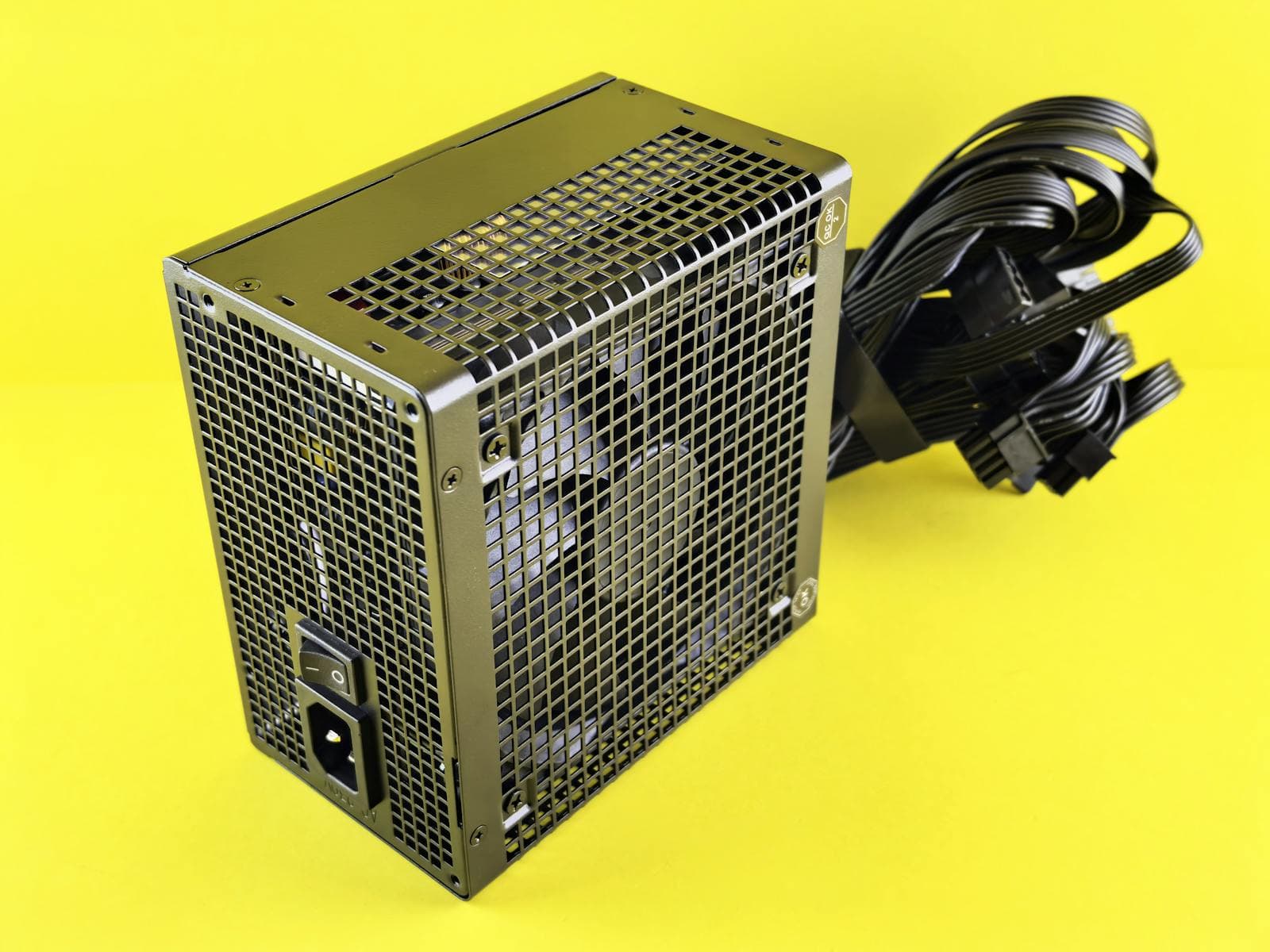
How Much Wattage Does a Gaming PC Actually Need?
The right wattage depends on your GPU. The GPU is far and away the biggest power draw in a gaming PC: a modern high-end GPU consumes more watts than everything else in the system combined.
Here are realistic system power draws for current GPU tiers, measured at the wall during actual gaming loads (not synthetic spikes):
| GPU Tier | Example GPU | GPU TGP | Full System Draw | Recommended PSU |
|---|---|---|---|---|
| Budget | RTX 5060 / RX 9060 | ~150W | ~300–380W | 650W |
| Mid-range | RTX 5060 Ti / RX 9070 | ~180–220W | ~350–440W | 650–750W |
| Performance | RTX 5070 / RX 9070 XT | ~250W | ~400–490W | 750W |
| High-end | RTX 5070 Ti / RTX 5080 | ~300–360W | ~480–570W | 850W |
| Enthusiast | RTX 5090 | ~575W | ~750–850W | 1000W |
The standard rule: add 100–150W headroom above your full system draw. That buffer protects components during brief power spikes (which modern GPUs generate frequently), extends PSU lifespan, and keeps the unit running in its efficiency sweet spot rather than near its ceiling.
For the full breakdown of how GPU and CPU power draw adds up, and why PSU sizing matters for component longevity, see the TDP and PSU sizing guide.
PSU Tier List 2026: Picks Ranked by Value
The recommended PSUs in this guide, ranked by price-to-quality. "S" picks give the best specification per dollar. "A" picks are excellent but cost more for the same spec or serve specific needs (quieter builds, particular connector requirements). Anything below is either situational or worth skipping.
| Tier | PSU | Wattage | Price |
|---|---|---|---|
| S | be quiet! Pure Power 12 750W | 750W | ~$80 |
| S | Montech Century II 850W | 850W | ~$90 |
| S | be quiet! Pure Power 12 1000W | 1000W | ~$100 |
| A | Corsair RM750e | 750W | ~$90 |
| A | Seasonic CORE GX-650 | 650W | ~$100 |
| A | Corsair RM850e | 850W | ~$110 |
| A | be quiet! Power Zone 2 850W | 850W | ~$120 |
| B | Corsair RM750x | 750W | ~$115 |
| Skip | Bronze or non-modular (any brand) | Any | Any |
The two S-tier picks at 850W and 1000W stand out because of price anomalies in the current market: the Montech Century II 850W matches or undercuts many 750W options, and the be quiet! Pure Power 12 1000W hits $100 — unusually low for that wattage. Detailed reasoning for each is in the wattage sections below.
Best 650W PSU for Gaming: Budget and Slim Builds
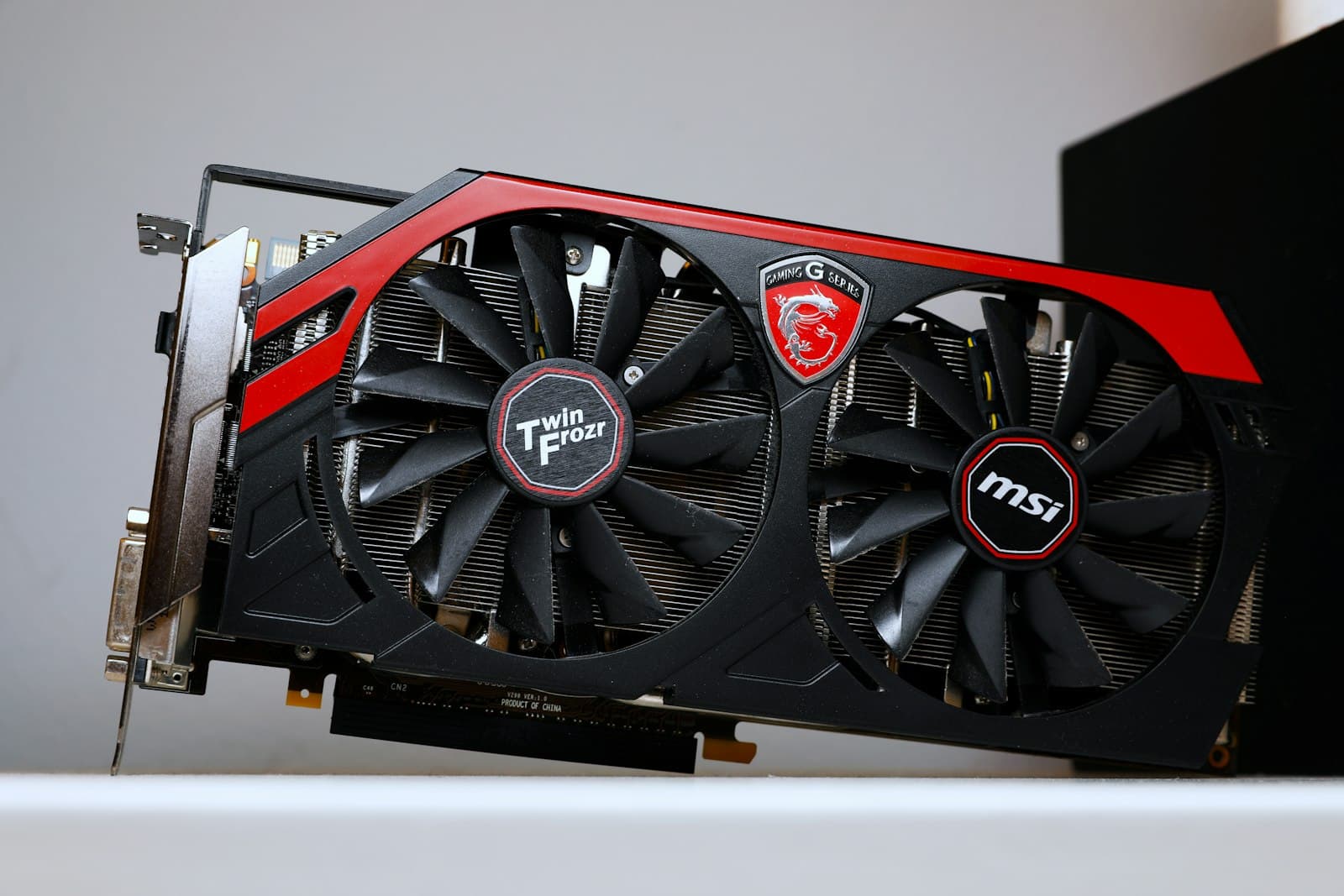
A 650W PSU covers any build with an RTX 5060 Ti or below, plus budget AMD builds up to the RX 9070. It is also the right fit for slim or small-form-factor cases where PSU length is a hard constraint.
One important note before buying at 650W: the options here run $100-105, which is more than the cheapest 750W picks in the next tier. Unless your case specifically limits PSU length, check whether a 750W unit undercuts the 650W price before committing. You may get more wattage for less money.
| PSU | Efficiency | Modularity | Price |
|---|---|---|---|
| Seasonic CORE GX-650 ATX 3.1 | Gold | Full | ~$100 |
| Corsair RM650e | Gold | Full | ~$105 |
The Seasonic CORE GX-650 is the cleaner buy at ~$100: ATX 3.1 compliant, fully modular, and Seasonic's manufacturing quality is consistently rated among the best in the industry by Tom's Hardware and Gamers Nexus teardowns.
The Corsair RM650e is a strong alternative if you prefer Corsair's cable ecosystem. At ~$105 it costs slightly more, but the 12V-2x6 connector and ATX 3.1 compliance make it fully forward-compatible.
If your build uses a Corsair CX650 (Bronze, non-modular, ~$80) from the database: it works, but the cable clutter and lower efficiency make the $20–25 upgrade to a Gold modular unit worthwhile if you care at all about cable management or long-term costs.
Best 750W PSU for Gaming: The Right Size for Most Builds
750W is the sweet spot for mid-to-performance builds. It covers an RTX 5070 comfortably, pairs cleanly with any current AMD CPU (Ryzen 7 9700X, Ryzen 9 9900X), and even handles the RTX 5070 Ti with adequate headroom.
Before buying at 750W, check current 850W pricing. The Montech Century II 850W and be quiet! Pure Power 12 850W both sit around $90 at time of writing, matching the price of the mid-range 750W options here. If the price gap is $0-10, taking an extra 100W of headroom is the obvious call.
| PSU | Efficiency | Modularity | Noise (Cybenetics) | Price |
|---|---|---|---|---|
| be quiet! Pure Power 12 750W | Gold | Full | N/A | ~$80 |
| Corsair RM750e | Gold | Full | N/A | ~$90 |
| Super Flower COMBAT FG 750W ATX 3.1 | Gold | Full | N/A | ~$90 |
| be quiet! Power Zone 2 750W | Platinum | Full | A++ (quietest tier) | ~$100 |
| Corsair RM750x | Gold | Full | N/A | ~$115 |
Best value pick: be quiet! Pure Power 12 750W (~$80). At $80, this is the lowest-priced fully modular Gold 750W PSU in the database. be quiet!'s build quality and reliability are well-established, and at $10 less than the next tier up, it is the clear value choice.
Also worth considering: Corsair RM750e (~$90). The extra $10 over the be quiet! buys confirmed ATX 3.1 compliance with a native 12V-2x6 connector. If you are pairing this with an RTX 5000 series GPU and want certainty on the connector spec, the RM750e is worth the small premium. If you are on an older GPU or a tighter budget, the be quiet! covers the same ground for less.
Best quiet build pick: be quiet! Power Zone 2 750W (~$100). The only 750W PSU in the database with a Cybenetics A++ noise rating, which is the highest acoustic performance tier. If the PC is in a bedroom or quiet workspace, the Power Zone 2 is worth the $20 premium over the base be quiet! pick.
The Corsair RM750x (~$115) is the premium Gold option if you want Corsair's top-tier cable quality and a longer warranty. It is a good PSU, but the extra $35 over the be quiet! Pure Power 12 delivers refinement, not performance.
Best 850W PSU for Gaming: Performance and Future-Proofing
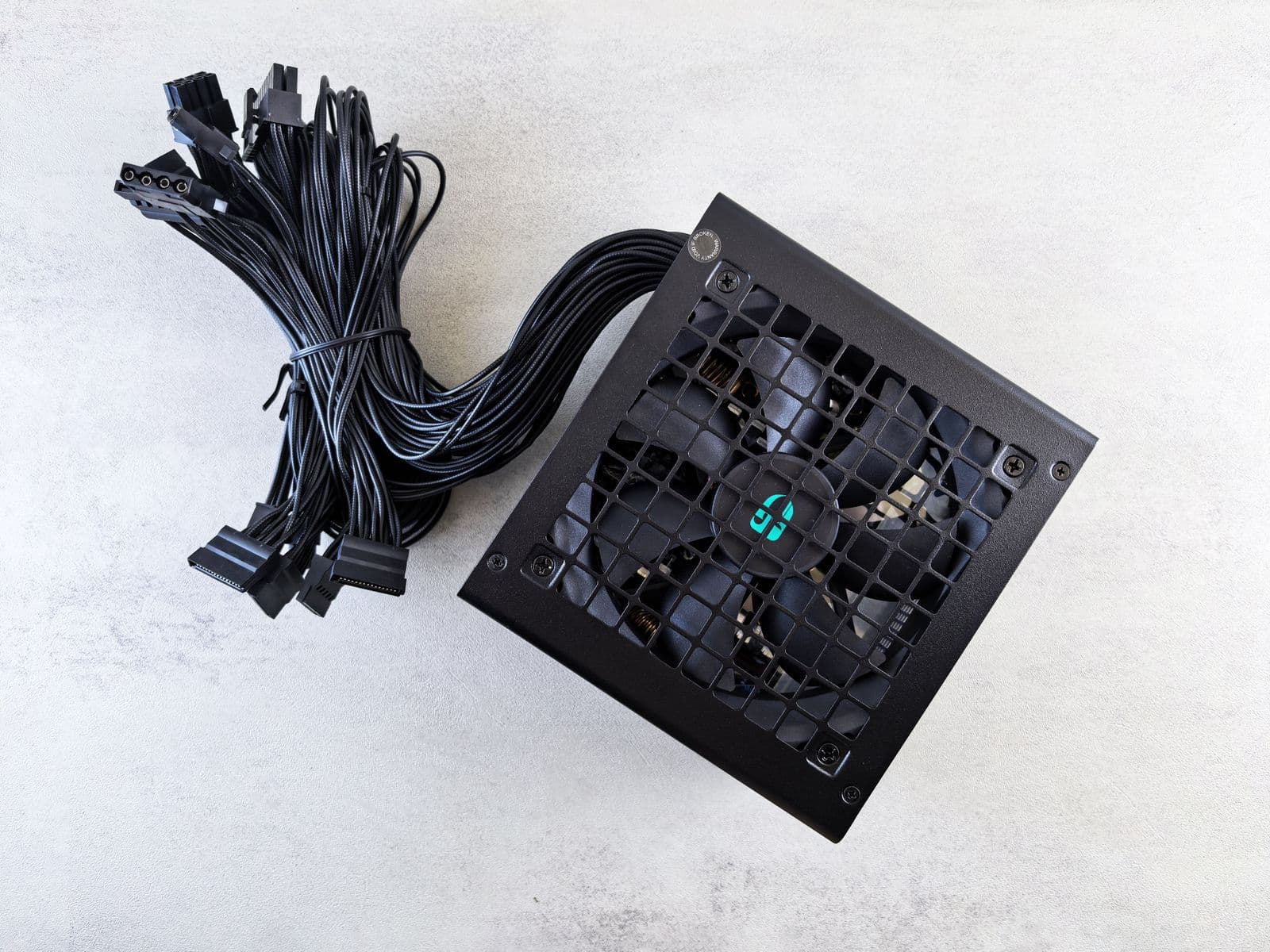
850W is the right tier for RTX 5080 builds and a strong long-term choice for any RTX 5070 Ti build where you plan to upgrade the GPU in two or three years. It also happens to be where some of the best value in the entire PSU market currently sits.
| PSU | Efficiency | Modularity | Noise (Cybenetics) | Price |
|---|---|---|---|---|
| be quiet! Pure Power 12 850W | Gold | Full | N/A | ~$90 |
| Montech Century II 850W | Gold | Full | N/A | ~$90 |
| Corsair RM850e | Gold | Full | N/A | ~$110 |
| Seasonic FOCUS GX-850 White ATX 3.1 | Platinum | Full | A- | ~$110 |
| be quiet! Power Zone 2 850W | Platinum | Full | A+ | ~$120 |
| Corsair RM850x | Gold | Full | N/A | ~$136 |
Best overall pick: Montech Century II 850W (~$90). At $90 for an 850W fully modular Gold PSU with ATX 3.1 and Cybenetics certification, this matches the price of mid-range 750W options while delivering 100W more headroom. If you are deciding between a $90 750W and a $90 850W, take the 850W. Montech is a newer brand but their PSU lineup has earned strong reviews from Hardware Busters and the r/buildapc community.
Also excellent: be quiet! Pure Power 12 850W (~$90). Matches the Century II on price and wattage. If you prefer be quiet!'s build quality and longer brand history, this is an equally valid choice.
Best quiet build: be quiet! Power Zone 2 850W (~$120). The only 850W PSU in the database with a Cybenetics A+ noise rating, Platinum efficiency, and fully modular cabling. Spending $30 more than the Century II buys a measurably quieter and slightly more efficient unit.
The Corsair RM850x (~$136) is Corsair's flagship mid-range option: excellent build quality, long warranty, and iCUE compatibility if you use that ecosystem. Hard to recommend over the $90 Century II unless you specifically want Corsair.
Best 1000W PSU for Gaming: RTX 5090 and Enthusiast Builds
1000W is the threshold for RTX 5090 builds. The RTX 5090 draws 575W TGP under full load; paired with a Core i9-14900K or Ryzen 9 9950X, total system draw can reach 800–850W during gaming. A 1000W PSU covers that with meaningful headroom.
| PSU | Efficiency | Modularity | Price |
|---|---|---|---|
| be quiet! Pure Power 12 1000W | Gold | Full | ~$100 |
| Montech Century II 1050W | Gold | Full | ~$110 |
| Corsair RM1000e | Gold | Full | ~$140 |
| Corsair RM1000x | Gold | Full | ~$160 |
Best value: be quiet! Pure Power 12 1000W (~$100). A fully modular 80+ Gold 1000W PSU at $100 is genuinely unusual. This is the standout price-performance pick in the entire 1000W tier. If you are building a high-end system and want 1000W without spending $150–160, this is the answer.
Most reliable: Corsair RM1000e (~$140). If you are investing $600–800 in an RTX 5090, spending $140 rather than $100 on a PSU with a longer track record makes sense. The RM1000e brings Corsair's manufacturing pedigree and a 10-year warranty.
What to Look for in a Gaming PSU
Efficiency: 80+ Gold Is the Target
The 80+ rating system measures how much of the AC power drawn from the wall actually reaches your components. The rest becomes heat.
| Rating | Efficiency at 50% load | Typical gaming impact |
|---|---|---|
| White / Standard | ~80% | 20% wasted as heat. Avoid entirely. |
| Bronze | ~82–85% | Outdated for new builds |
| Silver | ~85–88% | Rare in retail; Gold is almost always the same price or cheaper |
| Gold | ~87–90% | Correct target for gaming |
| Platinum | ~90–92% | Worth it if budget allows |
| Titanium | ~92–94% | Server/workstation territory |
Gold is the right target. The difference in electricity cost between Bronze and Gold over a year of gaming (~1,000 hours) is roughly $5-15 depending on local rates. Not a compelling upgrade on its own. New Gold PSUs also typically use better capacitors, better ripple suppression, and more reliable fan controllers than Bronze units at the same price.
If you are weighing one grade against another, or an ATX unit against a small-form-factor one, the power supply comparison puts the two side by side on live prices, connectors and lab-measured noise, and settles the category questions directly: 80+ Gold vs Platinum, ATX vs SFX and modular vs non-modular.
Modularity: Matching the Right Type to Your Build
A PSU (power supply unit: the component that converts AC wall power to DC for your components) comes in three cable configurations, each with genuine tradeoffs:
- Non-modular: All cables are permanently attached. Works fine in cases with a large cable management compartment or builds where nearly every cable gets used anyway. The upside is price: non-modular units are typically the cheapest. The downside is that unused cable bundles need to be tied off somewhere, which takes more time and looks worse in a glass-panel case.
- Semi-modular: The 24-pin motherboard and CPU EPS cables are fixed (you will always use them), while GPU and storage cables detach. A practical middle ground. You get clean routing for the bulkiest cables without paying for full modularity.
- Fully modular: Every cable detaches. You connect only what your build needs and leave the rest in the box. Easiest to build with, tidiest result. The price gap over semi-modular has narrowed significantly at Gold tier, which is why most of the recommendations in this guide land here.
For a mid-tower gaming build, any of the three works. Fully modular makes the build cleaner and easier. Semi-modular saves a few dollars with minimal compromise. Non-modular is worth considering only if there is a meaningful price difference and cable management is not a priority.
ATX 3.1 and the 12V-2x6 Connector
ATX 3.1 is the current PSU standard and it matters for 2026 builds. Modern high-end GPUs (RTX 5080, RTX 5090, RX 9070 XT and above) can draw large, sudden power spikes during rendering. ATX 3.1 PSUs are designed to handle these without triggering overcurrent protection.
The 12V-2x6 connector is the physical change introduced with ATX 3.1. It replaces the older 12VHPWR cable (used with RTX 4090 builds) which had known reliability issues. Any PSU sold new in 2026 that targets high-end GPUs should include the 12V-2x6 connector. The recommended PSUs in this guide all meet this.
MTTF: What the Numbers Mean
Mean Time To Failure (MTTF) is a reliability specification. Most quality gaming PSUs list 100,000 hours. That is not a guarantee the unit will last that long: it is a statistical measure based on component testing. In practice, a quality Gold or Platinum PSU from a reputable brand will outlast most gaming builds (typically 5-8 years).
PSUs to Skip
Non-modular units above $80: At current prices, there is no reason to accept fixed cables on a new build. The Corsair CX750 (~$83, Bronze, non-modular) exists in the database but there is no scenario where it is the right choice over the RM750e or Pure Power 12 at $80–90.
Bronze efficiency at Gold prices: A Bronze PSU priced at $80 is worse value than a Gold PSU at $90. Check the efficiency rating before buying. Some Bronze units creep up in price during stock fluctuations.
Unbranded or no-name PSUs: The PSU is the one component that can destroy every other component if it fails. An unstable PSU delivering inconsistent voltage or shorting out takes the motherboard, CPU, and GPU with it. Stick to brands with transparent specifications and third-party testing: Corsair, Seasonic, be quiet!, Super Flower, Montech, EVGA, FSP.
Oversized PSUs at 80% load or less: A 1600W PSU in a 400W build spends most of its time operating at 25% load, where efficiency is lowest. Match wattage to your actual draw plus 100–150W headroom.
Connecting a PSU to a Full Build
The PSU determines the cable connections you have available. The main connectors for a modern gaming build are:
- 24-pin ATX: Motherboard main power. Every build needs one.
- 4+4 pin EPS / CPU: CPU power. Typically one or two cables depending on the motherboard.
- PCIe / 12V-2x6: GPU power. One or two cables depending on the GPU's TDP.
- SATA: Storage drives and some case fans
- Molex: Legacy peripherals. Rarely needed in new builds.
Modern high-end GPUs (RTX 5080, RTX 5090) require two 12V-2x6 connectors or one high-wattage variant. Verify that the PSU you select includes enough PCIe cables for your specific GPU before buying.
Choosing the wrong wattage is the most common PSU mistake. If you want a complete build with the PSU correctly sized to your GPU and CPU automatically, the PC Builder at MaxMyBuild handles component matching and power budgeting in the build generation process.
For GPU-specific PSU sizing, particularly if you are pairing a high-TDP card like the RTX 5090 or RTX 5080 with a power-hungry CPU, the TDP sizing guide walks through the calculation in detail.
How the Full Database Breaks Down
Across all in-stock US PSUs tracked in the MaxMyBuild database, the breakdown by efficiency tier tells a clear story about where the market has moved:
- Gold fully modular units make up the dominant category, spanning $80-$600
- Platinum fully modular units cover the premium tier at $100-$908
- Titanium fully modular units serve workstation and enthusiast builds at $180-$654
- Bronze units are the shrinking tail: mostly non-modular, mostly legacy stock
The market has moved decisively toward Gold and above. Bronze non-modular units still exist but represent a shrinking share of what is worth buying.
If your goal is a full gaming build rather than just picking a PSU, the guides on choosing a GPU, building on a budget, and choosing case fans cover the complete picture of allocating a build budget across all components. If you're targeting an SFF case with a TDP cap or paying high electricity rates, the GPU performance-per-watt chart ranks every GPU by benchmark score divided by TDP — useful for sizing the PSU correctly when prioritising efficiency.