Best RAM for Gaming in 2026: DDR5 Kits Ranked
This guide contains affiliate links. If you buy through them, we may earn a commission at no extra cost to you.
DDR5 prices have risen sharply over the past year. The best RAM for gaming in 2026 is still 32GB DDR5-6000, but budget kits now start around $150 rather than the $80-90 range most guides still quote. The performance sweet spot is unchanged; the cost to reach it has not.
This guide covers the best picks at each capacity based on June 2026 prices from the MaxMyBuild component database, and explains what has shifted in the market.
Some links on this page are affiliate links. If you buy through them, MaxMyBuild earns a small commission at no extra cost to you. Prices shown are approximate US retail prices from June 2026; check current listings before buying.
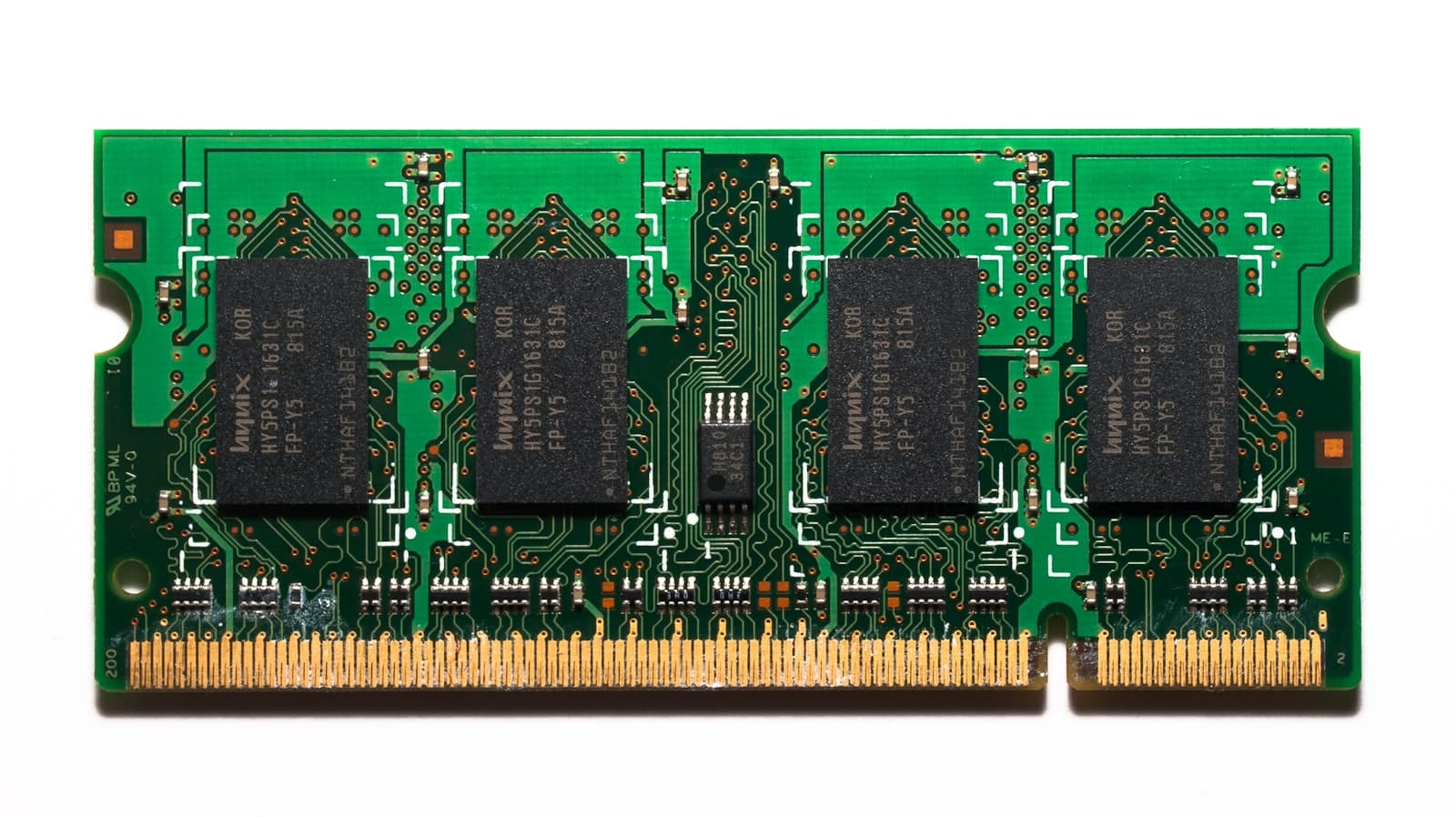
Best Gaming RAM in 2026: At a Glance
All prices are approximate US retail prices as of June 2026, sourced from the MaxMyBuild component database. All kits are 2-stick (dual-channel).
| Kit | Capacity | Speed | Timings | Height | XMP / EXPO | Approx. Price |
|---|---|---|---|---|---|---|
| T-Force Vulcan | 32GB (2x16) | DDR5-6000 | CL38 | ~40mm | Both | ~$181 |
| G.Skill Trident Z5 RGB | 32GB (2x16) | DDR5-6000 | CL32-38-38-96 | 44mm | XMP only | ~$236 |
| G.Skill Trident Z5 Neo RGB | 32GB (2x16) | DDR5-6000 | CL28-36-36-96 | 44mm | Both | ~$280 |
| Corsair Vengeance RGB | 32GB (2x16) | DDR5-6400 | CL36-48-48-104 | 44mm | Both | ~$210 |
| TeamGroup Delta RGB | 16GB (2x8) | DDR5-6000 | CL38-38-38-76 | ~42mm | Both | ~$115 |
| T-Force Vulcan 64GB | 64GB (2x32) | DDR5-6000 | CL38 | ~40mm | Both | ~$166-390 |
Timing format: CL (CAS latency) - tRCD - tRP - tRAS. Lower CL is faster. CL28 and CL32 are the performance tiers at DDR5-6000. CL38 is competitive for gaming workloads. The wide price range on the T-Force Vulcan 64GB reflects different color SKUs at Newegg; the cheapest variant starts around $166.
How Much RAM Do You Need for Gaming in 2026?
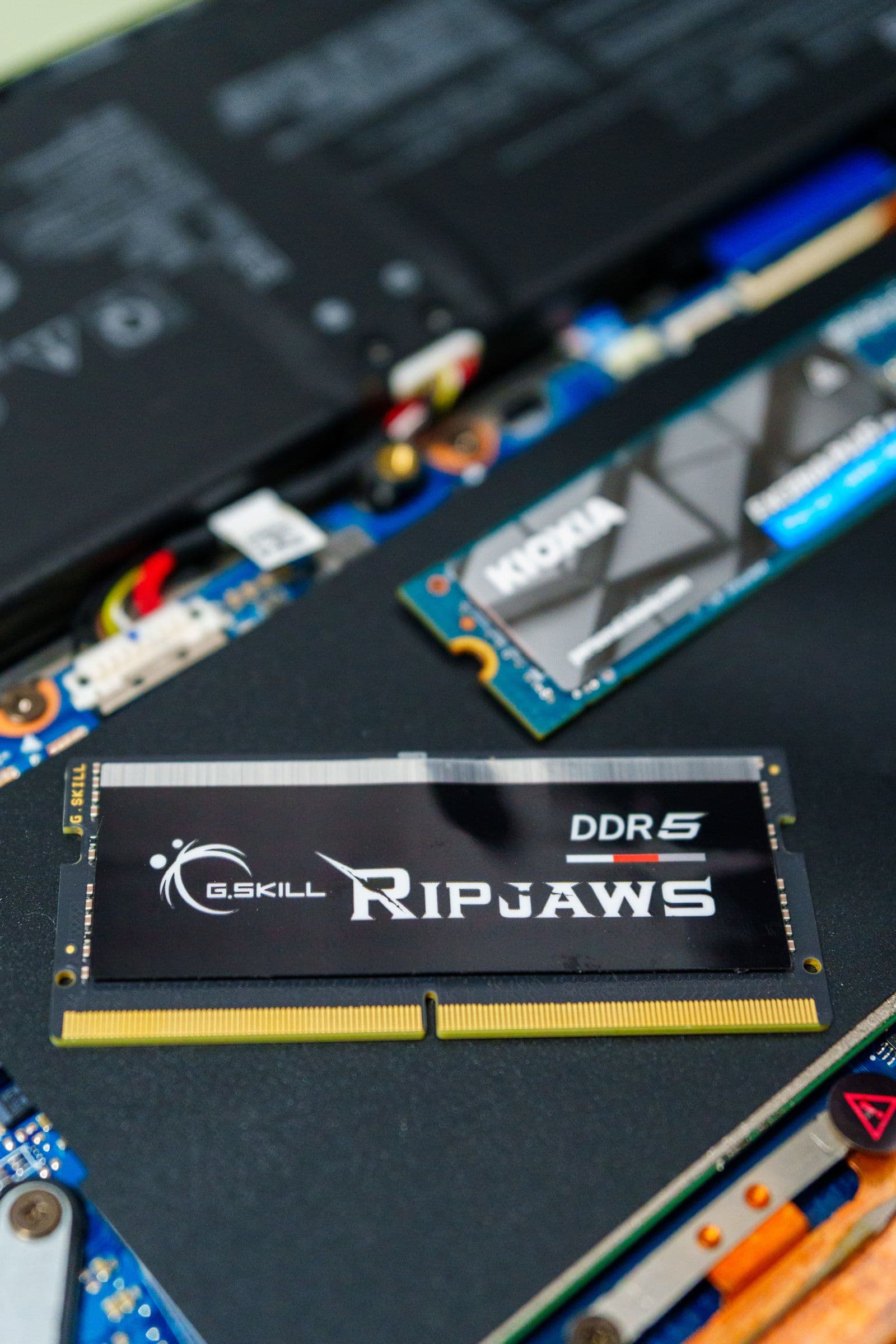
32GB is still the right answer for a new gaming build in 2026. Games like Hogwarts Legacy, Forza Horizon 5 at maximum settings, and several 2024-2026 open-world titles push 14-16GB of system RAM in use. A 16GB build with Discord and a browser open alongside a modern game is running close to its ceiling.
The price reality has shifted. In 2024-2025, 16GB DDR5-6000 kits cost around $50 and 32GB kits ran about $85. Those numbers are outdated. In June 2026, 16GB DDR5-6000 kits start around $115 and budget 32GB DDR5-6000 kits run $150-181. The absolute cost of entry is higher; the relative gap between 16GB and 32GB ($35-66) is similar to what it was.
The 64GB story has changed significantly. A year ago, 64GB kits ran $130-145 and were easy to call overkill for gaming. Today, 64GB DDR5-6000 CL38 kits start around $166 at Newegg, only $15-35 more than the cheapest 32GB DDR5-6000 options. For pure gaming, 64GB still adds nothing; no game in 2026 uses more than 24GB. But if you stream, record, or run heavy applications alongside your games, the capacity upgrade has become cheap enough to justify.
For a detailed breakdown of how RAM capacity affects specific games and what 16GB actually limits, see the how much RAM do you need for gaming guide.
Always buy in matched pairs. Two sticks running in dual-channel deliver 10-15% more memory bandwidth than one stick at the same total capacity. Fill slots A2 and B2 (the second slot in each channel; check your motherboard manual). The PC Builder at MaxMyBuild handles this automatically.
Why DDR5-6000 Is Still the Gaming Sweet Spot
DDR5 speed ratings (MT/s) and latency (CL) both affect real-world performance in opposite directions. Higher MT/s transfers more data per second. Higher CL numbers add wait cycles before data arrives. The combination determines actual throughput, and DDR5-6000 hits the right balance for two platform-specific reasons.
On AMD AM5 (Ryzen 7000 and 9000): The memory controller runs in synchronization with the infinity fabric (FCLK). At DDR5-6000, the effective memory clock (3000 MHz) aligns with the maximum stable FCLK for most AM5 boards at the 1:1 ratio. Going above DDR5-6400 pushes the FCLK beyond its stable limit on many boards, causing the controller to drop into a 2:1 asynchronous mode that adds 10-15ns of latency, erasing any gain from the higher frequency.
On Intel LGA1851 (Core Ultra 200 and 200X): DDR5-6000 to DDR5-6400 is validated in Intel's own guidance. The memory controller is more flexible than AM5, but gaming performance gains above DDR5-6400 remain within 1-2%, well inside benchmark noise.
Budget 32GB DDR5-5600 kits are available for around $92-97 at Newegg. That is $50-80 less than affiliate-tracked DDR5-6000 kits in this guide. On an Intel build where the platform tuning matters less, DDR5-5600 is a legitimate budget compromise. On AM5, the DDR5-6000 premium is worth paying.
Above DDR5-6800, you are spending an extra $100-200 for a 1-2% gaming uplift that sits inside measurement noise. DDR5-7200 and DDR5-8000 kits exist for enthusiasts who benchmark rather than game. They are not the right buy for a gaming build.
Best 32GB DDR5 RAM for Gaming: Every Pick Worth Considering
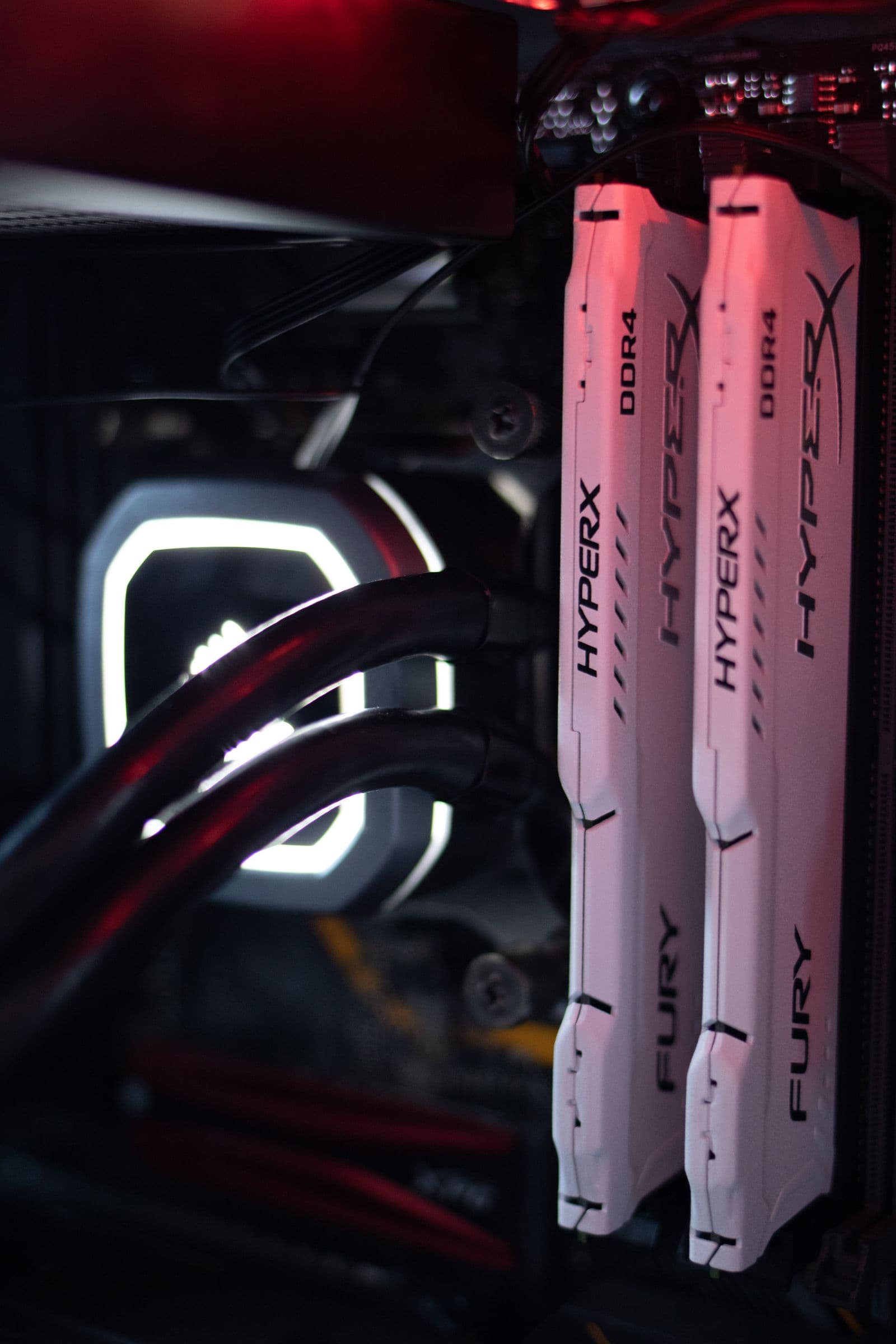
At current prices, three distinct tiers cover 32GB DDR5-6000: a budget CL38 option, a mid-range CL32 for Intel, and a premium CL28 EXPO pick for AMD. Each has a different value case.
TeamGroup T-Force Vulcan 32GB DDR5-6000 CL38
The best value 32GB pick at around $150-181 at Newegg. The T-Force Vulcan hits DDR5-6000 frequency, runs CL38 timings, and supports both XMP 3.0 and AMD EXPO. At these prices it is the entry point for DDR5-6000 gaming performance.
CL38 is slower than CL32 or CL28, but the gaming difference is within benchmark noise. Most titles cannot resolve a meaningful frame time difference between CL38 and CL32 at DDR5-6000. Where the Vulcan earns its spot is price: roughly $150-181 at Newegg versus $236 for the G.Skill Z5 RGB below.
One note on the pricing spread: the same T-Force Vulcan DDR5-6000 CL38 kit lists at different prices by color at Newegg. The red variant (affiliate-tracked) runs around $181; other colors are lower. Budget builders searching Newegg directly may find cheaper variants of the same spec.
G.Skill Trident Z5 RGB 32GB DDR5-6000 CL32
The mid-range Intel pick at around $236 at Newegg. The Trident Z5 RGB steps up to CL32-38-38-96 timings, which is meaningfully faster than CL38 on latency benchmarks. In gaming, the CL32 advantage over CL38 is small but shows up in 1% low frame times on latency-sensitive titles.
This kit supports XMP 3.0 only. It is designed for Intel LGA1851 builders. AMD builders should skip to the Trident Z5 Neo RGB below, which carries the EXPO profile and CL28 timings tuned for Ryzen.
The 44mm heatspreader height is worth checking if you run a large tower cooler. See the CPU cooler height and RAM clearance guide for how to measure clearance on your specific cooler.
G.Skill Trident Z5 Neo RGB 32GB DDR5-6000 CL28 EXPO
The AMD Ryzen pick at around $280 at Newegg. The "Neo RGB" designation means this kit is optimized for AMD AM5: it ships with EXPO as the primary profile and XMP 3.0 as secondary, with CL28-36-36-96 secondary timings that are EXPO-validated for Ryzen's memory controller.
The performance gap between CL28 and CL38 at DDR5-6000 is more visible on AM5 than on Intel, because tighter timings reduce latency through the infinity fabric synchronization. For a Ryzen 7000 or 9000 build at this budget level, the Z5 Neo RGB is the right pick.
Available in black and white at Newegg, both at around $280.
Corsair Vengeance RGB 32GB DDR5-6400 CL36
An Intel alternative at around $210 at Newegg. The Vengeance RGB runs DDR5-6400 at CL36-48-48-104. On Intel LGA1851, DDR5-6400 delivers a small bandwidth edge over DDR5-6000 without pushing beyond the validated range. On AMD AM5, some boards drop to 2:1 mode at DDR5-6400 depending on the specific chip and board, which can erase the gain.
This kit fits best for Intel builders who want DDR5-6400 without jumping to premium G.Skill pricing. It supports both XMP 3.0 and EXPO and is available in gray at Newegg.
Low-Profile DDR5 for Large Tower Coolers
Large tower coolers (Noctua NH-D15, be quiet! Dark Rock Pro 5, Thermalright Peerless Assassin) can overhang the first DIMM slot by 5-10mm. Most DDR5 kits in this guide run 40-44mm tall.
The T-Force Vulcan at ~40mm is the shortest of the picks above and clears most coolers without issue. The CPU cooler height and RAM clearance guide covers how to check your specific cooler's RAM overhang spec before ordering.
Best 16GB DDR5 RAM: When the Budget Is Tight
The case for 16GB has not changed: on a tight build budget where every dollar counts, saving on RAM to put more into the GPU is still the correct trade. The GPU drives the majority of your frame rates; $35-65 in GPU budget outperforms the same amount in RAM budget.
What has changed is the actual price of 16GB DDR5-6000. In 2025, solid 16GB kits ran $45-55. Today the entry point at DDR5-6000 is around $115. That is a meaningful number for a tight budget build.
TeamGroup Delta RGB 16GB DDR5-6000 CL38 (2x8GB) at around $115 at Newegg. Hits DDR5-6000 at CL38, runs in dual-channel, and supports both XMP 3.0 and AMD EXPO. The 2x8GB configuration delivers full dual-channel bandwidth. For a budget 16GB pick, it is the right spec at a fair current price.
Cheaper 16GB options exist at DDR5-4800 and DDR5-5200, but at current pricing the gap versus the Delta RGB is only $10-20 and the performance sacrifice on AM5 especially is real. The Delta RGB at $115 is the correct buy if 16GB is the call.
Best 64GB DDR5 RAM: The Value Story Has Changed
64GB makes sense for one specific use case: gaming while running a recording or streaming workflow at the same time. OBS at high bitrate, encoding at 1080p60 or 1440p60, and a game running concurrently can push 24-32GB of RAM in use. Having 64GB removes that ceiling.
For pure gaming, 64GB still adds nothing. No game in 2026 uses more than 24GB even at maximum settings.
What has changed is the price gap. A year ago, 64GB kits cost roughly $130-145 while 32GB kits ran $85. A $50-60 premium for double the capacity was reasonable but easy to skip. Today, 64GB DDR5-6000 CL38 kits start around $166 at Newegg while budget 32GB DDR5-6000 options run $150-181. The gap on the low end of the market is now roughly $15-35. For any build where streaming or recording is part of the workflow, that gap is easy to close.
TeamGroup T-Force Vulcan 64GB DDR5-6000 CL38 (2x32GB) at Newegg. Same DDR5-6000 CL38 spec as the 32GB Vulcan, supports XMP and EXPO. Note that different color variants of this kit list at different prices at Newegg; the cheapest SKU starts around $166. The affiliate-tracked red variant runs higher. Searching Newegg directly will show the full range of current SKU pricing.
RAM to Skip in 2026
DDR5 without XMP or EXPO. Every DDR5 kit boots at DDR5-4800 by default. Without an XMP or EXPO profile, your DDR5-6000 kit runs at DDR5-4800, delivering roughly 20% less bandwidth than the rated spec. Always verify XMP or EXPO support before buying.
CL40 and above at DDR5-6000 when CL38 costs the same. CL40 kits exist at DDR5-6000 and are sometimes listed near CL38 prices. CL38 is measurably faster at the same frequency. With CL38 options available at or below CL40 pricing, CL40 is not the right buy.
DDR5-4800 base speed kits. Budget kits designed for office systems. At current prices, the savings over DDR5-6000 gaming kits are minimal and the performance sacrifice on AM5 especially is significant.
Single-stick configurations. One 32GB stick in a dual-channel board runs single-channel. Memory bandwidth drops 10-15%. Always buy a 2-stick kit at whatever total capacity you need.
Four-stick configurations for 64GB. If you need 64GB, buy a 2x32GB kit, not 4x16GB. Four sticks of DDR5 force most motherboards to reduce memory speed for stability, often to DDR5-3600 to DDR5-4400. That erases the bandwidth advantage of the higher frequency and costs more. With 2x32GB 64GB kits starting around $166, there is no reason to run four sticks for capacity.
DDR4 for new builds. DDR4 is not on any current gaming platform. AMD AM5 and Intel LGA1851 both require DDR5. Only relevant if you are upgrading RAM in an existing LGA1700 system.
XMP and EXPO: What They Are and Why You Need to Enable Them
DDR5 kits ship with two speed modes. The default JEDEC speed is DDR5-4800, a conservative setting that works universally. The advertised speed requires enabling a profile in BIOS:
- XMP 3.0 (Intel eXtreme Memory Profile): Used on Intel LGA1851 platforms. Enable in BIOS under memory settings or an "XMP" toggle.
- EXPO (AMD EXtended Profiles for Overclocking): Used on AMD AM5. Enable in BIOS; look for "EXPO" or "DOCP" depending on board brand.
Kits supporting both profiles work on either platform. For AMD Ryzen specifically, an EXPO-certified kit delivers timings validated for Ryzen's memory controller. The G.Skill Trident Z5 Neo RGB's CL28 EXPO profile outperforms a generic CL38 XMP kit running at the same DDR5-6000 frequency on the same AM5 board, because the tighter timings are certified rather than just advertised.
Enabling XMP or EXPO is a one-time BIOS change that takes about 30 seconds. If the system fails to post after enabling, the BIOS reverts automatically to DDR5-4800 as a safe fallback.
For full detail on RAM compatibility including slot pairing, voltage limits, and what matters when mixing kits, see the RAM compatibility guide.
Build Your PC with the Right RAM Already Selected
The PC Builder at MaxMyBuild selects the right RAM for your build automatically: matched dual-channel kit, correct speed for the platform, XMP and EXPO compatible. Enter your budget and it handles component selection, compatibility checking, and price optimization across retailers.