Best GPU Under $300 in 2026 — What You Can Actually Buy
This guide contains affiliate links. If you buy through them, we may earn a commission at no extra cost to you.
Finding the best GPU under $300 in 2026 is harder than it should be. The RTX 5060 and RX 9060 XT both have $299 MSRPs, but neither card is available at that price. AIB versions from ASUS, GIGABYTE, MSI, and others retail from $340 to $430+ in 2026. If you have a $300 budget and are searching for one of these, you're going to be disappointed at the checkout.
Here's what the under-$300 GPU market actually looks like — and the honest pick at each price point.
Disclosure: Some links on this page are affiliate links — if you buy through them, MaxMyBuild earns a small commission at no extra cost to you. Prices and availability change frequently; check current listings before buying.
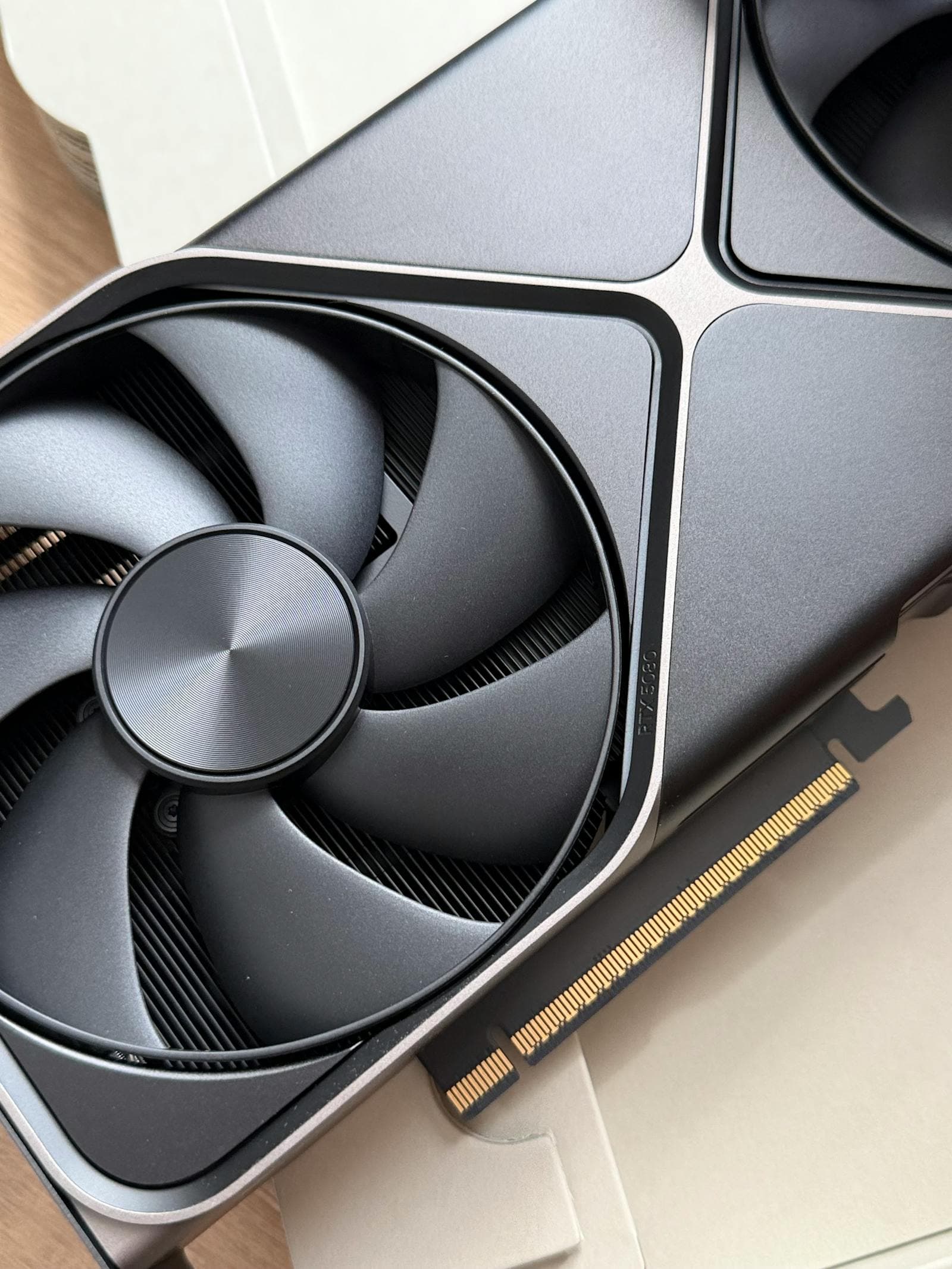
GPU Under $300 at a Glance
All prices are approximate retail street prices, not MSRP. Check current listings before buying — GPU prices move frequently.
| GPU | VRAM | 1080p Score | 1440p Score | Lowest Price | Best For |
|---|---|---|---|---|---|
| RX 9060 XT 8GB | 8GB | 55.7 | 36.1 | ~$360 | Best performance, needs budget stretch |
| RTX 5060 | 8GB | 51.2 | 31.8 | ~$340 | Strong 1080p, barely beats B580 at 1440p |
| Arc B580 12GB | 12GB | 41.4 | 30.2 | ~$310 | Best value nearest $300 |
| RX 7600 | 8GB | 40.6 | 19.7 | ~$220 | Best sub-$270 for 1080p |
| RTX 5050 | 8GB | 38.7 | 23.0 | ~$290 | New card, modest step up from RX 7600 |
| Arc B570 | 10GB | 36.6 | 24.6 | ~$260 | Budget pick with more VRAM than competitors |
| RTX 3050 8GB | 8GB | 25.5 | 13.6 | ~$250 | Skip — old architecture at a bad price |
Scores are normalised performance indexes derived from Tom's Hardware benchmarks. Higher is better. Prices are approximate street prices and subject to change — check current listings before buying.
For a full ranked performance-per-dollar view, see the GPU price-to-performance benchmark chart. If your budget lands closer to $200, see the best GPU under $200 guide.
The Honest Pick Near $300: Arc B580 12GB at ~$310
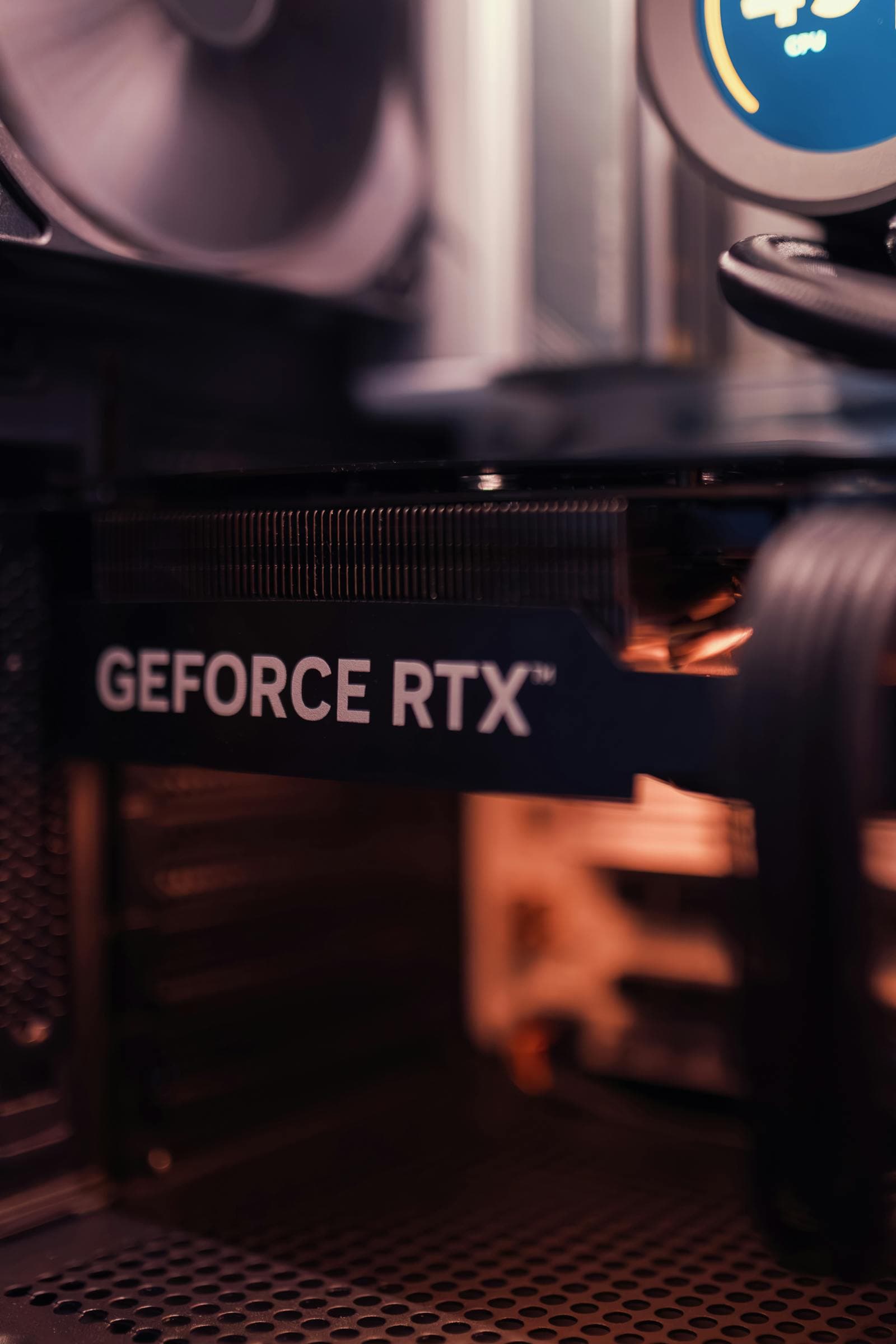
If you have $310 available and need to decide today, the Intel Arc B580 is the answer. At ~$310, the ASRock Arc B580 Challenger delivers a 1080p benchmark score of 41.4 — matching the RX 7600 on raw frame rate — but with 12GB VRAM versus the RX 7600's 8GB. In practice, that 41.4 score translates to roughly 70–90 fps in demanding AAA titles at 1080p high settings, and 100+ fps in less demanding competitive games.
That VRAM gap matters more at this price than the benchmark difference. Modern AAA titles in 2026 regularly push 8–10GB in high-texture modes at 1080p. The RX 7600 can handle it with texture settings turned down; the Arc B580 gives you the headroom to leave them up. For a card you're hoping to keep for two to three years, 12GB buys significantly more life.
At 1440p, the Arc B580 (score: 30.2) is also competitive with the RTX 5060 (score: 31.8) — they're within 5% of each other despite the RTX 5060 costing $30–50 more. The only card meaningfully better at 1440p in this price band is the RX 9060 XT 8GB (score: 36.1), and that requires a $360 budget.
One caveat for Arc B580 buyers: Intel Arc performs best on PCIe 4.0 boards with Resizable BAR (ReBAR) enabled in BIOS. On older PCIe 3.0 platforms, you lose meaningful performance. If you're building new, this isn't an issue — PCIe 4.0 is standard on every current platform. If you're upgrading an older system, check your motherboard's PCIe generation before buying.
The $340–360 Tier: RTX 5060 and RX 9060 XT 8GB
These are the cards with $299 MSRPs that actually cost more. Both are worth buying — just not at $300.
RX 9060 XT 8GB — Better at 1080p and 1440p
The GIGABYTE RX 9060 XT Gaming OC 8GB at ~$360 is the strongest performer in this entire bracket — a 1080p score of 55.7 and 1440p score of 36.1. That's 35% faster than the Arc B580 at 1080p and 19% faster at 1440p.
For 1080p gaming at high refresh rates (100–144 fps), the RX 9060 XT 8GB hits frame targets the Arc B580 cannot. If you're pairing with a 144Hz monitor and play competitive games where fps matters, the extra $50 over the Arc B580 is justified.
The 8GB VRAM is the limitation. At 1440p with high textures in 2026 titles, you will run into the ceiling in some games. At 1080p, 8GB is mostly sufficient today — but it's tighter than you'd like for a card you're hoping to keep for two or three years. There's also a 16GB version of the RX 9060 XT at ~$449 if VRAM headroom matters more to you than raw performance-per-dollar.
RTX 5060 — Strong at 1080p, Oddly Flat at 1440p
The PNY RTX 5060 OC starts at ~$340, with most AIB models between $350 and $430. At 1080p, the RTX 5060 (score: 51.2) is a strong card — 24% faster than the Arc B580. At 1440p, though, it's only 5% ahead of the Arc B580 (31.8 vs 30.2). That 1440p number is the oddity: the RTX 5060 scales significantly better at 1080p than it does at 1440p relative to its competition.
What the RTX 5060 has over the RX 9060 XT 8GB: DLSS 4 upscaling (NVIDIA's AI-based resolution scaling), better ray tracing performance, and stronger ecosystem compatibility. If you use any NVIDIA-specific features or care about DLSS quality, the RTX 5060 is the right call. For raw rasterization performance per dollar, the RX 9060 XT 8GB leads.
Under $270: Arc B570 and RX 7600
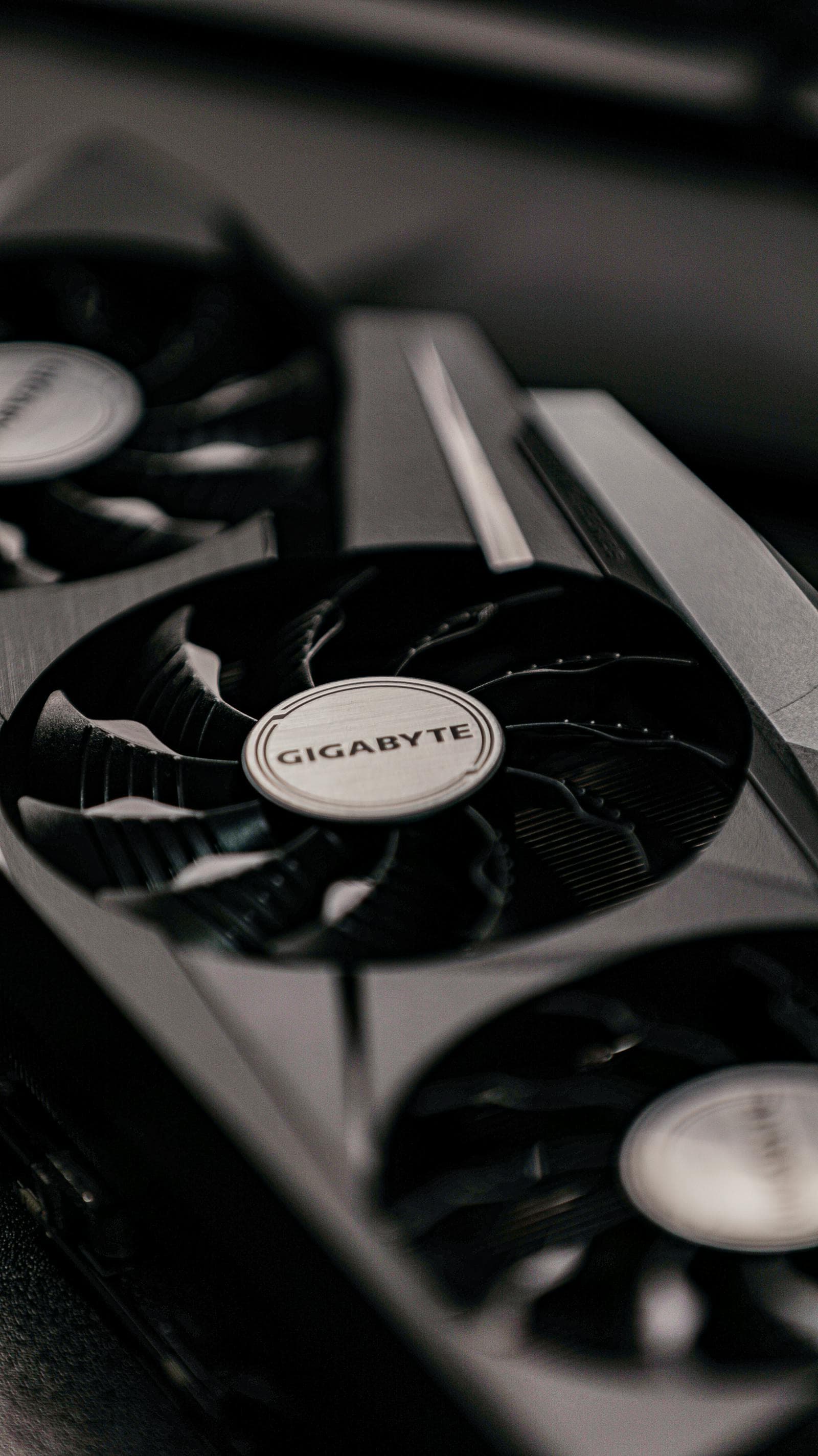
If $310 is too much and you need something under $270, two cards are worth considering.
RX 7600 — The Best Value Under $300 for 1080p
The RX 7600 is available in stock for $219–$290 depending on the AIB model. At 1080p, it matches the Arc B580 almost exactly (score: 40.6 vs 41.4) — the difference is within benchmark margin of error. It is, however, notably weaker at 1440p (score: 19.7 vs 30.2), which becomes relevant if you game at 1440p occasionally or plan to upgrade your monitor.
The RX 7600 has 8GB VRAM. That's the tradeoff for the lower price: you give up 4GB of memory over the Arc B580 and lose flexibility on texture settings.
For 1080p/60 fps gaming on a tight budget, the RX 7600 at $220–$250 is excellent value. The ASRock RX 7600 Challenger OC at $220 from Newegg is the value leader in this tier.
Arc B570 — More VRAM Than the RX 7600 for Less Money
The ASRock Arc B570 Challenger OC at ~$260 sits between the RX 7600 and Arc B580 on both price and performance. Its 1080p score (36.6) is slightly behind the RX 7600 (40.6), but it carries 10GB VRAM — more than the RX 7600's 8GB — and its 1440p score (24.6) beats the RX 7600 (19.7) by a meaningful margin.
The same PCIe 4.0 and ReBAR requirement applies as on the B580. On a compatible board, the B570 is a genuinely solid choice. The B580 is better value if you can spend $50 more.
What About the RTX 5050?
The GIGABYTE RTX 5050 Windforce OC retails at ~$290 — just under $300. Its 1080p score (38.7) falls slightly behind both the Arc B580 (41.4) and the RX 7600 (40.6), but its 1440p score (23.0) is better than the RX 7600 (19.7) and close to the Arc B570 (24.6).
The RTX 5050 is a new-architecture card with 8GB GDDR7 and supports DLSS 4. If you specifically want an NVIDIA card and DLSS matters to you — and your budget is a firm $300 — the RTX 5050 is a valid pick. Compared to the Arc B580 at $310, though, it loses at 1080p and at 1440p, and has 4GB less VRAM. The $20 premium for the B580 is worth it unless DLSS is a hard requirement.
GPUs to Skip at This Budget
RTX 3050 8GB (~$250): The RTX 3050's 1080p benchmark score (25.5) is 38% below the Arc B580's (41.4). It costs nearly as much as cards that outperform it by 50%. The only reason to buy a 3050 in 2026 is if it's the only GPU physically available to you.
RTX 3050 6GB (~$210): Even weaker at 22.8 and only 6GB VRAM. Skip entirely.
RX 6500 XT (~$200–250): 4GB VRAM in 2026 is a hard no. Modern games will crash or stutter badly.
RTX 4060 (~$350–429): Listed here because it's priced at the same tier as the RX 9060 XT and RTX 5060, and it trails both on performance per dollar. The RTX 5060 and RX 9060 XT have made the RTX 4060 redundant — both are newer-generation cards that deliver more performance for the same or lower price. If you're buying at $350, the RX 9060 XT 8GB is a better card for less money. The RTX 4060 is one of the worst-value cards on the market right now.
Does 8GB VRAM Still Hold Up?
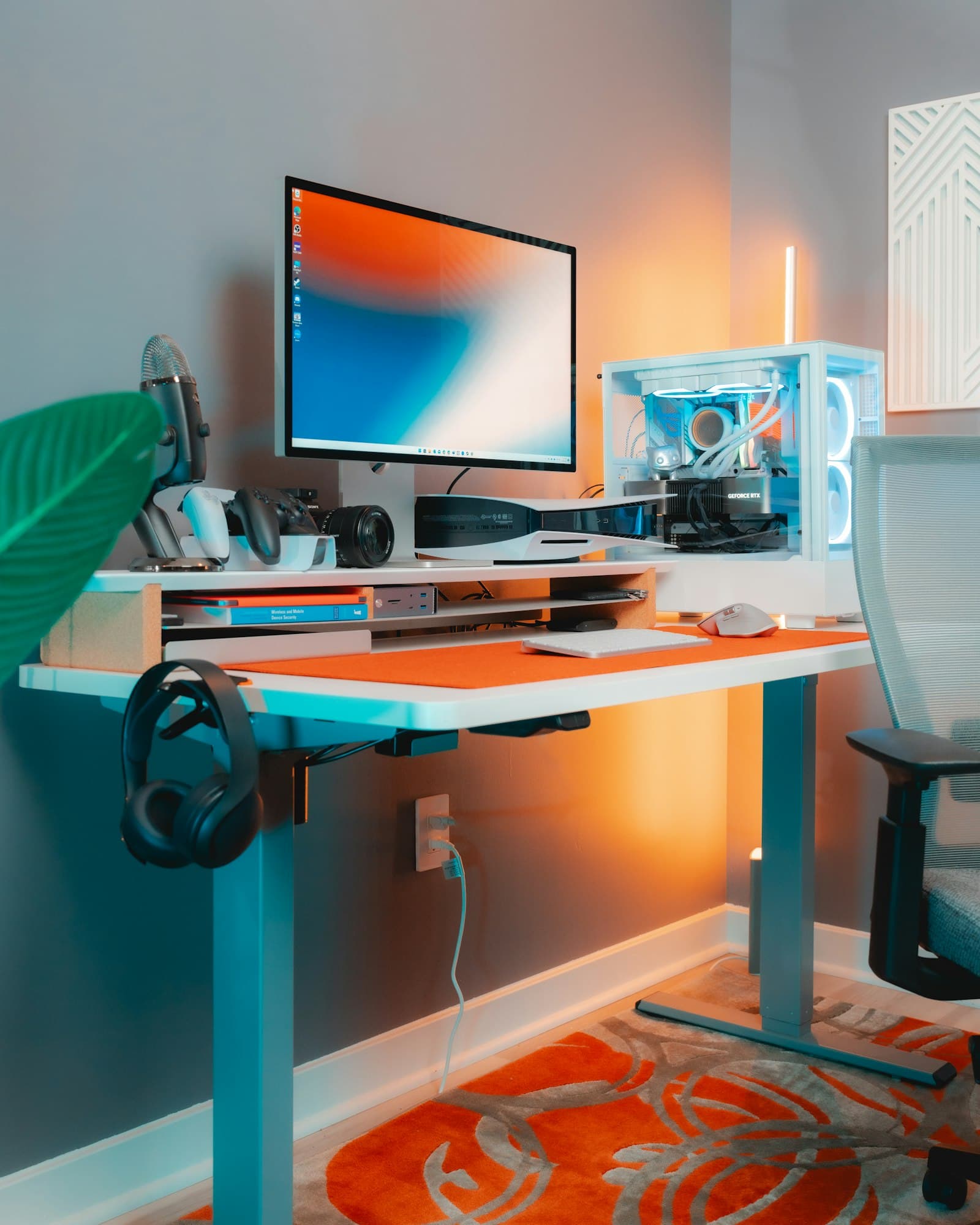
For 1080p gaming in 2026, 8GB is functional but limited. Most games run without issue at medium-to-high textures. In the most VRAM-hungry titles — Hogwarts Legacy, Alan Wake 2, Black Myth: Wukong, Assassin's Creed Shadows — 8GB can cause texture pop-in or forced downgrade in quality presets at 1080p. Turning textures to medium usually resolves it.
At 1440p, 8GB becomes a real problem. More games hit the ceiling and require dropping to medium textures to prevent stutter. If you plan to play at 1440p with any regularity, 12GB is worth targeting.
The broader trajectory is clear: as GPU memory requirements trend upward with each game generation, 8GB will become more limiting by 2027–2028. The Arc B580's 12GB at ~$310 buys a meaningful amount of additional headroom relative to every 8GB card in this price bracket.
For the full picture on VRAM across resolutions and budget tiers, see the VRAM guide.
The $300 GPU in a Full Build Context
A GPU alone doesn't tell the complete story. The card you pick needs to be matched to:
- A PSU (power supply unit) that can support it. The Arc B580 draws ~190–200W (varies by AIB model); the RTX 5060 ~155W; the RX 9060 XT 8GB ~170W. A 650W PSU handles any of these with margin. See the TDP and PSU sizing guide to confirm your power supply is rated for your build.
- A CPU that won't bottleneck it. At the $300 GPU tier targeting 1080p, a Ryzen 5 7500F or Core i3-14100F is sufficient. A higher-end CPU doesn't improve gaming fps when the GPU is the limiting factor at 1080p.
- A resolution target. These GPUs are designed around 1080p. The Arc B580 and RX 9060 XT 8GB can handle 1440p at medium-to-high settings, but none of these cards are 1440p workhorses at high refresh rates.
If you want the full build built automatically around whichever GPU you pick, the PC Builder at MaxMyBuild generates a compatible parts list at your exact budget — GPU, CPU, motherboard, RAM, storage, PSU, and case — with live pricing.
For a broader GPU selection across all price points, see the GPU buying guide. If budget is the main constraint across the whole build, the budget PC build guide covers the full component priority breakdown. To compare every current GPU — including all models in and above this price range — by benchmark score and live price, see the best gaming graphics cards.