New vs Used PC Parts: What's Safe to Buy Second-Hand?
This guide contains affiliate links. If you buy through them, we may earn a commission at no extra cost to you.
Most PC parts are safe to buy used and can save you 20–40% compared to new retail. The two exceptions that matter: GPU carries real risk from mining history, and PSU (power supply unit — the component that converts wall power for every part in your build) is the one component to almost always buy new. Get those two decisions right, and buying used becomes a reliable way to stretch a build budget.
The PC Builder at MaxMyBuild generates builds from new parts with live retail pricing. If you're planning to source some components second-hand to close a budget gap, this guide covers exactly which parts to buy used, which to skip, and what to check before committing.
Disclosure: Some links on this page are affiliate links — if you buy through them, MaxMyBuild earns a small commission at no extra cost to you. Prices and availability can change at any time.
New vs Used PC Parts at a Glance
Pick your component and read across. "Verdict" is the default recommendation for most buyers in most situations.
| Component | Risk Level | Verdict | Est. Savings vs New |
|---|---|---|---|
| PC case | None | ✅ Buy used freely | 40–60% |
| CPU cooler | None | ✅ Buy used freely | 30–50% |
| Case fans | None | ✅ Buy used freely | 30–50% |
| CPU | Very low | ✅ Safe with a visual check | 25–40% |
| Storage (SSD / HDD) | Low | ✅ Safe with a health check | 20–35% |
| Motherboard | Medium | ⚠️ Safe if testable before purchase | 25–40% |
| RAM | Very low | ✅ Safe with a quick test | 20–35% |
| GPU | High | ⚠️ Safe with the right precautions | 30–50% |
| PSU | Very high | ❌ Buy new | 20–30% (not worth it) |
On savings estimates: GPU prices fluctuate the most — buying after a crypto crash or a GPU generation release cycle can push savings higher than these figures. CPU and case savings are more stable.
Which Parts Are Safe to Buy Used — and Why
The safest used components share two characteristics: they degrade in visible, predictable ways, and they don't have hidden failure modes that can develop later and damage other parts.
PC case is the safest used purchase on this list. Cases are metal and plastic enclosures — they don't wear mechanically. Check for bent motherboard standoff mounting points, stripped screw holes, or damaged front-panel connectors before buying. Beyond cosmetics, a used case in good physical shape is functionally identical to a new one.
CPU coolers (the heatsink-and-fan unit that mounts on top of your processor) degrade slowly and visibly. Aluminum fins can be bent and straightened; the fan is cheap to replace if it becomes noisy. The copper heatpipes inside don't degrade meaningfully under normal use. A well-regarded cooler like a Thermalright Peerless Assassin 120 SE or a be quiet! Dark Rock bought used at 40% off retail is a straightforward win.
Case fans at budget prices are cheap enough that the used vs new savings are often minimal — $3 per fan. For premium fans (Noctua NF-A12x25, for example), buying a set used at half retail price is genuinely worthwhile. Quality fans have 8–10 year lifespans, so used is fine.
Storage drives (SSDs and HDDs) have a useful health indicator built in: S.M.A.R.T. data, readable with free tools like CrystalDiskInfo (Windows). Ask the seller for a screenshot before meeting or before it ships. Key figures: for SSDs, look for reallocated sector count (should be zero) and remaining TBW (total bytes written — a rough life indicator). For HDDs, reallocated sectors and pending sectors should both be zero. Any non-zero reallocated sector count is a reason to walk away.
GPU: High Risk, High Reward — What to Check Before Buying
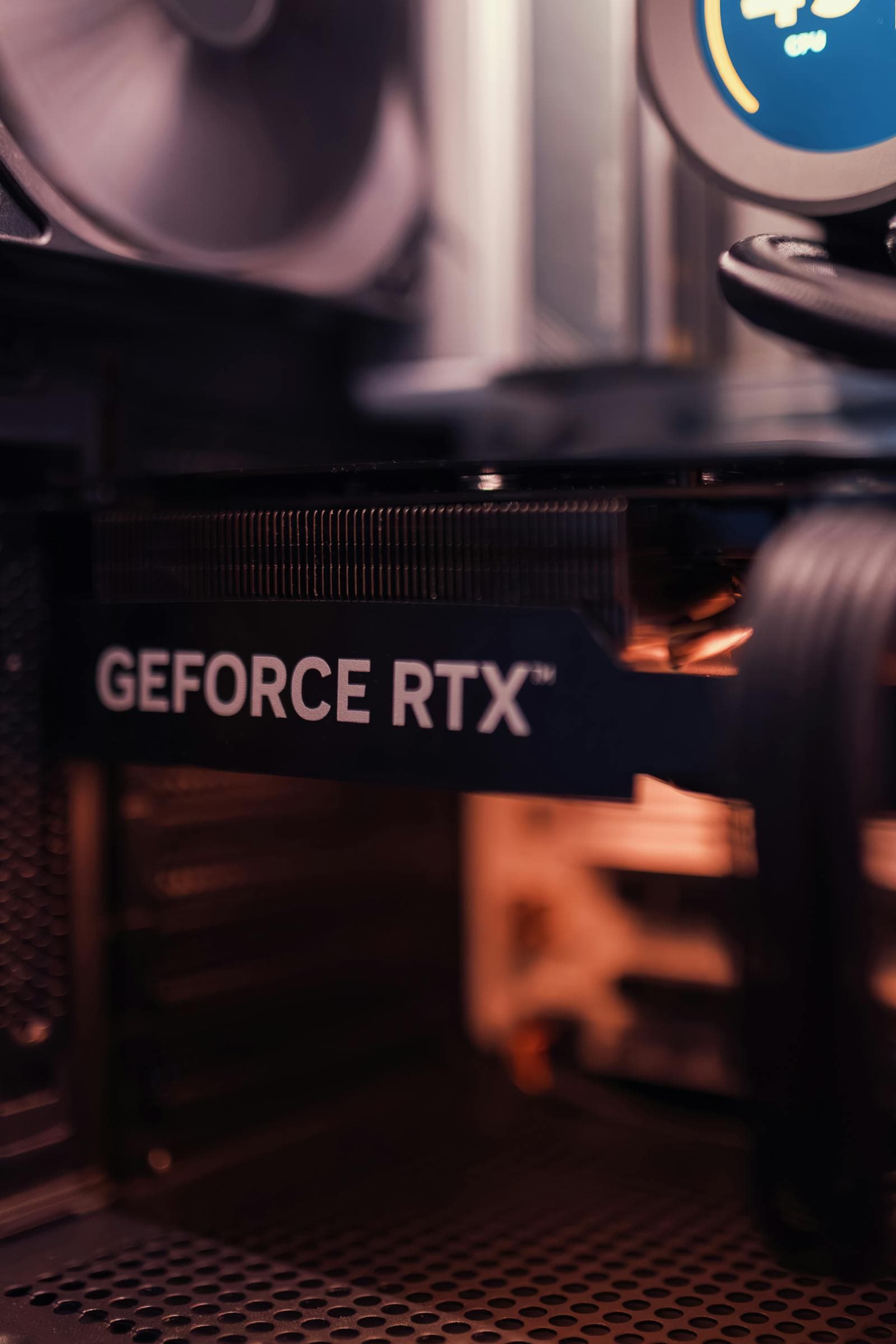
A used GPU can save 30–50% vs. retail on a card that still has years of life left. The risk is real but manageable with the right precautions. The GPU buying guide covers what specs to target at each budget tier — apply the same tier logic to the second-hand market.
The main risk is mining history. A GPU that ran 24/7 at 100% load for 12–18 months as a cryptocurrency mining card has meaningfully more wear than one that saw gaming loads for the same period:
- Thermal paste on the GPU die degrades faster under constant high heat
- Fan bearings wear faster under continuous load
- Capacitors and VRMs (voltage regulator modules — the circuits that manage power delivery to the GPU) experience accelerated aging at sustained high temperatures
- VRAM chips can develop issues after prolonged thermal stress
Red flags to look for:
- Seller can't describe what games they played or deflects usage questions
- Listing mentions "was used for mining" or "great for passive income"
- Card is set to exact mining-optimal overclock settings
- Price is significantly below market — a common signal of a seller trying to exit before failure
Green flags:
- eBay seller with 99%+ feedback and a meaningful transaction count in electronics
- Photos show the card installed in a gaming build with other components visible
- Seller can describe specific games played and answers follow-up questions directly
- eBay listing has a return policy (this is the single most important factor)
The benchmark test: once the card arrives, immediately run a GPU stress test for 30 minutes at maximum load — before the eBay return window closes (typically 30 days). Use Unigine Superposition (free, tests modern DX12 workloads), 3DMark Time Spy (the current standard benchmark), or the older Unigine Heaven as a fallback. Watch for: visual artifacts (green or pink dots, screen tearing, flickering), driver crashes, or temperatures above 90°C under sustained full load with fans spinning up normally. A card that passes a 30-minute stress test without artifacts is almost certainly in good shape.
Always pay with PayPal or a credit card on eBay — this gives you chargeback protection on top of eBay's Money Back Guarantee. If a seller insists on Zelle, Venmo, or cash app payment, decline and move on.
For VRAM capacity — one of the most important specs to verify when buying a used GPU — see the VRAM requirements guide. A used card with more VRAM is often worth prioritising over a newer card with less.
PSU: The One Part Worth Almost Always Buying New
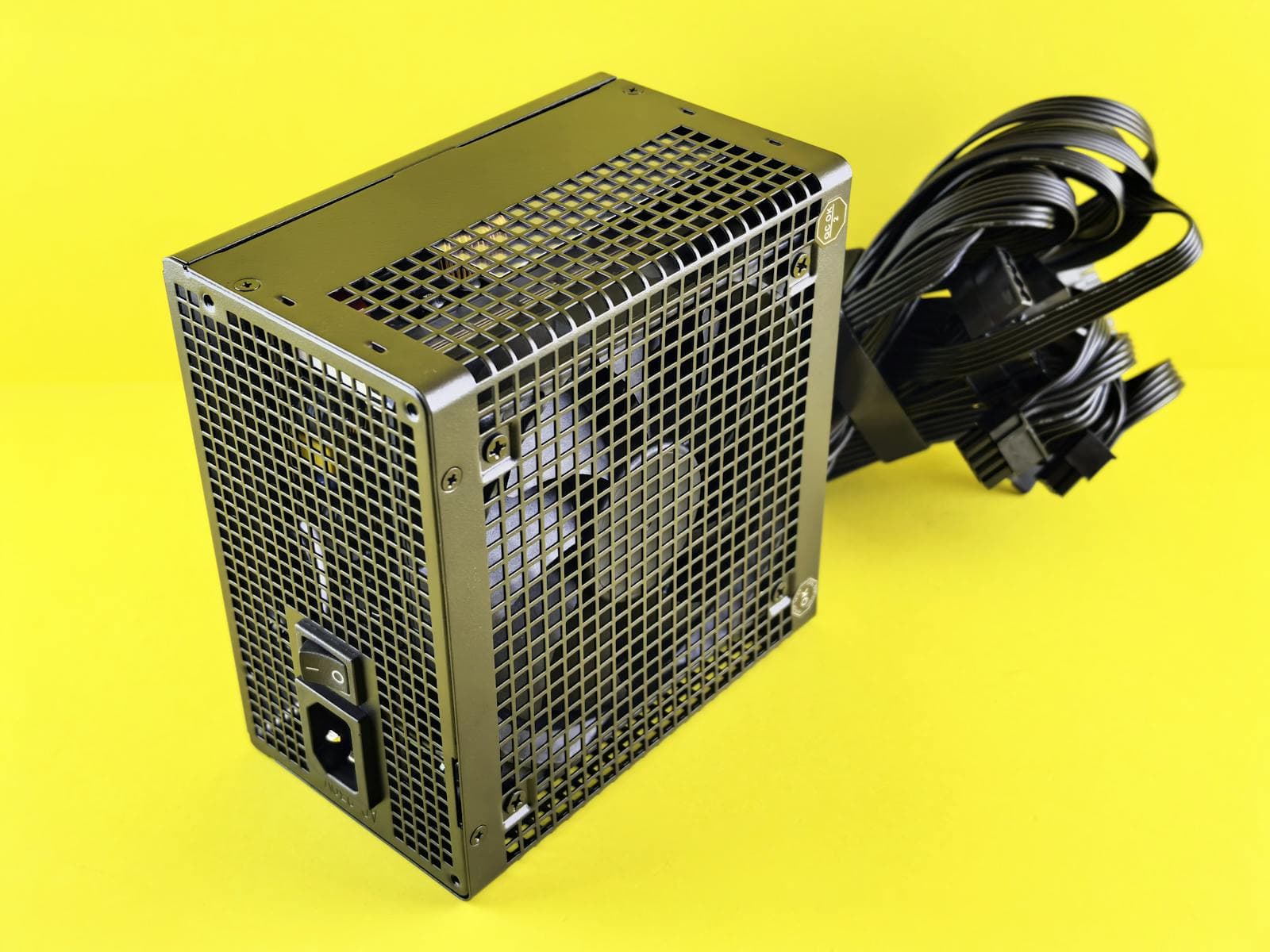
A PSU (power supply unit) is the only component where the advice is nearly universal: buy new.
Why: PSUs contain electrolytic capacitors — components that degrade with age and heat, regardless of how many hours the unit was run. A capacitor that has aged past its design life can fail suddenly under full load. When a PSU fails hard (as opposed to a soft failure that causes instability), it can send unregulated voltage to everything connected: GPU, motherboard, storage, RAM. A $40 saving on a used PSU is not worth the risk of losing a $400 GPU alongside it.
The problem is that there's no external test that reveals capacitor health. A PSU can measure correct voltages on a multimeter at idle and still fail under sustained gaming load. Unlike GPU mining history (which has behavioral signals) or SSD wear (which has S.M.A.R.T. data), PSU aging is invisible until something breaks.
The one exception: a PSU from someone you personally know — a friend or family member with the original receipt and clear usage history. A two-year-old 80+ Gold unit with light gaming use from a trusted source is fine. A random eBay "barely used" listing is not.
For sizing a new PSU correctly to your components, see the TDP and PSU sizing guide.
CPU: Generally Safe, One Physical Risk to Check
CPUs are among the most reliable used components. A CPU either works or it doesn't — there's no degraded-but-still-running failure mode the way there is with PSU capacitors or GPU VRAM. If it posts and passes a CPU stress test, it will continue working.
The one risk: bent pins. Older AMD AM4 CPUs have the contact pins on the processor itself — if a previous owner dropped the CPU or pulled a stuck cooler too aggressively, pins can bend. Inspect the pin array with a bright light at an angle before purchasing. Bent pins can sometimes be straightened with the edge of a credit card or a 0.5mm mechanical pencil, but it's easier to choose a CPU without the problem.
Modern Intel LGA 1700 and LGA 1851 sockets, and AMD AM5, use Land Grid Array contacts on the socket — the CPU itself has no pins. That said, inspect the gold contact pads on the underside for deep scratches, and check the edge areas for any missing or chipped SMD components (tiny capacitors and resistors on the CPU substrate) that can be knocked off if the chip is dropped. Neither is common, but both are easy to check and worth confirming before purchase.
Verdict: used CPUs are a solid value. A previous-generation used CPU (Ryzen 5 5600X, for example) at 40% below new retail price and running on a platform you already own is one of the clearest wins in the used market.
Motherboard: Safe If You Can Verify It Was Working Before You Buy
Motherboards carry more risk than CPUs but are generally safe used if you take the right precautions.
What to check before buying:
- VRM area — the components around the CPU socket shouldn't show swollen or leaking capacitors. Look for bulging tops or brown residue on capacitors.
- PCIe and RAM slots — inspect all slots for bent or broken retaining clips
- BIOS update compatibility — this is the critical one: if you're buying an older board for a newer CPU (e.g., a B550 for a Ryzen 5000-series processor), verify the board already has a BIOS version that supports your CPU. Without the correct BIOS, it won't POST with the new processor — and you need a supported CPU to perform the update, creating a catch-22. If the board supports BIOS Flashback (the ability to flash a new BIOS via USB without any CPU installed), this catch-22 is resolved. Look for Flashback support in the motherboard's spec sheet before buying.
- USB and audio header areas — broken PCB traces from aggressive cable installation are common
The safest used motherboard purchase: same platform generation as the CPU you already own, from a seller who tested it working and can provide a POST photo or video. Avoid boards sold as "untested" — motherboards are cheap enough new that "untested" isn't worth the gamble.
RAM: Safe to Buy Used, But Often Not Worth It at Current Prices
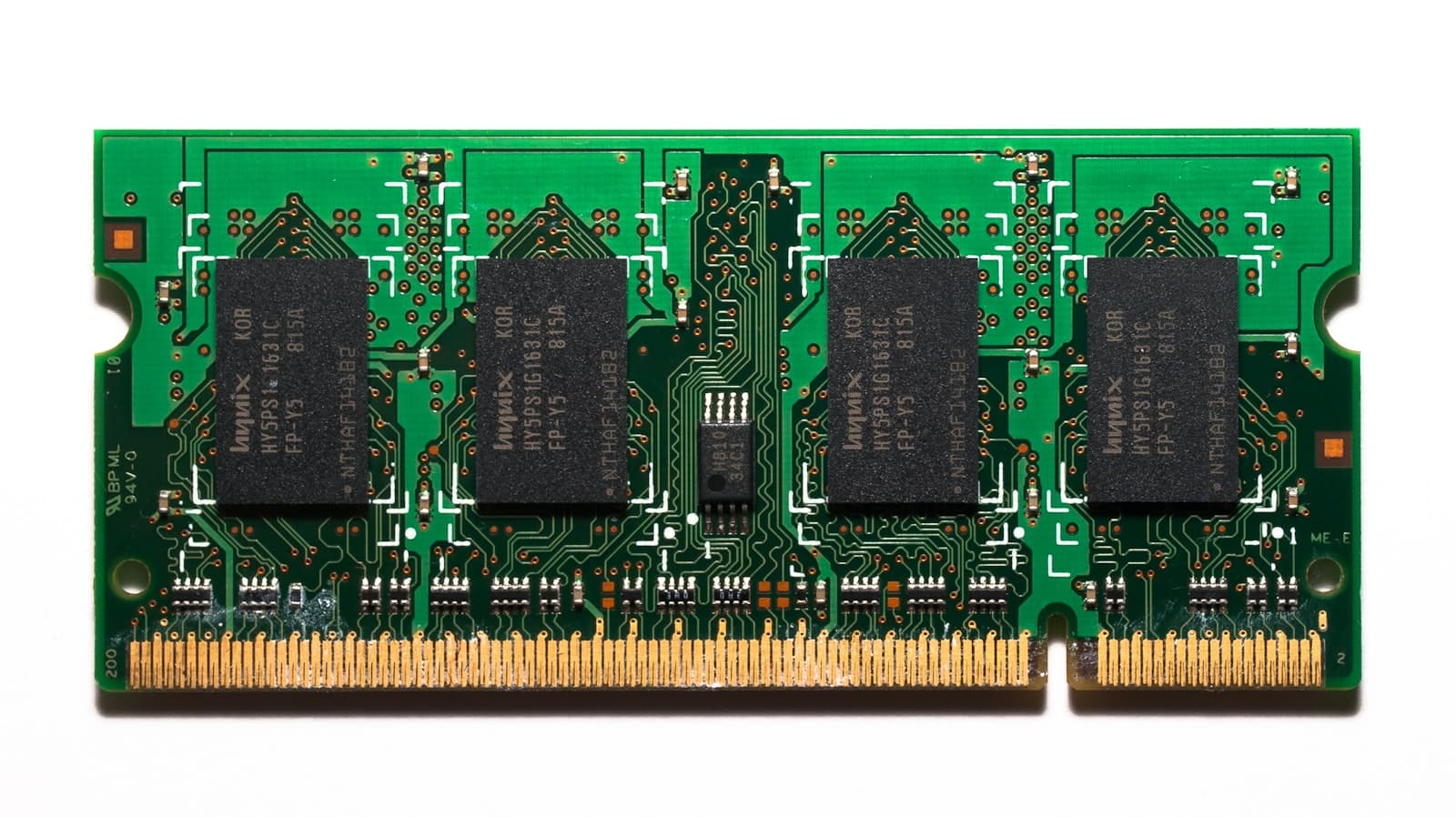
RAM is one of the technically safest used components. Unlike GPUs, RAM doesn't have a gradual degradation pattern under normal use — it either works or it doesn't. You can verify working RAM in 30–60 minutes with MemTest86 (free, boots from a USB drive).
The practical consideration: DDR5 prices in 2026 are elevated relative to DDR4 at the same stage of its lifecycle — a 32GB DDR5 kit runs $80–120 new depending on speed. Used kits from the same generation can come in 20–35% cheaper, which is a real saving. Run a MemTest86 pass on arrival and verify XMP/EXPO profiles work correctly in your board before the return window closes.
Where it makes the most sense: name-brand kits (Corsair, G.Skill, Kingston) from sellers who can identify the exact model. Avoid generic or no-name DDR5 used — speed ratings may be overstated and profiles unreliable.
Speed note: used DDR5 running at JEDEC base speeds will work on any compatible motherboard. The faster rated speeds (5600 MT/s, 6000 MT/s) require the XMP or EXPO profile in the sticks to be correctly programmed and enabled in BIOS. Most name-brand DDR5 retains these profiles, but it's worth confirming with the seller.
Where to Buy Used PC Parts — and What to Avoid

eBay is the safest marketplace for used PC parts. The eBay Money Back Guarantee means that if the part doesn't work as described, you can return it — regardless of what the seller claims. Filter for sellers with 98%+ positive feedback and a meaningful number of completed electronics transactions. Always pay with PayPal or a credit card for an additional layer of chargeback protection.
Facebook Marketplace and Craigslist offer lower prices but zero buyer protection. Only buy from these platforms locally, where you can inspect and test the item before money changes hands. For a GPU, ask the seller to bring the full system it came out of so you can watch it boot and run for a few minutes. Meet in a public location — coffee shops near police stations are a commonly recommended meeting spot. Never pay before testing.
Reddit's r/hardwareswap is worth checking for GPUs specifically. The subreddit has a community reputation system — sellers build a trade record over time, and you can review their full history before buying. A seller with 40+ confirmed trades and all-positive feedback is legitimately more trustworthy than a random eBay listing.
Avoid these situations:
- Sellers who won't accept returns or insist on non-reversible payment methods (Zelle, Venmo, cash apps)
- "As-is, no returns" eBay listings for GPUs
- Bundled deals where the GPU is "included" with other parts at a discount — these bundles often exist because the GPU is the problem unit
- Complete used builds from unknown sellers — you inherit every fault with no way to isolate the failing component
When Buying Used Makes Sense — and When It Doesn't
Buy used when:
- Budget is the primary constraint and every $50 saved matters — for a full breakdown of what each component costs and where to prioritise spending, see the budget gaming PC build guide
- You're buying the low-risk components: case, cooler, storage, fans
- You're buying from eBay with a return policy and plan to run a benchmark test on arrival
- The seller has verifiable reputation history (eBay feedback, r/hardwareswap trades, or personal knowledge)
- The savings are above 25% — below that, the friction and risk rarely justify it
Stick with new when:
- It's your first build — troubleshooting a faulty used component adds confusion you don't need
- You're buying the PSU — always buy new
- The savings are under 15% after shipping
- There's no return window and no verifiable seller reputation
- You're buying RAM from an unknown seller with no return policy — stick to name-brand used kits from verifiable sources
The mixed approach is often the best outcome: buy case, cooler, and storage used from local listings; buy GPU, PSU, and motherboard new. You can realistically save $80–150 on a mid-range build this way with essentially zero added risk.
Does MaxMyBuild Handle This Automatically?
The PC Builder at MaxMyBuild generates complete builds from new parts — live pricing from Amazon, B&H, and Newegg. It doesn't currently source used parts.
If you're planning a mixed build (some parts new, some used), the PC Builder is still useful: generate a target build first to see what each component costs new. That gives you a clear baseline for evaluating used prices — a used GPU at 35% below the new retail listed in the build output is a real saving; one at 10% below probably isn't worth the hassle.
For the full breakdown of what compatibility the PC Builder checks before generating a build, see the PC build compatibility complete guide.
Frequently Asked Questions
Is it safe to buy used PC parts?
Most PC parts are safe to buy used. Case, CPU cooler, storage drives, and case fans are essentially zero-risk. CPUs are safe second-hand with a quick visual check for bent pins on older AMD AM4 sockets. GPUs are the highest-risk component because mining history can't always be detected — buy from reputable sellers with a return window and run a benchmark before the return period closes. PSUs (power supply units) are the one component to almost always buy new: capacitor degradation is invisible from the outside and a failed PSU can damage everything else in the build.
What PC parts are safe to buy used?
The safest used parts are: PC case (zero mechanical wear), CPU cooler (fans replaceable, heatsink doesn't degrade), storage drives (check health via CrystalDiskInfo), case fans, and CPU (CPUs rarely fail — check for bent pins on older AMD AM4 sockets). RAM is technically safe — DDR5 prices are elevated enough that used name-brand kits can save 20–35%, making it worth checking if the seller is reputable and a return window is available. GPUs are risky but manageable if you buy from a reputable seller with a return policy and run a benchmark test on arrival.
Should I buy a used GPU?
A used GPU can save 30–50% off retail, but it requires caution. The main risk is mining history — a card that ran 24/7 at 100% load for months has degraded thermal paste, worn fans, and higher failure probability. Red flags: seller can't describe usage, listing mentions mining, price seems too good. Green flags: eBay seller with 99%+ feedback, photos of a gaming setup, return policy. Always run a GPU stress test (Unigine Superposition or 3DMark Time Spy) for 30 minutes before the eBay return window closes.
Is it safe to buy a used PSU?
No — a PSU (power supply unit) is the one component worth almost always buying new. Capacitors inside a PSU degrade with age and heat, and there is no external test that reliably reveals their condition. A PSU that measures correct voltages on a bench can still fail catastrophically under sustained load, and when it does, it can take the GPU, motherboard, and storage with it. The 20–30% savings on a used PSU isn't worth risking a $400 GPU.
Where is the best place to buy used PC parts?
eBay is the safest place to buy used PC parts because of the Money Back Guarantee — if the part doesn't work as described, you can return it regardless of what the seller says. Always pay via PayPal or credit card. Facebook Marketplace and Craigslist offer lower prices but zero buyer protection — only buy locally where you can test before paying. Reddit's r/hardwareswap has community reputation scores that make it trustworthy for GPU purchases from established sellers.