What Tools Do You Need to Build a PC?
This guide contains affiliate links. If you buy through them, we may earn a commission at no extra cost to you.
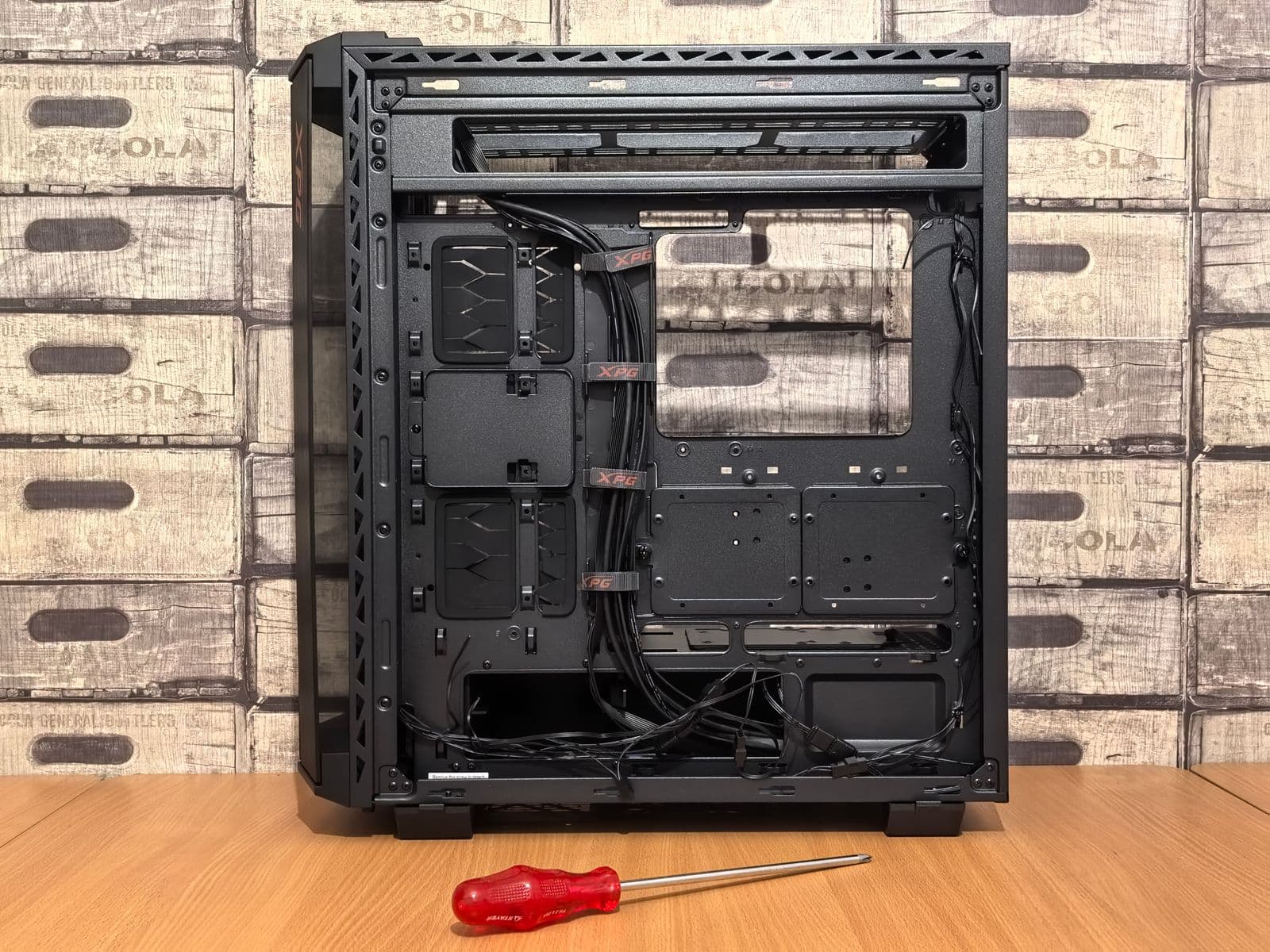
You need one tool to build a PC: a magnetic Phillips #2 screwdriver. That's it. Everything else you'll find on "PC building toolkit" lists is either nice to have or genuinely unnecessary. If you haven't chosen your parts yet, the PC Builder at MaxMyBuild generates a fully compatible parts list matched to your budget before you buy anything.
Some links on this page are affiliate links. If you buy through them, MaxMyBuild earns a small commission at no extra cost to you.
The Complete PC Building Tools List
Pick your tool and read across. "Essential?" means you cannot finish a standard PC build without it.
| Tool | Essential? | Notes |
|---|---|---|
| Phillips #2 screwdriver (magnetic) | Yes | Every screw in a PC build is #2 Phillips |
| Clean, flat work surface | Yes | A kitchen table works. Not carpet. |
| Zip ties or velcro cable ties | Recommended | Cable management is far easier during the build than after |
| Small screw tray or magnetic parts bowl | Helpful | Keeps 6-32 and M3 screws from rolling off the table |
| LED flashlight or headlamp | Helpful | Cases have dark corners where connectors hide |
| Tweezers | Optional | Useful for M.2 screws and tight spaces |
| Thermal paste | Situational | Most coolers include it; check the box first |
| Isopropyl alcohol (90%+) | Optional | Only needed if reseating a cooler or cleaning a bracket |
| Anti-static wrist strap | Optional | Touching the case frame does the same job on most surfaces |
| Flathead screwdriver | Skip it | Modern PC builds use almost no flathead screws |
| Needle-nose pliers | Skip it | If you need this much force, something is misaligned |
| Branded PC toolkit bundle | Skip it | $25-$50 kits are mostly filler; buy the screwdriver alone |
The One Tool You Actually Need: A Phillips #2 Screwdriver
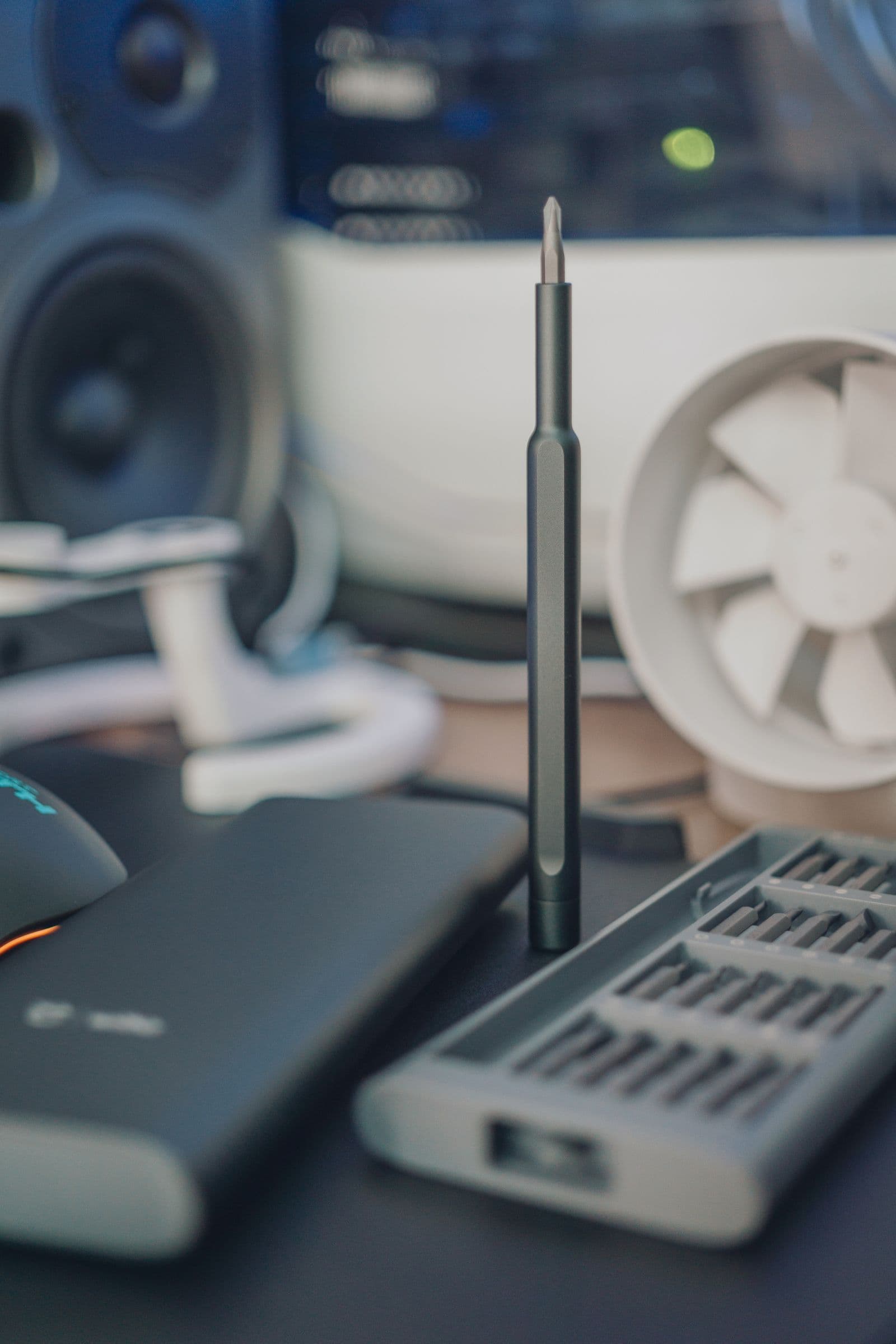
A Phillips #2 screwdriver covers every fastener in a standard desktop build: motherboard standoffs, side panels, GPU bracket, drive bays, and CPU cooler backplates. You will not encounter a screw type it doesn't fit.
Get a magnetic tip. This is the single most useful upgrade. A magnetic tip holds screws on the driver, which means you're not fishing a loose standoff out of a GPU slot midway through your build. It also speeds up tightening screws into motherboard mounting holes, which are recessed and awkward to reach by hand.
You don't need a Phillips #1 (that's a laptop screw size), and you don't need a full driver set. One screwdriver, one bit size, done.
What to buy: the Wiha 31115 Phillips #2 (around $14). It's magnetic, long enough to reach deep case mounting points, and costs less than a case fan. Do not buy a $40-$60 "PC building kit." You're paying for case, branding, and a dozen drivers you'll never use.
Do You Need an Anti-Static Wrist Strap?
No. Most builders skip it entirely, and they're right to.
Static discharge is a real risk in the sense that it can damage components, but it's a low-probability event on hard flooring with modern PC cases. The standard precaution works just as well: before touching any component, touch the unpainted metal frame of the PC case. This discharges any static buildup from your body.
Do this every time you sit back down at the build after a break. That's the only routine you need.
The exception: if you're building on thick carpet. Carpet generates static with every shuffle, and the case-frame trick becomes less reliable because the buildup recharges constantly. In that situation, a $7 anti-static wrist strap clipped to the case is worth using. Move to hard flooring if you can. If you can't, spend the $7.
Your Work Surface Matters More Than Any Tool
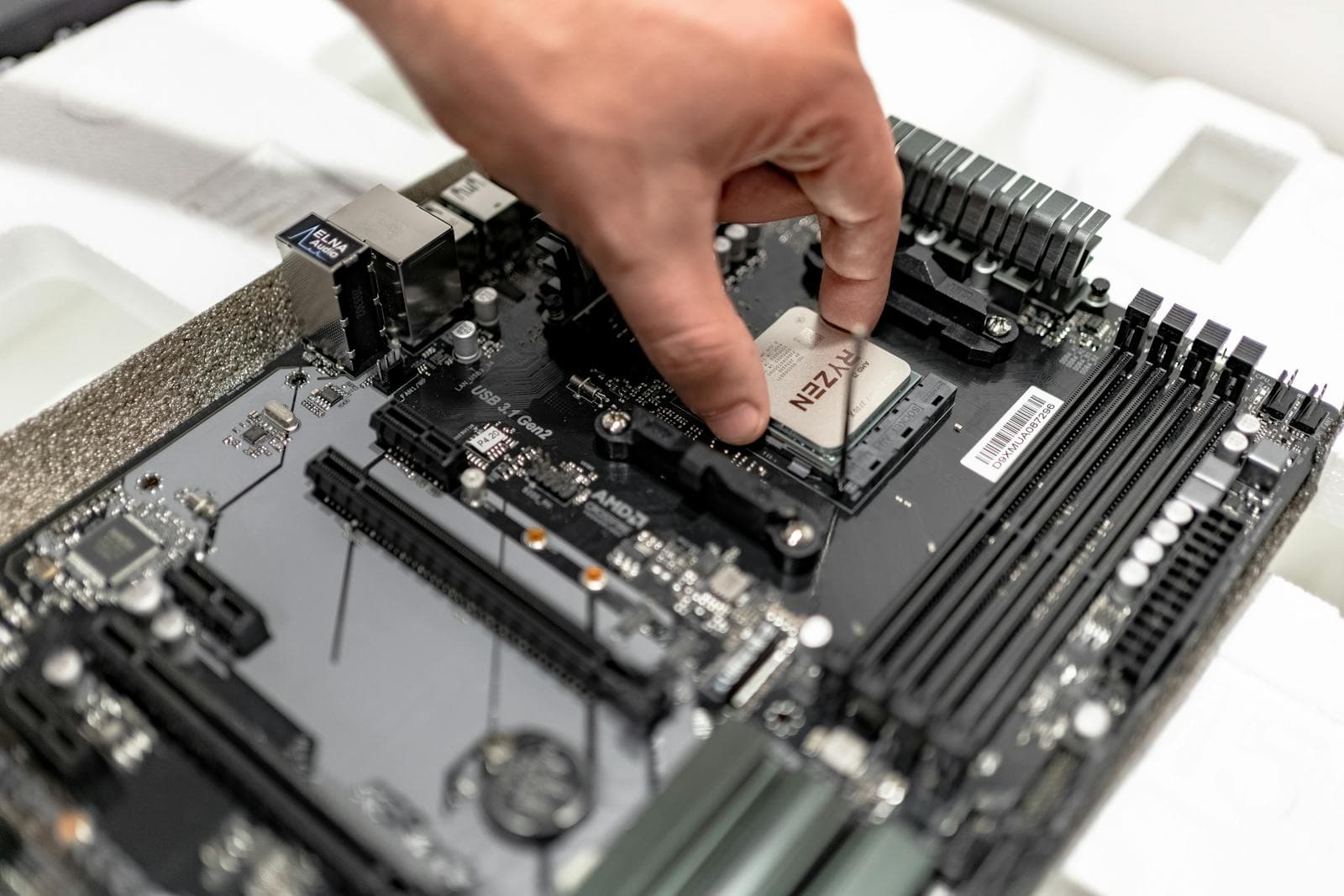
A clean kitchen table is the right work surface for a first PC build. It's flat, well-lit from above, and usually hard flooring underneath. That combination solves most of the common build mistakes before they happen.
A few specifics worth setting up before you start:
Lighting. Overhead room lighting is not enough. Most PC cases have dark interiors, and cable connectors near the bottom of the case are nearly invisible without a direct light source. A desk lamp positioned at case-level, or a headlamp, costs nothing if you have one and saves 20 minutes of squinting.
Your motherboard box. The large anti-static bag your motherboard ships in makes an excellent non-conductive work surface for CPU installation. Lay the motherboard flat on it when installing the CPU and cooler before the board goes into the case.
Screw organization. Your case ships with several bags of different screws: 6-32 case screws, M3 standoff screws, and sometimes M.2 drive screws. Keep them in separate labeled bags or a divided tray. These all look similar, and mixing them up mid-build is a frustrating delay.
Nice-to-Have Extras That Are Actually Useful
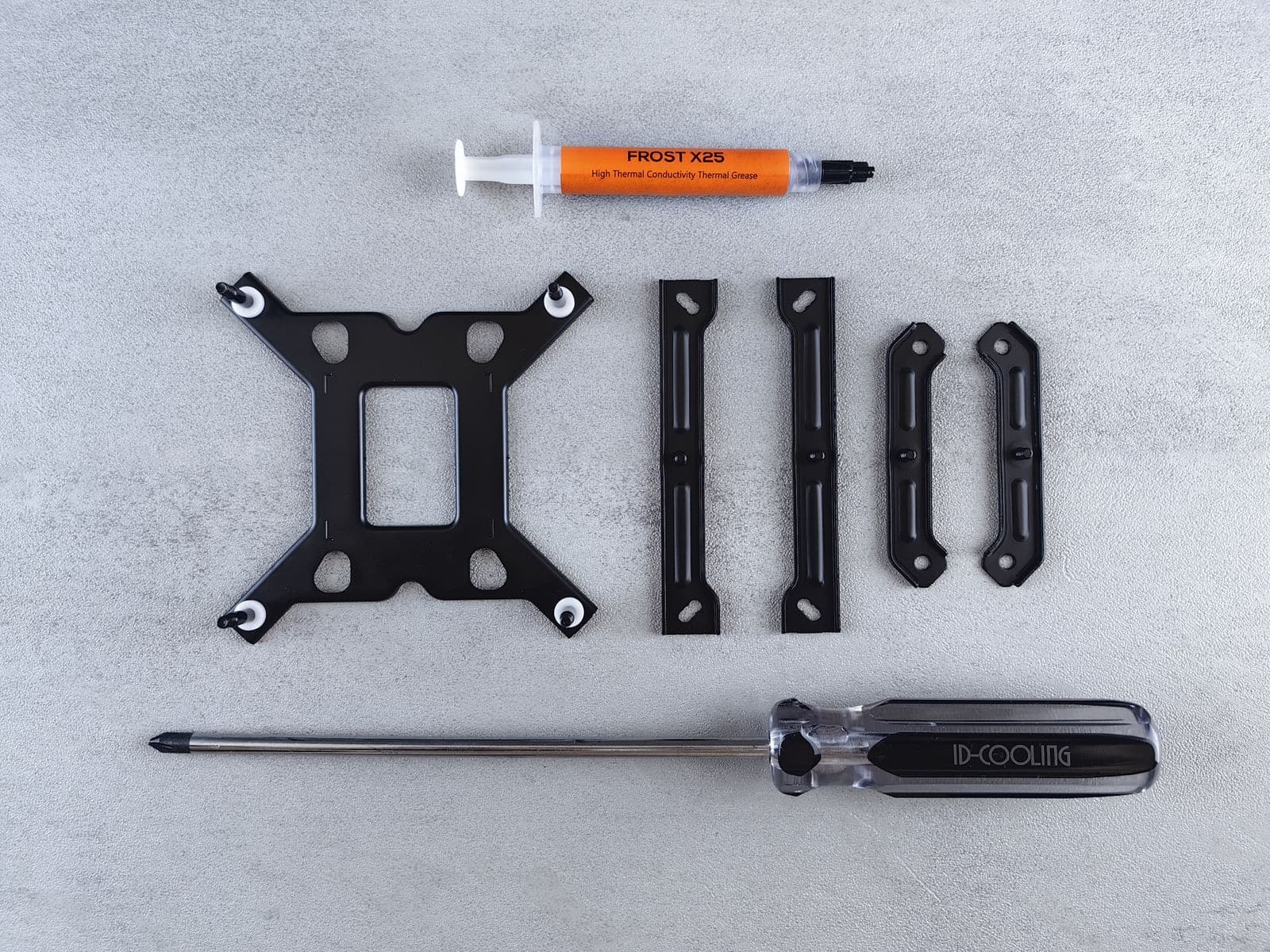
These aren't required, but they make a real difference and each one costs under $10.
Zip ties or velcro cable ties. Cable management is much easier to handle during the build than after every component is installed. Route cables behind the motherboard tray as you go, and tie them off at mounting points. A bag of 100 basic zip ties is about $5 at any hardware store. Velcro ties are reusable and preferred for future upgrades.
Magnetic parts tray. A small magnetic bowl (about $8) keeps 6-32 case screws and M3 motherboard screws from rolling. Once a standoff drops inside a half-assembled case, you'll spend more time finding it than installing the next component. The tray is cheap enough that it pays for itself on the first build.
Thermal paste. Check your CPU cooler's box before buying any. Most aftermarket coolers include a pre-applied dot or a small syringe, which is enough for the first install. If your cooler doesn't include paste, or if you're reusing a cooler from a previous build, buy Arctic MX-6 or Thermal Grizzly Kryonaut. Both are under $10 and last for multiple applications.
Isopropyl alcohol (90% or higher). Only needed if you're removing old thermal paste from a CPU or cooler. A few drops on a lint-free cloth or cotton swab cleans both surfaces cleanly. This is already in most households; if it's not, a bottle costs $3.
Tools You Don't Need
Flathead screwdriver. Almost no component in a modern PC uses flathead screws. The one exception is some older cases with slot-head expansion slot covers, which are rare in builds purchased after 2020. Leave the flathead in the drawer.
Needle-nose pliers. You should not need to apply that level of force anywhere in a PC build. If you're reaching for pliers, something is misaligned. Stop, remove what you just installed, check the orientation, and reseat it. A component that needs pliers to fit is a component that's going in wrong.
Specialized PC toolkit bundles. These sell for $25-$60 and are marketed at first-time builders. They contain a Phillips #2 screwdriver (the only useful item), several driver types you'll never need, and enough plastic accessories to fill a junk drawer. Buy the screwdriver separately for under $15 and skip the bundle entirely.
Thermal paste remover. "PC thermal paste remover" products exist and cost $8-$12 for a small bottle. You don't need them. 90%+ isopropyl alcohol on a cotton swab removes old thermal paste from both the CPU heat spreader and the cooler base just as effectively. If you already have isopropyl at home, the cost is zero.
Frequently Asked Questions
What screwdriver do I need to build a PC? A Phillips #2 screwdriver. Magnetic tip is strongly recommended as it prevents screws from falling onto the motherboard. Any hardware store stocks them for under $15. You don't need a specialized PC building toolkit or a full set.
Do you need an anti-static wrist strap to build a PC? No. Touch the metal frame of the PC case before handling components to discharge static buildup. Do this each time you return to the build after a break. The only exception is building on thick carpet, where a $7 strap is worth using.
Can you build a PC without any tools? Almost. Some cases use thumb screws, but you'll still need a Phillips #2 for the GPU bracket and motherboard screws. One screwdriver covers everything. Plan for about five minutes finding one before you start.
What size screws does a PC use? Most PCs use two types: 6-32 thread (case panels, 2.5-inch drives, GPU bracket) and M3 metric (motherboard-to-case standoffs, M.2 drives). Both types come with your case. The screwdriver size is the same for both: Phillips #2.
With tools sorted, the next step is the actual build. The How to Build a Gaming PC guide walks through every step from CPU installation through first boot, written specifically for first-time builders. If you haven't settled on your parts yet, the PC Builder at MaxMyBuild generates a fully compatible parts list at any budget, with live retail pricing, before you buy anything.