How to Set Your Gaming PC Budget — 2026 Guide
This guide contains affiliate links. If you buy through them, we may earn a commission at no extra cost to you.
The two most common gaming PC budget mistakes: spending too little and expecting performance the hardware can't deliver, or spending too much because someone online convinced you that you need it. Both are avoidable with a clear framework.
This guide covers what each price range actually gets you, how that money is split across components, and what costs first-time builders consistently forget to account for.
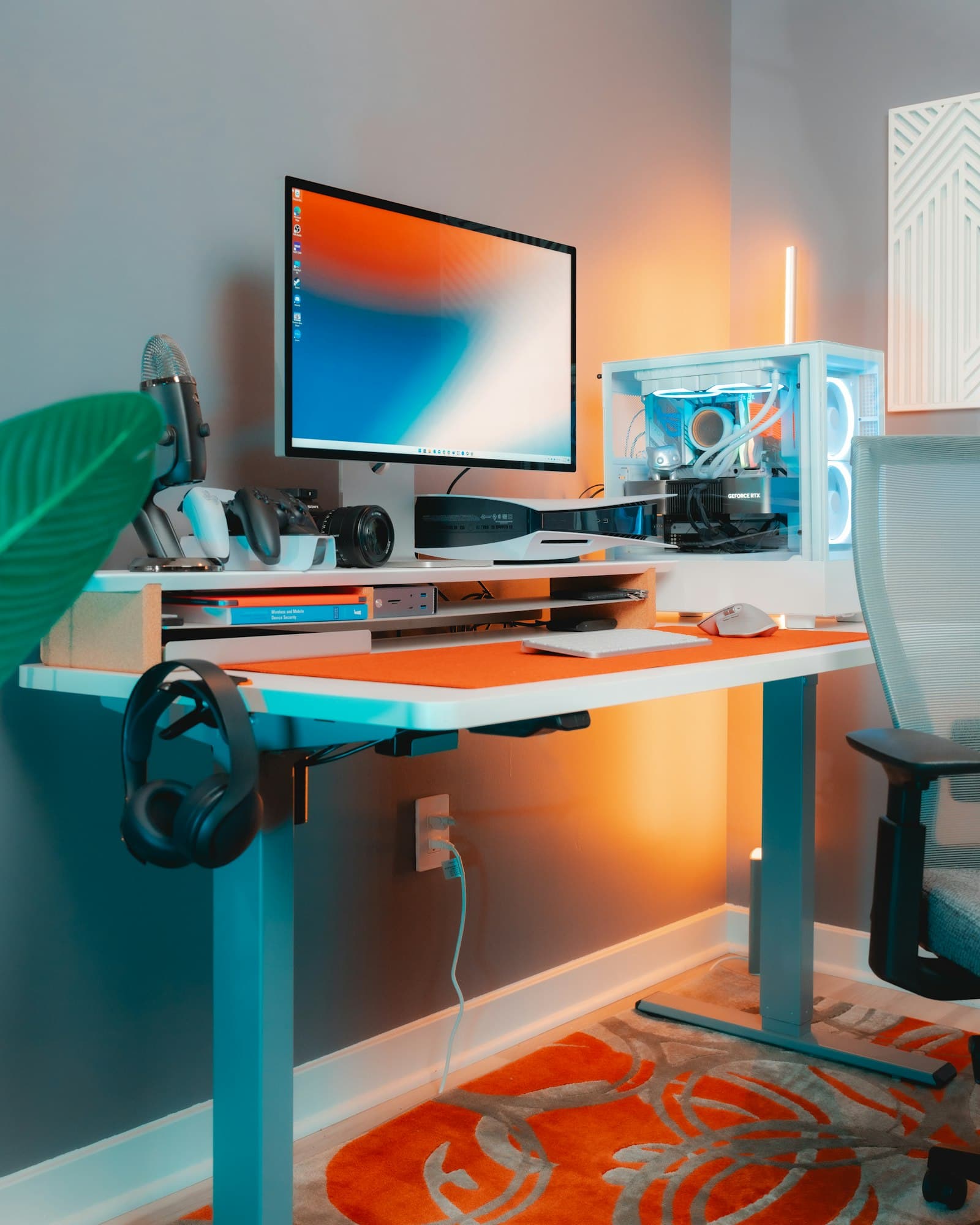
How Much Does a Gaming PC Cost?
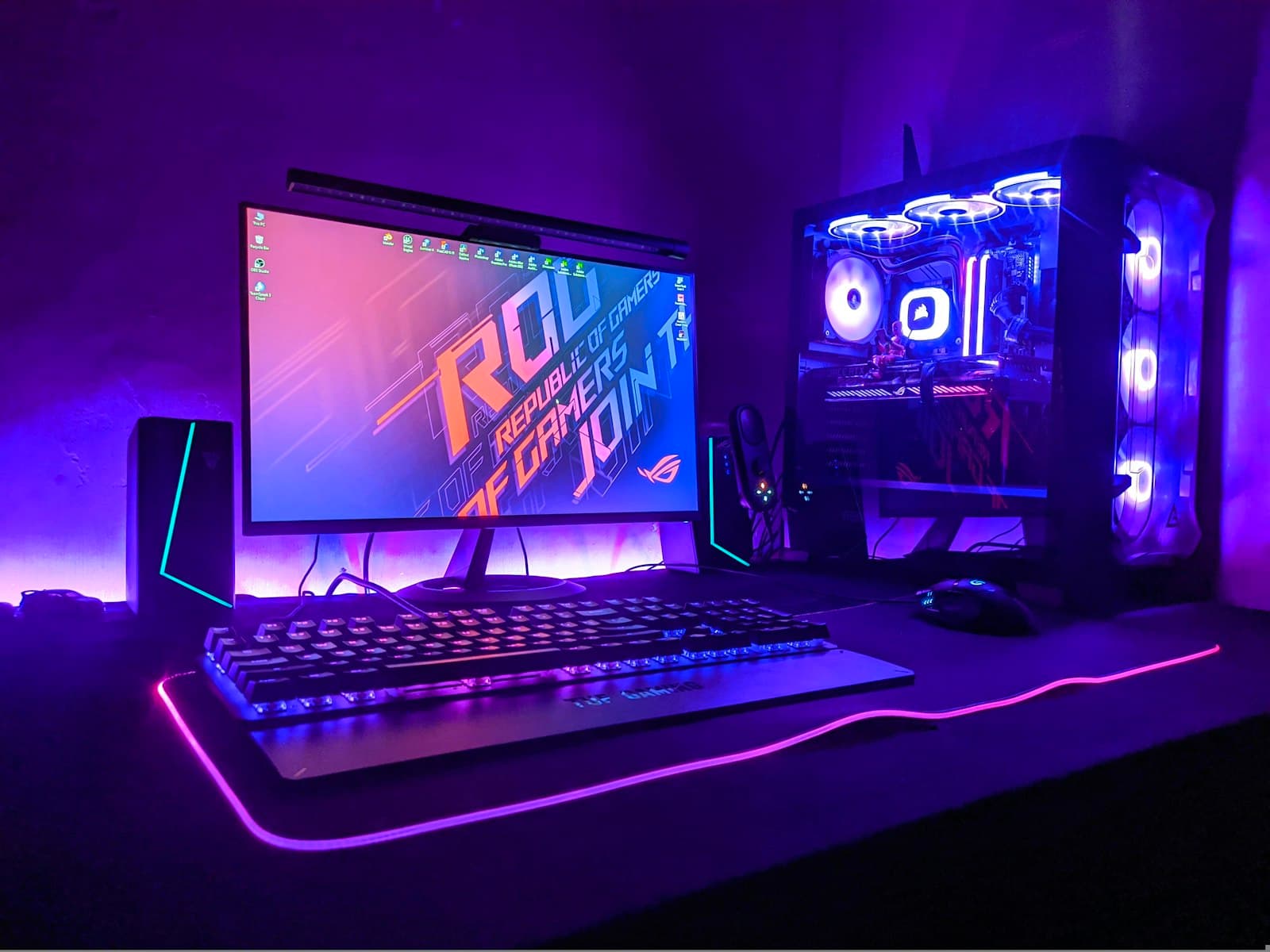
A capable gaming PC built from all-new parts starts around $650–$700. Below that, the component math gets tight — RAM and SSD prices have risen significantly, and fitting everything into less than $650 while still leaving enough for a GPU that actually performs at 1080p is difficult at current retail prices. If you're open to used parts, a $500–$600 build is achievable and a reasonable way to stretch a tighter budget.
Here's how the tiers break down:
| Budget | What it delivers |
|---|---|
| $650–$800 | 1080p gaming, high settings in most titles. High frame rates in esports games (Valorant, CS2, Fortnite). Solid starting point for most players. |
| $800–$1,200 | 1440p gaming. High settings in demanding AAA games. Better headroom as games get heavier over time. |
| $1,300–$2,000+ | 4K gaming, or ultra-high refresh rates at 1440p. Maximum settings. Built for the next several years. |
These aren't sharp lines — performance scales continuously with budget. But they reflect the real jump points where your money meaningfully changes what you can do.
Not sure what your budget gets you today? Prices shift constantly. Enter your budget at MaxMyBuild to see a complete, up-to-date build recommendation right now.
How Your Build Budget Is Split Across Components
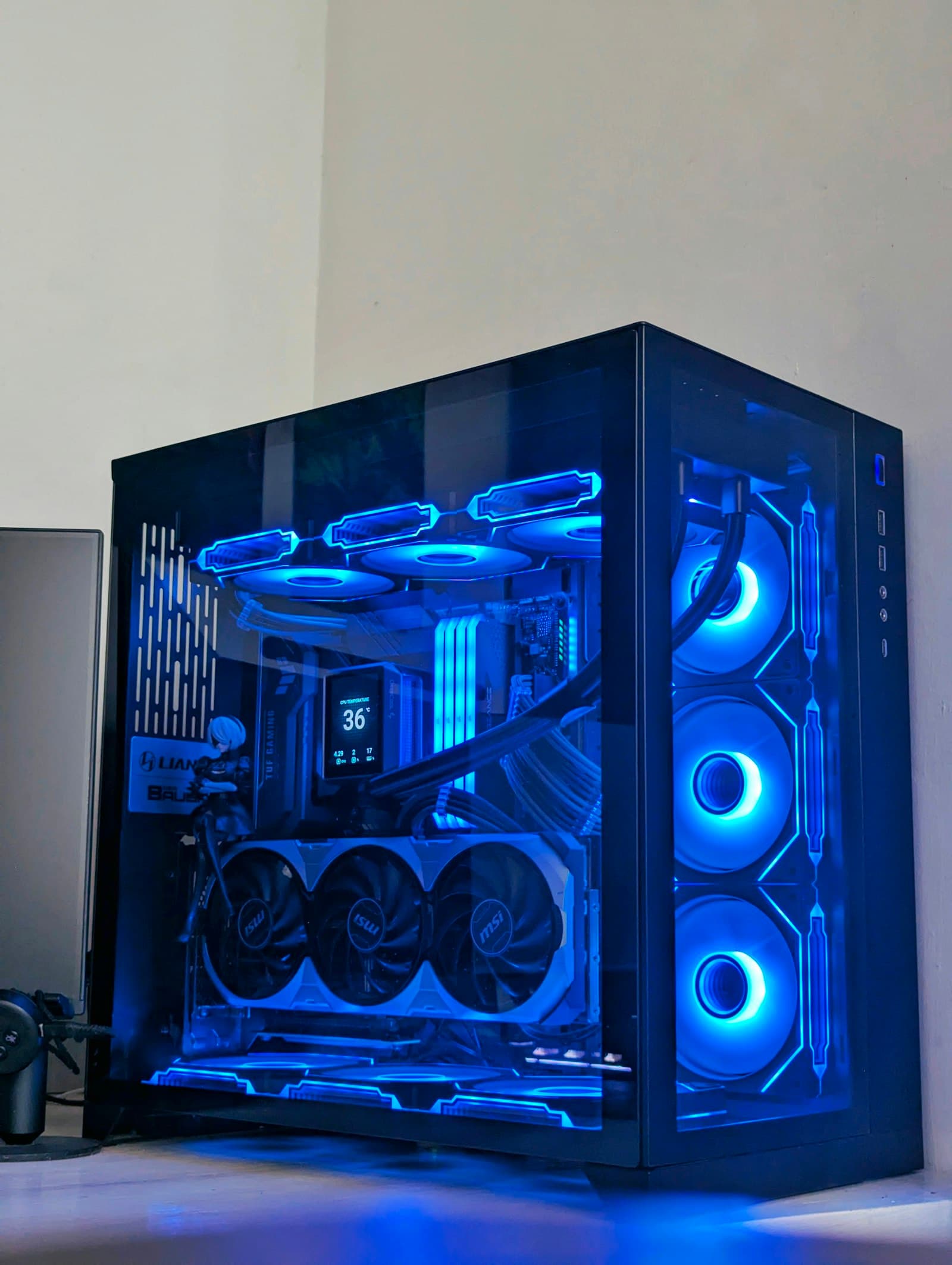
A gaming PC is eight components. Your budget has to cover all of them — and they're not equal.
The GPU (graphics card) is the most important component for gaming performance, and it gets the largest share of any gaming build budget. Everything else is sized to support it.
The Golden Rule: Put 40–50% of your build budget toward the GPU. This single decision has more impact on gaming performance than any other choice you make.
Here's how spend is typically split across a gaming build:
| Component | Share of build budget | Why |
|---|---|---|
| GPU | 40–50% | Drives frame rates and resolution — the primary variable in gaming performance |
| CPU | 10–15% | Handles game logic; needs to match the GPU tier, not exceed it |
| Motherboard | 8–12% | Connects everything; tier-appropriate. Note: not all motherboards include WiFi — if you can't run an Ethernet cable, confirm your board has it or budget ~$20 for an adapter. |
| RAM | 5–8% | Needs to hit a capacity and speed threshold; diminishing returns after that |
| Storage | 5–8% | An NVMe SSD (a fast solid-state drive) for OS and games — the jump from a spinning hard drive is significant; beyond that, diminishing returns |
| PSU (power supply) | 5–8% | Sized for the system's actual power draw with headroom — not a corner to cut |
| Case | 5–8% | Fit and airflow matter; aesthetics are secondary |
| Cooler | 3–5% | Matched to the CPU's heat output and case dimensions |
The GPU allocation is the number that matters most. On a $700 build, you're looking at roughly $280–$350 on a graphics card — and that range has strong options. Entry-level gaming starts below $350; mid-range and above starts above $500.
This is why the MaxMyBuild PC Builder allocates the GPU budget first and builds the rest of the system around it. Manually building a parts list with the GPU as an afterthought consistently produces unbalanced, underperforming results.
What Isn't in Your Build Budget
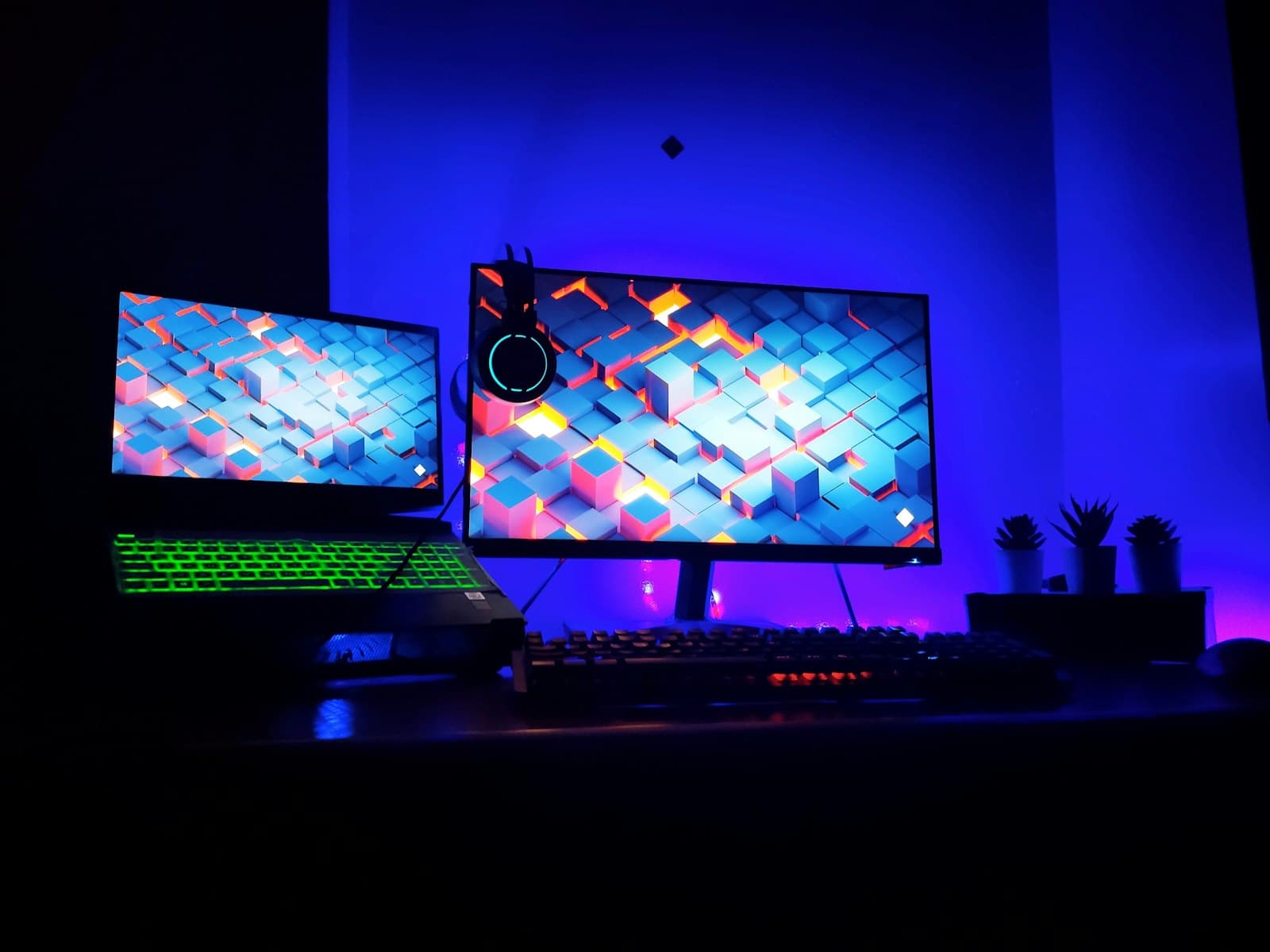
The number one source of budget shock for first-time builders: the PC itself is not the complete cost.
Peripherals
Your build doesn't include:
- Monitor — your single biggest peripheral cost. A gaming monitor for 1080p starts around $150; a quality 1440p monitor runs $250–$400+.
- Keyboard and mouse — budget $50–$150 for a decent gaming setup
- Headset or speakers — $30–$150 depending on quality
- Mousepad — small cost, worth including
Rule of thumb for first-time setups: budget an additional 30–40% on top of your PC budget to cover peripherals. A $700 build becomes a ~$1,000 full setup once you add a monitor, keyboard, mouse, and headset.
Operating System
Windows costs approximately $100–$140 for a licence. If you're building for the first time and don't have an existing Windows licence to transfer, this is a real cost that catches people off guard.
Games
Your build budget covers the hardware. Games are a separate budget. If you're switching from console, you're starting a PC library from scratch — keep that in mind when planning total spend.
How to Pick the Right Budget for Your Situation
Most people set a budget number before they've answered the questions that should drive it. Work through these four before you commit:
1. What resolution and frame rate do you want? If you're gaming at 1080p on a standard monitor, the entry tier ($650–$800) does the job well. If you've already bought a 1440p monitor, or plan to, the mid-range tier makes more sense. If you're aiming for 4K or high-refresh competitive play, budget accordingly.
2. What games do you play? Esports titles (Valorant, CS2, Rocket League) are light on hardware — even modest builds handle them well. Demanding AAA open-world games push hardware much harder. Know your library before you set your ceiling.
3. How long do you want this build to last? A $700 build today will handle today's games. In three to four years, it may need a GPU upgrade to stay current. A $1,000–$1,200 build has more headroom. If you want to build once and upgrade later, budget conservatively and plan a GPU swap down the line. If you want to avoid touching it for five years, go higher now.
4. What's your real all-in budget? PC + peripherals + OS + games. Work backwards from your actual total. If your all-in budget is $1,500 and you need a full peripheral setup, your build budget is probably $900–$1,000 — not $1,500.
Don't forget: US sales tax adds 5–10% on top of listed prices, and shipping isn't always free. Budget a small buffer — it avoids being short at checkout.
Should You Save Longer or Buy Now?
If you have a working PC or console covering your needs, waiting and building at a higher budget tier usually wins. You get meaningfully better hardware, and the wait is finite.
If you're gaming on nothing, the wait has a real cost in missed enjoyment. Build at the budget that works today. The GPU is typically the easiest component to upgrade later — you can swap it in a few years without replacing the whole system.
What doesn't make sense: waiting indefinitely for "the right moment." Hardware prices fluctuate, but they don't trend dramatically downward over consumer timeframes. If you can build at a tier you're happy with today, build today.
Common Budget Mistakes That Cost Builders Money
Spending everything on the GPU and cutting corners on the power supply. A PSU that runs near its rated limit degrades faster, throttles under load, and can damage other components in a failure. It's the most consequential corner to cut — and a cheap one to avoid cutting. PSUs don't need to be expensive; they need to be appropriately sized.
Budgeting only for the PC. See the section above on what isn't included. First-time builders almost universally underestimate total setup cost.
Setting a budget without checking current prices. "Is $800 enough?" depends entirely on what components cost right now. Prices shift constantly. Run a current build recommendation before you commit — it takes thirty seconds.
Over-speccing RAM or storage. Both have sweet spots for gaming. You don't need workstation-grade memory or multi-terabyte NVMe storage to game well. Money spent beyond those thresholds is money not spent on the GPU.
Buying a used power supply to save $40. Used GPUs can be reasonable value. Used PSUs are not worth the risk — a power supply failure can take the rest of the system with it.
See What Your Budget Gets You Today
A framework tells you how to think about your budget. The PC Builder tells you exactly what it buys right now, with current retail prices.
Enter your budget at MaxMyBuild and you'll have a complete, compatible parts list with buy links in under a minute. No account required.
If you're new to the PC Builder, the how to use MaxMyBuild guide explains what it does and what to expect from your build recommendation.
If you'd rather follow a manual breakdown, the budget PC build guide covers every component decision at the $650–750 tier — what to prioritise, what to cut, and current part picks with benchmark data.
Frequently Asked Questions
What is the minimum budget for a gaming PC?
With all-new parts, the realistic minimum for a gaming PC capable of 1080p gaming is around $650–$700. Below that, current RAM and SSD prices leave too little budget for a GPU that performs well at 1080p. If you're open to used parts, a $500–$600 build is still viable.
Is $500 enough for a gaming PC?
With used parts, yes — $500 can get you a capable 1080p gaming build. With all-new parts, current component prices make it very difficult to fit a GPU that performs well at 1080p into a $500 budget. $650–$700 is a more realistic floor for a new-parts build.
Do GPU prices change a lot?
Yes — GPU prices move with supply, new product releases, and retailer promotions. A price from an article written months ago may be significantly different from today's. Always check current pricing before committing to a budget number. MaxMyBuild pulls live pricing, so the build you see reflects what things actually cost right now.